Why Visual Woodworking Project History Matters
A client approves walnut, asks for a softer edge profile two weeks later, then wants to know why delivery moved by four days. If that project story lives across texts, camera rolls, and email threads, your team has to reconstruct it from memory. A clear visual woodworking project history prevents that. It shows what happened, when it happened, and what changed, without turning every update into a long explanation.
For woodworking shops building custom furniture, cabinetry, millwork, or one-off interiors, the work rarely moves in a straight line. Materials arrive late. Finishes need samples. Dimensions get confirmed on site. Hardware gets swapped. Clients who have paid a deposit do not just want the final piece. They want visible progress and confidence that the job is under control. That is where a structured visual record becomes less of a nice extra and more of an operational tool.
CustomWorks.app
Keep clients updated without messy chats
Give each project a private feed for client updates — and keep a clear history of photos, videos, notes, stages, decisions, and delivery moments for your team.
What a visual woodworking project history actually does
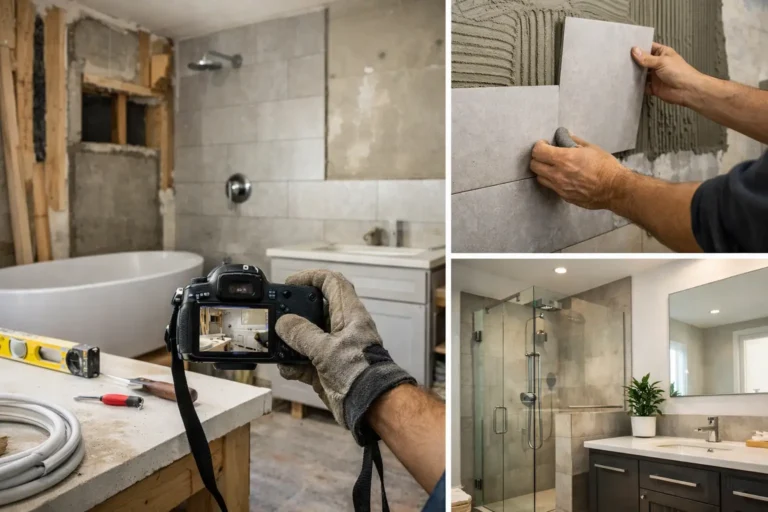
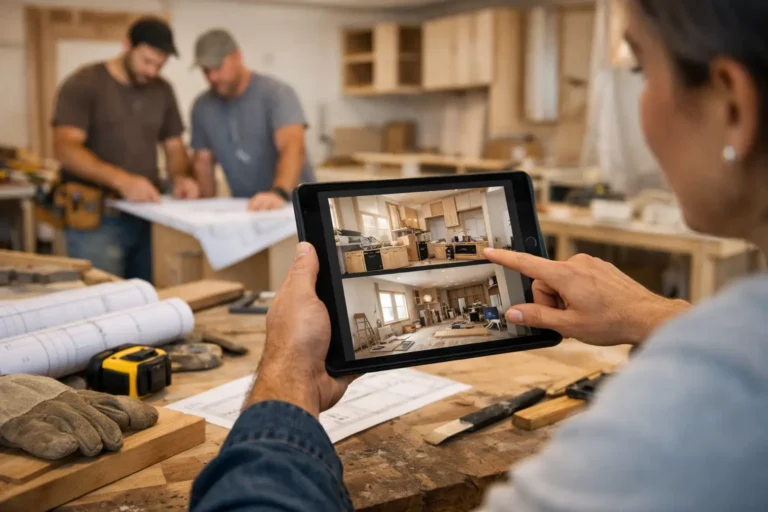
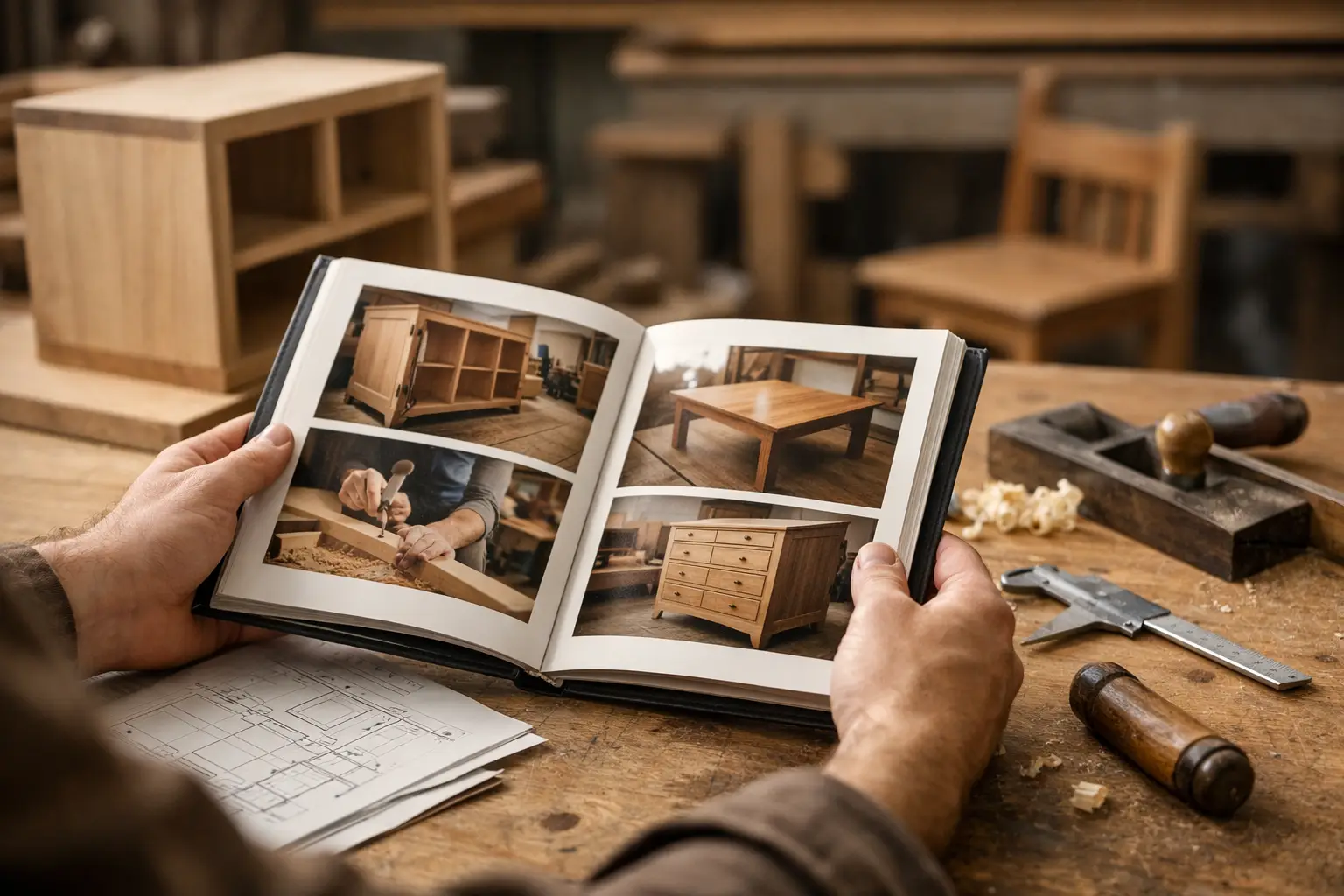
At a basic level, it creates one timeline for the project. Photos show raw stock, joinery, dry fits, finishing stages, packing, installation, and final handoff. Short notes explain what the client is seeing. Stage markers show movement from design approval to fabrication to finishing to delivery. Decisions and changes sit next to the relevant images instead of being buried in a message app.
That matters because woodworking clients often cannot interpret progress unless you frame it for them. A stack of cut panels on a bench means a lot to your team and very little to the customer who is waiting for a dining table or built-in unit. When the image is paired with a short update such as, “Panels cut and labeled, dry assembly next,” the project becomes legible. The client sees motion, not silence.
A good project history also helps internally, even if it is primarily client-facing. When someone on your team needs to check whether the client approved a stain sample or when edge banding was changed, the answer should not depend on who remembers the conversation. The record should already be there.
Why woodworking projects especially benefit from visual history
Woodworking is highly visual, but it is also highly sequential. One stage often hides the effort of the previous one. Once a cabinet is painted, the careful prep work disappears. Once a tabletop is installed, the client no longer sees the glue-up, flattening, sanding progression, or finish testing that made the result possible.
That creates a communication problem. Clients judge projects partly by what they can see right now. If they do not see regular progress, they may assume little is happening, even when the shop is deep into labor-heavy stages. A visual woodworking project history closes that gap by showing the process in a way the client can follow.
It also helps with expectation management. Wood movement, finish curing times, sample iterations, and site coordination are normal parts of custom work, but they can look like delays from the outside. When those moments are documented clearly, they are easier to explain and easier for clients to accept.
There is another practical reason. Woodworking projects often involve a high level of customization, and custom work creates more decisions. Grain direction, finish sheen, handle placement, reveal sizes, installation sequence, and last-minute modifications all affect the final result. If those decisions are not attached to a visible project timeline, they become harder to track and easier to dispute later.
The business problem it solves
Most shops do not lose time because updates are difficult to write. They lose time because communication is fragmented. One progress photo is sent on WhatsApp. A finish approval arrives by email. A site issue is mentioned in a call. A revised measurement is buried in a chat. Then the client asks for an update, and someone has to gather the pieces.
This creates three avoidable problems.
First, clients ask more often when they cannot see progress in one place. Silence increases anxiety, especially after a deposit has been paid and the lead time is long.
Second, teams repeat themselves. The same explanation gets sent again in different forms because there is no clean record the client can check.
Third, the project can start to look less organized than it really is. Excellent craftsmanship does not automatically produce a professional communication experience.
A visual history addresses all three. It reduces repeated status requests because clients can see the timeline. It cuts back on duplicate explanations because updates are already documented. And it presents the job as managed, not improvised.
What should be included in a visual woodworking project history
The strongest project histories are not overloaded. They are selective and consistent. Every update should answer one of three questions: what was completed, what changed, or what comes next.
Photos are the core. In woodworking, useful images often include material selection, cut parts, joinery details, mockups, dry assembly, finishing samples, hardware installation, packaging, transport prep, and installation progress. Short videos can help when movement matters, such as showing drawer action, door alignment, or the effect of a finish under light.
Notes give the images business value. A simple line about what the client is seeing, whether a decision is needed, and whether the project remains on schedule is usually enough. Long technical explanations are rarely necessary unless there is a problem or a change order.
Stages are equally important. If updates are posted without structure, clients still have to interpret the overall picture themselves. Clear stage labels such as design confirmed, materials received, fabrication in progress, finish applied, ready for delivery, and installed make the timeline easier to understand.
Changes should be documented in the same flow, not kept separately. If the client switches from oil to matte lacquer, or if a measurement changes after site verification, that update should sit where everyone can see it in context.
What good looks like in practice
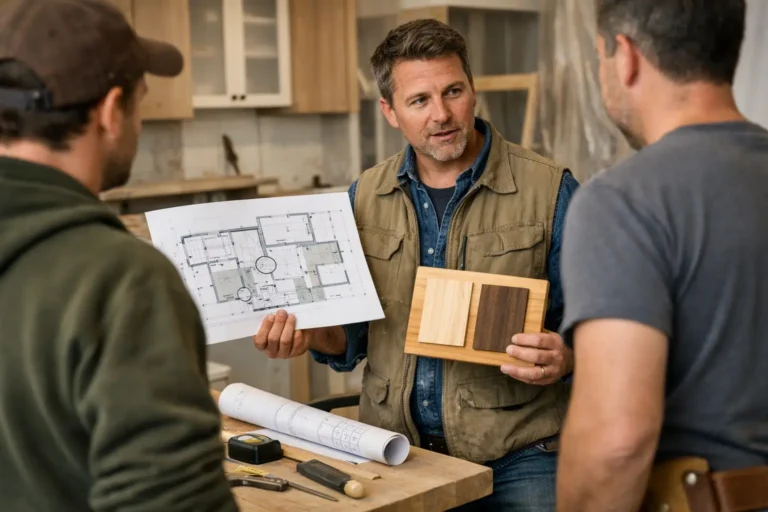
Consider a custom kitchen project that runs for ten weeks. The client does not need daily updates, but they do need enough visibility to stay confident. In week one, they see confirmed drawings and material selection. In week three, they see carcasses assembled. In week five, they see doors being prepped and sample finish approval recorded. In week seven, they see hardware installed and final checks underway. In week ten, they see delivery and installation completion.
That cadence is usually enough to keep the client informed without creating noise. The exact frequency depends on the project. A one-off table may only need four or five meaningful updates. A full-house millwork package may need many more. The point is not volume. The point is continuity.
There is a trade-off here. Too few updates create uncertainty. Too many low-value updates create clutter and make important changes harder to spot. The right balance is a timeline that feels active and clear, not busy.
How to build a better visual project history without adding admin
The main failure point is treating updates as extra work. If your team has to stop the job, write long reports, and chase files afterward, the system will not hold.
The process needs to be lightweight. Capture photos during normal handoffs between stages. Add a short note while the context is fresh. Group updates around milestones rather than random moments. Keep one place for client-facing progress instead of splitting it across chat apps and inboxes.
This is where a platform designed for visual project history can help. CustomWorks, for example, is built around a simple client timeline for long-running custom jobs. That fits woodworking businesses well because it keeps photos, videos, notes, stages, and changes in one clear feed the client can follow without needing full project management software.
Even with the right tool, consistency matters more than polish. A sharp phone photo with a clear note posted on time is more useful than a perfect update sent late. Clients are not expecting a marketing presentation. They want visibility.
Why this affects trust more than most shops realize
Clients usually cannot assess craftsmanship until the end. During the build, they assess communication. If updates are irregular, scattered, or difficult to interpret, they start filling the gaps themselves. That often leads to more questions, more pressure on your team, and more concern than the actual project status warrants.
A visual history changes the tone of the relationship. It gives clients something concrete to refer to. It shows that decisions are being captured, not improvised. It makes delays easier to explain because the surrounding progress is visible. And it gives your business a more structured, professional presence throughout the project, not just at handoff.
For woodworking companies managing custom work over weeks or months, that is not a cosmetic improvement. It is part of delivering the job well. The piece itself matters, but so does the client experience of waiting for it. If you make that waiting period clearer, calmer, and easier to follow, you remove friction before it turns into noise.