
Client updates that turn work in progress into confidence
Give every project a private, visual update feed. Your team shares photos, videos, notes, decisions, and milestones — clients see what is happening without another “Any updates?” message.

Replace the update chase with one project feed
Clients do not need your internal project system. They need one simple place to see progress, understand the current stage, and know that the work is moving.

Updates scattered across chats and calls
Photos lose their context, decisions get buried, and your team repeats the same explanation.
Every update becomes part of the timeline
Clients see progress in one place, while your company keeps a clean client-facing project record.
Make the invisible work visible
Share the moments that prove progress: workshop work, site conditions, inspections, hidden systems, installations, approvals, and final handover.


A clear feed for clients. A useful history for your team.
CustomWorks fits alongside the tools you already use. Publish only the updates clients should see — without exposing internal schedules, budgets, or operations.
Installation is underway
First section aligned and checked. Final adjustment continues tomorrow.

Systems inspection complete

Finish approved

Show progress in minutes
Start with one real project. Your client opens the feed in a normal browser — there is no app to install and no complex client workspace to learn.
Create the project
Add the project name, client details, scope, and the team members who will publish updates.
Share private access
Send the client a project link and PIN, or enable a public feed when that is appropriate.
Post as work moves
Add photos, videos, notes, stages, decisions, approvals, and important project moments.
Build a clear history
Give the client confidence now and keep a useful visual project record for later.
Built for teams that deliver one-of-a-kind work
Explore how a visual client portal fits the milestones, decisions, and communication patterns in your type of project.
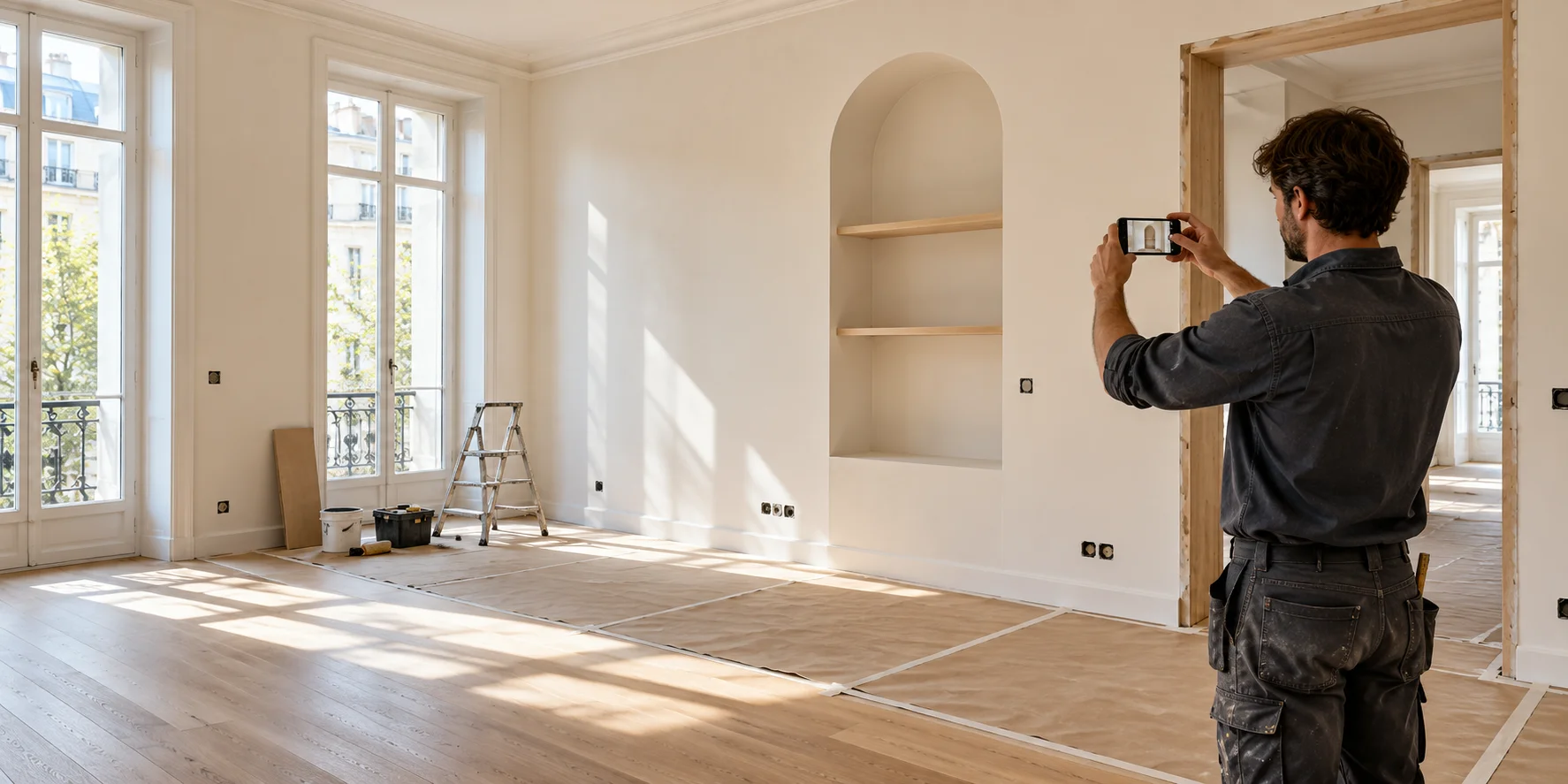
Apartment renovation teams
Show full renovations from strip-out to finishes — with progress posts, before/after and client approvals.

Yacht refit teams
Give owners and representatives a private view from strip-out to sea trial.

Custom home builders
Show clients progress across structure, services, finishes, and handover.

Restoration & restomod shops
Make strip-down, fabrication, paint, systems, and final assembly visible.

RV conversion teams
Keep clients informed through layout, rough-in, fit-out, and commissioning.

Furniture & millwork studios
Connect surveys, samples, fabrication, finishing, installation, and approval.

Your one-of-a-kind projects
Building something that does not fit a category? Give clients a clear, visual view of progress.
Start free
Fewer repeated questions. More visible professionalism.
Regular updates make the work feel active, organised, and accountable — especially after a deposit, between milestones, and before the final result is ready.
Reduce update requests
Clients can check the latest progress before interrupting the person responsible for delivery.
Build confidence between milestones
Photos and notes show that the project is moving even when the final result is still weeks away.
Leave a clean project record
Important photos, decisions, approvals, and delivery moments remain connected to the project.
Start with one project and one client feed
Set it up in minutes, share the first update, and give your next custom project a clearer client experience.