Client Portal for Projects: What Actually Helps
A client portal for projects usually becomes necessary right after the same message shows up for the fifth time that week: Any update? Not because the client is difficult, but because long-running custom work creates silence between milestones, and silence quickly turns into uncertainty.
That pattern is familiar in renovations, fit-outs, custom fabrication, bespoke manufacturing, marine refits, and other project-based work. The team is busy doing the actual job. The client has already paid a deposit, committed to a timeline, and wants reassurance that progress is real. When updates live across email threads, chat apps, phone calls, and camera rolls, both sides lose clarity.
CustomWorks.app
Keep clients updated without messy chats
Give each project a private feed for client updates — and keep a clear history of photos, videos, notes, stages, decisions, and delivery moments for your team.
What a client portal for projects should actually solve
Most businesses do not need another internal project management system for client communication. They need a simple way to show progress, capture key decisions, and keep a visible record of what happened and when.
That distinction matters. A lot of software is built for managing tasks, dependencies, budgets, and team workflows. Those tools can be useful internally, but they often create friction when used as a client-facing experience. Clients do not want to learn your operational system just to check whether cabinets were installed, whether site prep is complete, or whether a material change was approved.
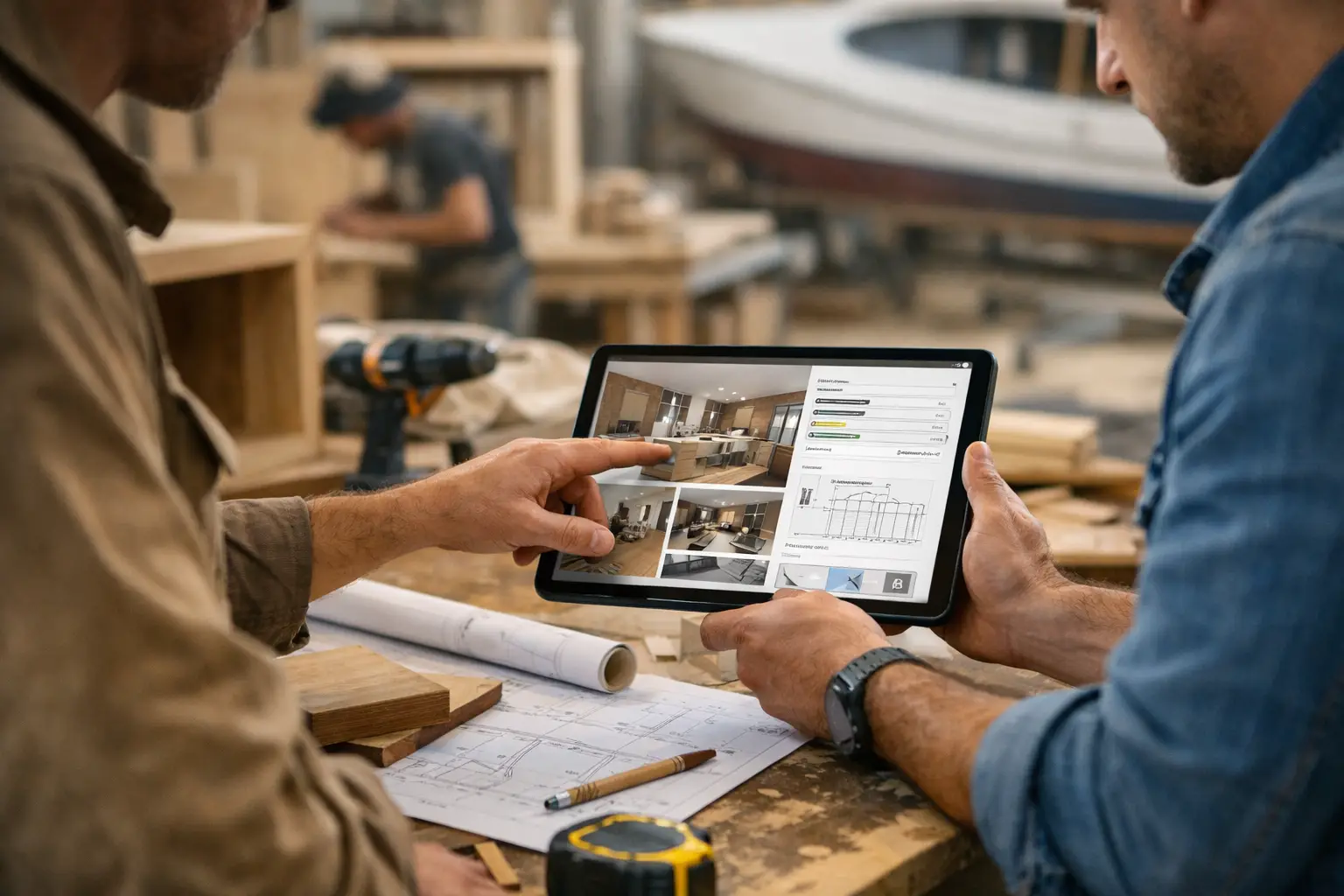
A good client portal for projects is less about internal control and more about clear visibility. It gives clients one place to see photos, videos, notes, project stages, changes, and delivery updates in a format that makes sense without explanation.
The main business problem is not a lack of data. It is scattered communication. When updates are fragmented, clients ask more questions, teams repeat themselves, and important context gets buried.
Why clients keep asking for updates
Most repeated status requests are not really requests for detail. They are requests for confidence.
In long-running custom work, clients are often paying before they can see a finished result. That creates a natural trust gap. If they do not hear from you for several days or weeks, they start filling in the blanks themselves. Even when the project is moving normally, the absence of visible progress can feel like inactivity.
This is why ad hoc communication tends to fail. A few photos sent on WhatsApp, a quick voice note from site, and a follow-up email may feel efficient in the moment, but they do not create a coherent project history. The client has to reconstruct the story from fragments. Your team has to remember where decisions were made. That is where confusion starts.
A portal changes the structure of the conversation. Instead of updates being reactive, they become organized and visible. Instead of answering the same question three times in different channels, the team posts one clear update in the right place.
What to include in a portal without overcomplicating it
The best client portals are simple because clients do not need everything. They need the right information, presented clearly and consistently.
For most project-based businesses, that means a timeline or update feed where each project has its own private space. Teams can post progress photos, short videos, stage updates, notes from site, design confirmations, change records, and handover milestones. This works because it reflects how custom projects are experienced in real life: as a sequence of visible progress points, not as a spreadsheet.
There is a trade-off here. If the portal tries to expose every internal task, delay code, and operational dependency, clients may become overwhelmed or misread routine internal complexity as a problem. If it is too minimal, they may still feel uninformed. The balance is to share what affects client understanding and trust, not every internal detail.
For example, a cabinetry shop does not need to publish each internal production step in technical language. But it is useful to show approved drawings, material arrival, fabrication progress, finishing, quality check, and installation scheduling. A renovation company may not need to expose every subcontractor workflow, but it should show demolition complete, first fix underway, tiles delivered, layout adjustment approved, and final snagging in progress.
The real value is operational, not just client-facing
A portal may look like a communication tool, but the value is also internal.
When updates are centralized, teams spend less time searching through chat histories for old photos and message screenshots. New staff can understand project context faster. Managers can check what the client has already been told. If there is a disagreement about timing, scope, or approvals, there is a cleaner record to refer back to.
This is especially useful in businesses where projects run for months and involve multiple handoffs between office staff, site teams, workshop staff, installers, and account managers. Communication quality often drops not because people are careless, but because responsibility shifts as the project moves forward. A portal creates continuity.
It also improves how the business looks from the client side. Organized updates signal control. Messy communication suggests the opposite, even if the work itself is strong.
When a client portal for projects is the right fit
Not every business needs this setup in the same way. If your work is short, low value, and completed in a day or two, a portal may be unnecessary. A simple confirmation flow might be enough.
But if your projects involve deposits, waiting periods, production phases, on-site work, staged delivery, or frequent client questions, the case becomes much stronger. The more custom the work, the more useful a portal becomes, because custom work generates decisions, revisions, and moments where clients want reassurance.
This is why the model fits industries like construction, remodeling, custom furniture, fabrication, fit-outs, restorations, yacht or vehicle refits, specialist installations, and made-to-order production. In these environments, the project is not only being delivered. It is being interpreted by the client in real time.
How to set it up without creating admin overhead
The biggest mistake is treating client updates like a documentation project. If the system adds too much work, the team stops using it.
A practical setup starts with one private project feed per client. Then define a simple rhythm for posting. That might mean updates at each major stage, at every meaningful visible change, or on a fixed weekly cadence for longer jobs. The format should stay light: a photo or short video, a brief explanation of what changed, and any decision or next step that matters to the client.
Consistency matters more than volume. Clients do not need ten small updates in one day followed by two weeks of silence. They need a reliable pattern that shows the project is moving.
It also helps to decide what belongs in the portal and what does not. Progress updates, visual evidence, stage changes, variation notes, and delivery milestones belong there. Internal scheduling disputes, technical shorthand, and unfinished internal discussions usually do not.
For companies that want a clean client-facing process without turning updates into full project management, this is where a platform like CustomWorks fits well. The focus is not on assigning internal tasks to clients. It is on keeping them informed with a clear visual history of the work.
What to look for before choosing a solution
The right portal should be easy for your team to update and easy for clients to understand. Those two requirements sound obvious, but many tools fail one side or the other.
Look first at the client experience. Can a client open the project and immediately understand what has happened recently, what stage the job is in, and whether any decisions or changes were recorded? If not, the system may be too complex.
Then look at the team workflow. Can someone on site upload a photo and note in under a minute? Can office staff review the project history without piecing together three different tools? If not, adoption will be weak.
It is also worth checking whether the platform is trying to do too much. If it leads with internal task boards, resource planning, or technical PM features, that may be useful for your operations, but it does not automatically make it good for client updates. In many businesses, the best answer is not replacing internal tools. It is adding a simpler client communication layer that sits alongside them.
A client portal for projects works best when it reduces friction, not when it asks clients to enter your internal system.
Clients do not expect a perfect stream of information. They expect to feel informed, respected, and confident that the work is progressing. If your current process leaves too much room for silence, confusion, or repeated explanations, the issue is not only communication style. It is structure. A clearer project record changes that, and clients notice the difference quickly.