Software for Custom Manufacturers That Fits
If you build to order, you already know the problem. The work may be progressing exactly as planned, but if the client hears nothing for a week, they assume something is wrong. That is why software for custom manufacturers cannot be judged only by scheduling, inventory, or job costing. It also has to handle the part that directly affects trust – keeping clients informed while the work is still in progress.
For many custom manufacturers, that gap shows up in the same places. Photos sit on individual phones. Change requests are buried in email threads. Important decisions happen in WhatsApp, then get forgotten. Clients ask for updates because they do not have a clear view of what has been completed, what changed, and what happens next.
CustomWorks.app
Keep clients updated without messy chats
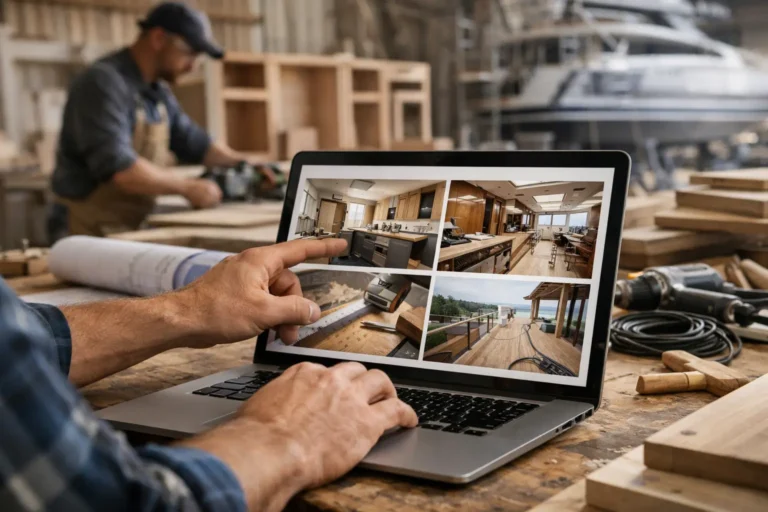
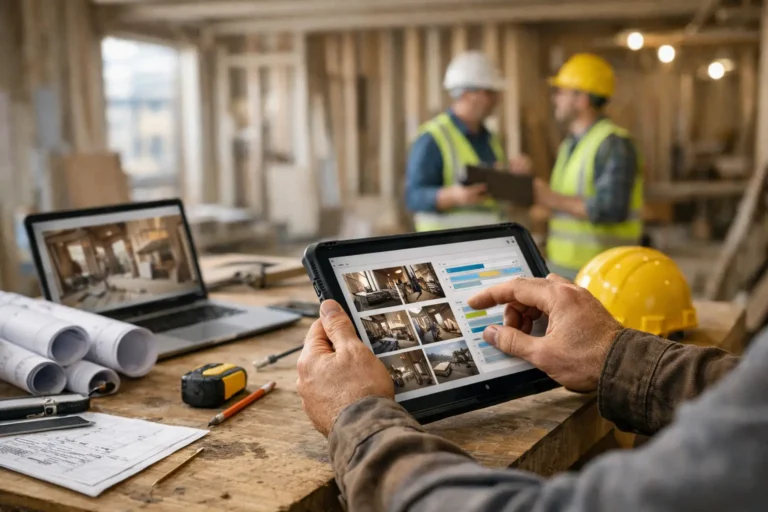
Give each project a private feed for client updates — and keep a clear history of photos, videos, notes, stages, decisions, and delivery moments for your team.
The result is not just extra admin. It creates friction around jobs that may already be complex, expensive, and time-sensitive. A customer who has paid a deposit for a custom kitchen, a fabricated metal structure, a yacht refit, or a bespoke interior package wants proof that the project is moving. Silence creates doubt. Doubt creates more messages, more calls, and more time spent repeating the same information.
What software for custom manufacturers actually needs to solve
A lot of software in this category is built around internal control. That matters, of course. You may need quoting, procurement, production planning, time tracking, documentation, or accounting integration. But custom work has another requirement that standard manufacturing software often treats as secondary: client communication during a long-running project.
That matters most when the product is high-value, one-off, or tailored to a specific client. In those cases, buyers do not just want the final delivery date. They want visibility into the process. They want to see progress, understand delays, approve changes, and feel confident that the project is being managed properly.
So when evaluating software, the useful question is not simply, does it manage production? The better question is, does it help the business communicate progress clearly without creating more administrative work for the team?
Why standard ERP and project tools often fall short
ERP systems are strong at structure, but many are too heavy for small and mid-sized custom shops. They can be expensive to set up, difficult to maintain, and focused on internal workflows that clients never see. For a company producing repeatable goods at scale, that may be the right fit. For a workshop building custom pieces over six to twelve weeks, it can be more system than the team actually needs.
General project management tools have the opposite problem. They are flexible, but they often assume the client should be brought into the same workspace as the team. That sounds efficient until the customer is staring at internal task lists, draft notes, and status labels that do not mean much outside your business. Clients usually do not want to learn a project management tool. They want clear updates in plain language.
This is where many businesses end up with a patchwork setup: one system for operations, one email chain for approvals, one chat thread for quick updates, and a shared album somewhere for photos. It works until someone needs the full history of a decision, or a client says they were never told about a change.
The most useful approach is often narrower
For long-running custom projects, the best software is often not the one that tries to do everything. It is the one that handles the communication layer properly while fitting around the rest of your process.
That means giving each project a clear client-facing record of progress. Not a flood of notifications. Not a tangled conversation history. A structured timeline where your team can post photos, videos, short updates, work stages, changes, key decisions, and delivery milestones in one place.
That kind of system solves a very specific operational problem. It reduces the constant stream of “Any updates?” messages because the answer is already visible. It also gives your team a more consistent way to present work. Instead of relying on whoever remembers to send a text, updates become part of the project process.
For many businesses, that is the missing layer. Internal operations may already be covered well enough. What is missing is a clean, professional way to show progress to the client.
What to look for in software for custom manufacturers
The right choice depends on your workflow, but a few capabilities matter across almost every custom manufacturing environment.
First, the software should make updates easy to post from the shop floor or on site. If adding a progress photo takes too many steps, it will not happen consistently. The best systems reduce friction so the team can capture work as it happens.
Second, it should organize updates by project, not by channel. A dedicated project timeline is much easier to understand than scattered messages across email and chat. It also creates a useful record when clients ask what was approved, what changed, or when a milestone was reached.
Third, it should support visual communication. In custom work, photos and short videos often explain more than a long written note. A client can understand progress much faster when they can actually see fabrication, assembly, installation, finishing, or delivery preparation.
Fourth, it should be client-friendly. This sounds obvious, but many systems are designed primarily for teams, not customers. If the experience feels technical or cluttered, clients will ignore it and go back to messaging your staff directly.
Finally, it should help you look organized. That is not cosmetic. In high-value custom projects, presentation affects trust. A business that communicates in a structured, consistent way looks more controlled than one relying on ad hoc chats and lost attachments.
Different manufacturers need different software mixes
A custom furniture studio may need quoting and workshop planning more than field coordination. A metal fabrication company may care about revision control and delivery stages. A refit specialist may need a strong visual record because the work changes as hidden issues appear. A fit-out contractor may need to keep multiple stakeholders updated without exposing internal discussions.
That is why there is no single best software stack for every custom manufacturer. In some businesses, the main platform should be operational. In others, the biggest gain comes from fixing communication first.
If your current challenge is missed deadlines, poor costing, or material planning, you may need production software at the center. But if your team is doing the work reasonably well and still spending hours answering status questions, resending photos, and searching for old approvals, your bigger issue may be visibility rather than production control.
That distinction matters because companies often buy software for the most obvious category and still feel the pain afterward. They add more internal structure but do not solve the client experience.
A practical way to evaluate your options
Start with the workflow, not the software list. Map out how a custom project moves from deposit to delivery. Where do updates come from? Where are photos stored? How are decisions recorded? How does a client learn that a stage is complete, a material has changed, or installation has been rescheduled?
If the answer depends on individual habits, memory, or whichever messaging app was used that day, the process is fragile. That is usually the point where a dedicated client update system adds real value.
The next step is to separate internal management from external communication. They are related, but they are not the same job. Internal tools help your team execute work. Client-facing tools help your customers understand what is happening. Trying to force one tool to do both can work, but often creates unnecessary complexity.
For businesses that deliver custom projects over weeks or months, a simpler setup is usually better. Keep your operational tools where they belong, then add a clean layer for client updates and project history. That is often easier to implement than replacing everything.
This is one reason platforms like CustomWorks make sense for custom manufacturers that do not want to put clients inside full project management software. The goal is straightforward: show progress clearly, reduce repeated status requests, and keep the project history organized in one place.
The real return is not just time saved
Yes, better software can reduce admin. It can cut down on repetitive messages, make approvals easier to trace, and help teams spend less time digging through chats. But the bigger return is usually trust.
When clients can see steady progress, they stay calmer. When changes are documented clearly, disputes become less likely. When the full timeline is visible, your business looks more professional and more in control.
That matters in custom manufacturing because buyers are not just paying for a product. They are paying for a process they often cannot fully see until the end. Good software closes that visibility gap.
If you are choosing software for custom manufacturers, look past feature volume and focus on where the friction really is. In many custom businesses, the missing piece is not another internal dashboard. It is a better way to show the client that the work is moving, the details are tracked, and nothing is getting lost along the way.