Automation Project Progress Photos That Work
A client pays a deposit, the work starts, and then the silence begins. For teams delivering custom projects over weeks or months, that gap is where trust gets tested. Automation project progress photos solve a very practical problem: they show visible movement, reduce repeated status questions, and give clients a clear sense that the job is under control.
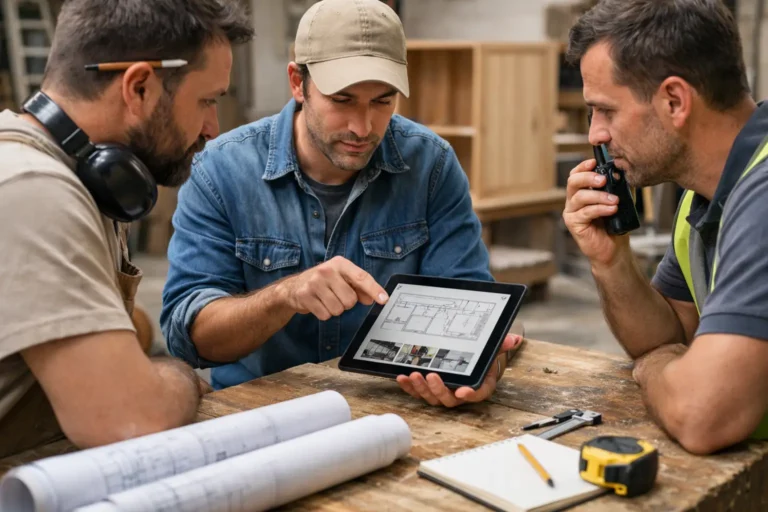
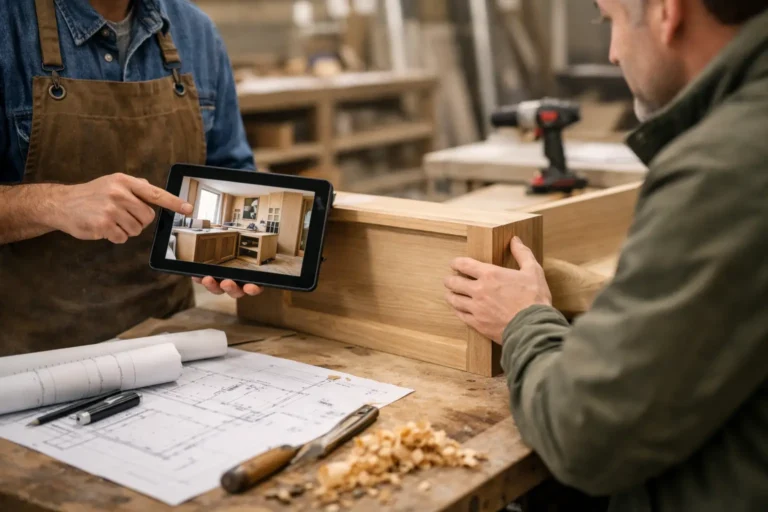
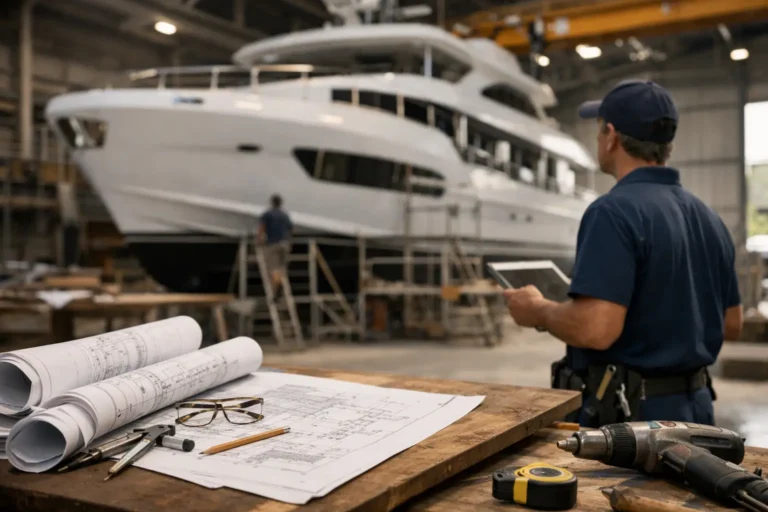
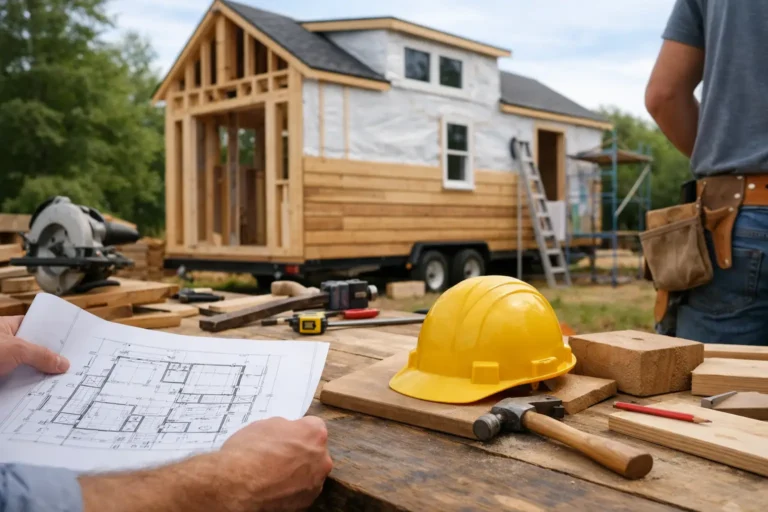
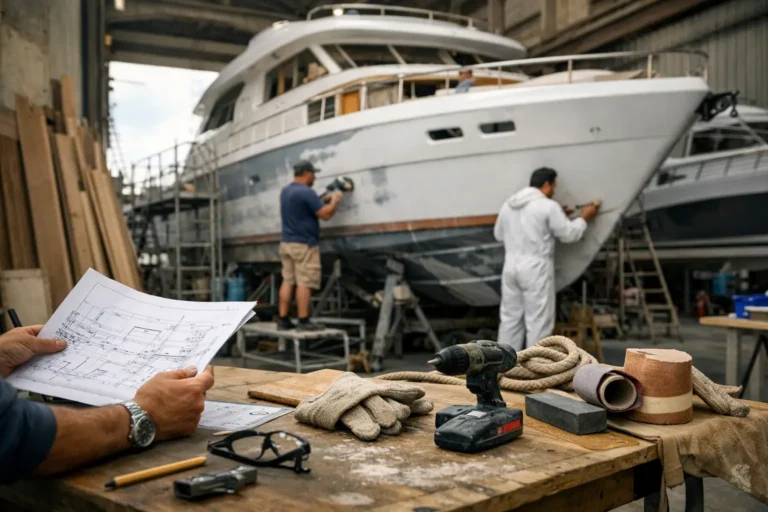
This matters most when the work is physical, staged, and hard for clients to see day to day. A renovation behind closed doors, a custom interior in fabrication, a boat refit mid-strip-out, or a bespoke manufacturing job with multiple approval points all create the same tension. The client wants reassurance. The team does not want to send scattered photo updates across text messages, email threads, and chat apps.
CustomWorks.app
Keep clients updated without messy chats
Give each project a private feed for client updates — and keep a clear history of photos, videos, notes, stages, decisions, and delivery moments for your team.
The real value of project progress photos is not the photo itself. It is the structure around it. If images arrive randomly, without dates, notes, or context, they can create as much confusion as they remove. One photo of exposed wiring or unfinished joinery can worry a client if they do not know what stage they are looking at. Good automation makes the update clearer, not just faster.
Why automation project progress photos matter
Most companies already take photos on site or in the workshop. The issue is what happens next. Someone forgets to send them, sends them late, posts them in the wrong group chat, or shares them without explanation. Weeks later, nobody can easily find the exact image that showed a key decision, a hidden condition, or a completed milestone.
That is where automation earns its place. It creates a repeatable process for collecting, organizing, and presenting progress photos in a way clients can actually follow. Instead of relying on whoever remembers to send an update, the business builds a simple communication habit into the project itself.
For owners and managers, the benefit is operational as much as client-facing. When updates are tied to stages, dates, or approval moments, the team spends less time reconstructing history. The project has a visible record. That helps when clients ask what happened last week, when a variation came up, or whether a detail was approved before production moved on.
What good progress photos actually need
Not every photo should be sent to a client, and not every project needs daily updates. The right approach depends on the pace, complexity, and visibility of the work.
For most long-running custom jobs, useful progress photos share three traits. First, they show a meaningful change. Second, they include enough context to explain what the client is seeing. Third, they appear in a consistent place and order.
That sounds basic, but it is where many teams lose control. Photos get taken for internal reasons, then reused for clients without adjustment. The result is a camera roll full of technical images that make sense to the installer or fabricator, but not to the person paying for the job. A better update might include a photo of the current stage, a one-sentence note on what was completed, and a short line on what happens next.
Clients rarely need a flood of images. They need confidence that progress is real and that the business is organized. Five well-labeled updates across a month often do more than twenty unstructured images sent at random.
The difference between proof and noise
A progress photo becomes useful when it answers a question before the client asks it. Has demolition finished? Are cabinets in production? Has first fix been completed? Did the stone arrive? Has the finish been approved? If the image helps answer one of those, it is doing its job.
Noise looks different. Ten similar workshop photos with no date, no explanation, and no relationship to a stage only create friction. Clients then come back with the same message anyway: Any updates?
Where automation project progress photos help most
The strongest use case is any business where clients cannot easily observe progress themselves. That includes renovation contractors, fit-out firms, custom builders, interior studios, furniture makers, fabricators, installers, boatyards, and restoration specialists.
In these businesses, visible work often happens in bursts. There may be a week of preparation that looks quiet from the outside, followed by a clear visual leap. Automation helps smooth that perception gap. It gives the client a timeline they can follow instead of leaving them to interpret silence as delay.
It also helps when multiple people inside the business contribute updates. Site teams, workshop staff, project coordinators, and managers may all capture valuable photos, but unless there is one client-facing channel, the record stays fragmented. A structured system keeps those updates from disappearing into personal phones or mixed chat threads.
When automation is less useful
There are trade-offs. If a project changes hourly, full automation can produce too much noise unless someone curates the feed. If the work is highly sensitive or confidential, image sharing may need tighter review. And if the team is not disciplined about adding short explanations, automation can amplify low-quality updates instead of improving communication.
So the answer is not to publish every image automatically. It is to automate the flow, then keep a light editorial layer. The best systems reduce admin without removing judgment.
How to set up a practical photo update process
Start with stages, not technology. Look at the moments in a project when a client naturally wants visibility. For a renovation, that might be strip-out, first fix, waterproofing, installation, finishes, and handover. For bespoke manufacturing, it could be materials received, fabrication started, assembly, finish approval, packing, and delivery.
Once those moments are clear, define what kind of photo update belongs to each stage. A wide shot may be enough early on. Later stages may need detail shots tied to approvals or completed elements. Keep the rule simple enough that site or workshop teams can follow it without training fatigue.
Then standardize the note that goes with each update. A strong format is short: what was completed, what the client is looking at, and what happens next. That alone removes most of the ambiguity that causes follow-up questions.
Finally, make sure clients can view the updates in one place, in order, without searching across channels. This is where a dedicated client update platform becomes far more useful than email threads or messaging apps. With CustomWorks, teams can share photos, videos, notes, stages, changes, and delivery updates in a private project feed that creates a clean visual history for the client.
Common mistakes with automation project progress photos
The biggest mistake is treating photos as a substitute for communication. A photo of a half-finished room or a component on a bench is not self-explanatory. Without context, clients may focus on what looks wrong instead of what has been completed.
The second mistake is inconsistency. If updates come daily for one week and then disappear for three, the client notices the gap more than the earlier effort. It is better to set a manageable rhythm and keep it.
Another common issue is mixing internal and client-facing imagery. Teams often capture technical details for quality control, measurements, or problem reporting. Those images are useful internally, but should be filtered before sharing externally. Client updates should be informative, not alarming.
There is also a timing issue. Sending photos too early can create unnecessary approval loops. Sending them too late can make the client feel excluded. The right point depends on the job, but the rule is simple: share when the update helps the client understand progress or make a decision.
What businesses gain beyond fewer status requests
Reducing repetitive messages is the obvious benefit, but it is not the only one. A clean photo timeline improves professionalism. It shows that the company has a process, not just good intentions.
It also protects the business. When changes, hidden conditions, completed stages, or delivery moments are visually documented in order, disputes become easier to handle. The team no longer has to dig through phones and chats to prove what happened.
There is a sales advantage too. Companies that communicate clearly during delivery tend to be remembered as more organized and trustworthy. In custom work, the client experience during the project often matters as much as the finished result.
That is why automation project progress photos are not really about photos. They are about reducing silence. When clients can see steady, organized progress in one place, the project feels active, managed, and real. And for businesses delivering long-running custom work, that kind of visibility usually saves time long before the job is finished.
The best system is the one your team will actually keep using, because consistency is what turns a few images into trust.