Project Progress Photos for Clients That Work
Silence is expensive when a client has already paid and the work will take weeks or months. If you handle custom projects, renovations, fabrication, installations, or any other long delivery cycle, project progress photos for clients are not just a nice update. They are proof that the project is moving, a practical trust signal, and often the difference between a calm client and a client asking for status every three days.
The problem is not whether to send photos. Most teams already do that. The real issue is how those photos are shared, what they show, and whether they create clarity or more confusion. A few scattered images in text messages can reassure a client for a moment, but they rarely create a reliable record of progress. They get buried, separated from context, and mixed with unrelated conversations. Then the same questions come back.
CustomWorks.app
Keep clients updated without messy chats
Give each project a private feed for client updates — and keep a clear history of photos, videos, notes, stages, decisions, and delivery moments for your team.
Why project progress photos for clients matter so much
When a customer pays a deposit for a custom kitchen, a shop fit-out, a restoration job, or a built-to-order product, they are buying more than a finished result. They are also buying confidence during the wait. That confidence drops quickly when communication becomes vague.
Photos solve a very specific business problem. They make invisible work visible. That sounds obvious, but it matters most in the middle of a project, when progress is real yet not always dramatic. Framing is installed behind drywall. Components are fabricated before final assembly. Surface prep happens long before the visible finish. In many industries, a lot of meaningful progress does not look impressive unless someone documents it properly.
That is why clients ask for updates so often. They are not always being difficult. Many are simply trying to reduce uncertainty. If your team can show steady movement with clear images and short explanations, those requests usually drop. Not because the client suddenly needs less information, but because they already have it.
There is also a professional signal here. Well-organized photo updates suggest a controlled operation. Random one-off pictures sent from personal phones suggest the opposite, even if the actual work quality is strong. Fair or not, clients use communication quality as a proxy for project quality.
What clients actually want to see
Most teams make one of two mistakes. They either send too little, which creates anxiety, or they send too much without structure, which creates noise. Good project updates sit in the middle.
Clients usually want answers to four practical questions: Has anything happened since the last update? Is the work on track? Has anything changed? What does this mean for the next step?
A strong photo update answers those questions with very little effort from the client. The image shows progress. A short note explains what they are looking at. A stage label or timestamp places it in sequence. If there is a decision, delay, or change, that is attached to the same update instead of living in another message thread.
This is especially important in businesses where the customer is not technically fluent. A cabinetmaker may immediately understand why edge banding, sanding, and dry fitting matter. The client may not. A contractor may know that rough-in work is substantial progress. The homeowner may only see an unfinished room. Photos without explanation can sometimes backfire because the team sees momentum while the client sees mess.
What makes progress photos useful instead of performative
The best client photos are not marketing shots. They are operational updates. That changes how you take and present them.
First, they need context. A clean image of a workbench or job site does not help much if the client cannot tell what changed. Even one sentence like, “Base frames are now assembled and ready for finishing,” gives the photo meaning.
Second, they need continuity. If updates come once and then disappear for three weeks, the communication gap becomes the story. Consistency matters more than perfection. Clients are usually comfortable with ordinary workshop or site photos if they arrive regularly and make progress easy to follow.
Third, they should reflect real milestones. Not every image deserves to be sent. If the team uploads every minor detail, clients stop paying attention. If they only share final reveal shots, they miss the whole trust-building value of the process. The right cadence depends on project length and complexity, but each update should mark something concrete: a completed phase, a key material arrival, a visible install step, a design change, a problem resolved, or a handoff point.
Fourth, they need to live in one place. This is where many teams lose control. Photos in WhatsApp, approvals in email, videos in a phone gallery, and progress notes in someone else’s head create friction for both sides. A client should not have to reconstruct the project from fragments.
How to structure project progress photos for clients
A simple structure works better than a complicated reporting system. Most service teams do not need full client-facing project management. They need a clean update flow.
Start each update with the stage or milestone. Then include one to three photos that show the current state clearly. Add a brief note in plain English. Finish with what happens next.
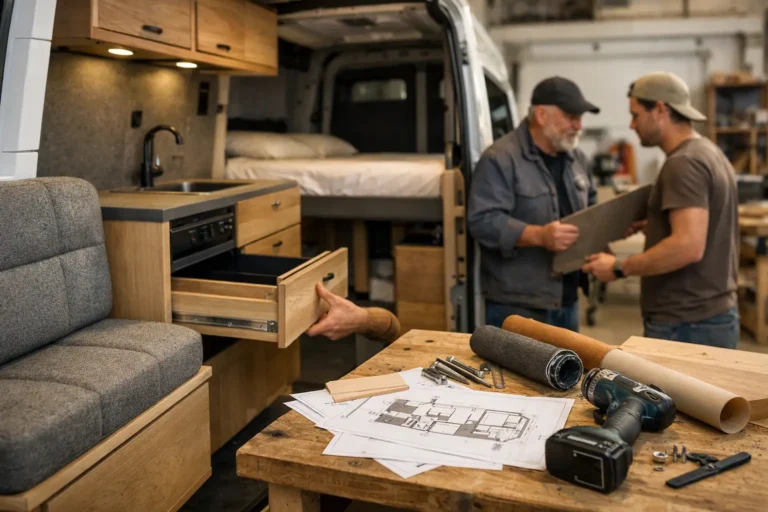
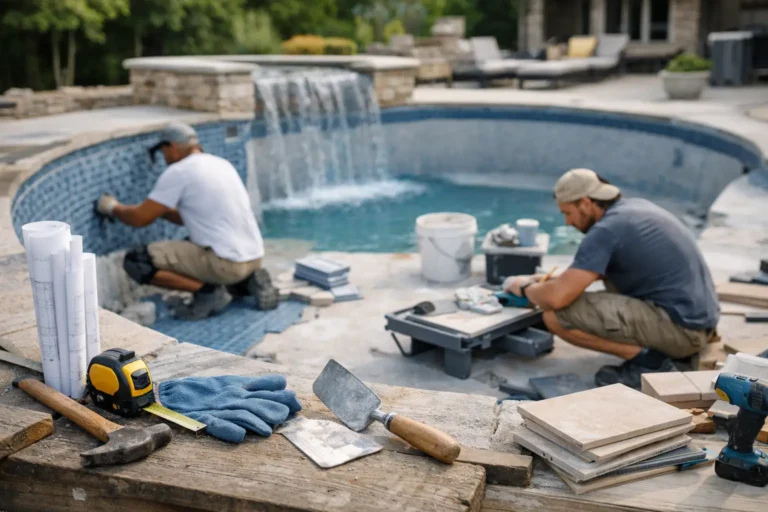
For example, a furniture studio might post photos of assembled carcasses, note that hardware test fitting is complete, and mention that finishing starts on Monday. A renovation contractor might share electrical rough-in photos, note that inspection is scheduled, and explain that wall closing starts after approval. A fabrication team might show parts cut and labeled, note that welding is underway, and confirm the estimated installation week.
This format does two jobs at once. It reassures the client and reduces future admin for the team. Instead of replying from scratch every time someone asks, “Any updates?” you already have a visible timeline.
There is a trade-off, of course. More structure means a little more discipline internally. Someone has to upload the photos, write the note, and keep the sequence clean. But the alternative is usually worse: repeated status requests, inconsistent explanations, and missing context when a client references a photo from three weeks ago.
Common mistakes that create more client questions
One common mistake is sending photos that are visually busy but informationally weak. Wide shots of a workshop, storage area, or partially completed room can be hard for clients to interpret. Closer images with a clear subject usually work better.
Another issue is sending updates without dates or sequence. If a client cannot tell whether a photo is new, they may assume nothing has changed. This happens more often than teams realize, especially when similar-looking work repeats over several weeks.
The third mistake is separating photos from decisions. If a material change, delay, or revision appears in a different chat, the project history becomes harder to trust. Clients should be able to see not just what happened, but why something changed.
A final mistake is treating every update like a polished presentation. That standard sounds professional, but it often kills consistency. Clients do not need studio photography. They need evidence, clarity, and momentum.
A better system for photo updates
For most companies, the goal is not to create more communication. It is to create better communication with less repetition.
A private project feed is often the most practical setup because it keeps photos, videos, short notes, milestones, changes, and delivery moments in one chronological view. That gives clients exactly what they need without exposing them to the full complexity of internal project management. They can see progress without being dragged into every task, dependency, or production detail.
That distinction matters. Full PM tools are built for teams. Client updates need a different level of simplicity. If the interface is too heavy, clients avoid it and go back to messaging. If updates are too fragmented, your team ends up answering the same status question in multiple places.
This is why some companies use a dedicated client update system such as CustomWorks. The value is not novelty. The value is operational order. One project, one timeline, one clear record of movement.
How to start without slowing your team down
If you want project photo updates to stick, keep the workflow light. Choose who owns the update on each project. Define a simple cadence, such as once a week or at each major stage. Decide what every update must include: image, short note, and next step.
Then set expectations with the client early. Tell them where updates will appear and how often. That small step reduces reactive messaging because the client knows when and where to look.
It also helps to think in terms of reassurance, not documentation volume. You are not trying to archive every action. You are trying to remove avoidable uncertainty. In some projects, one well-chosen photo per week is enough. In others, especially high-ticket or highly visible jobs, more frequent updates make sense. It depends on project complexity, client sensitivity, and how much of the work is hidden from view.
The teams that do this well are not necessarily the teams with the best cameras. They are the teams with the clearest update habit. They make progress visible before the client has to ask for proof.
A good project photo does more than show work. It tells the client, with evidence, that the project is under control – and that message is often what keeps the entire relationship steady.