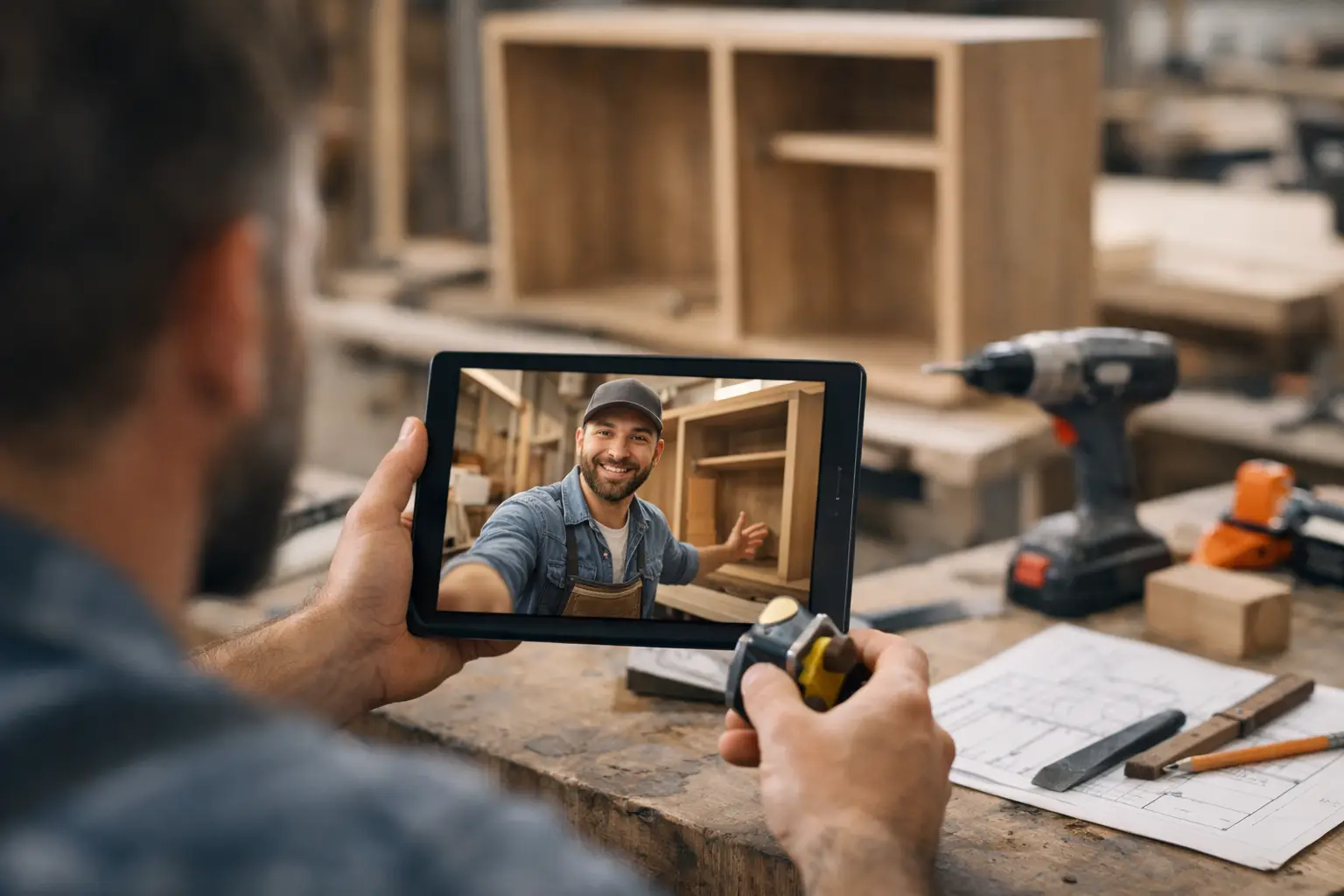
Why Video Updates for Clients Work Better
Silence is rarely neutral in a long-running project. If a client has paid a deposit, approved a design, or handed over a property, they expect visible progress. When they do not see it, they fill the gap themselves. That is why video updates for clients have become one of the most effective ways to keep trust steady during custom work.
For companies managing renovations, fit-outs, bespoke builds, fabrication, or other client-specific projects, video does something plain text often cannot. It shows movement. It gives context. It reassures the client that the job is active, organized, and under control. Used well, it also cuts down on repetitive messages asking for status updates.
CustomWorks.app
Keep clients updated without messy chats
Give each project a private feed for client updates — and keep a clear history of photos, videos, notes, stages, decisions, and delivery moments for your team.
Why video updates for clients change the tone of communication
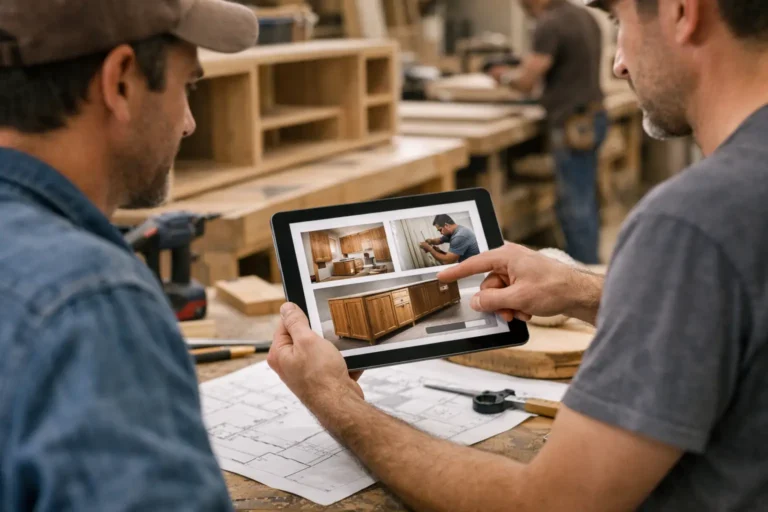
A written message saying “framing complete” or “materials arrived” is useful, but it leaves room for interpretation. A short video from the site or workshop shows what those words actually mean. The client can see the framing, hear the explanation, and understand what happens next.
That matters because most client anxiety comes from uncertainty, not just lack of information. A two-minute video can answer several questions at once. What has been completed? What is waiting on approval? Is the project moving as expected? Are there any issues that need attention? Instead of sending five separate messages, the team can explain the real situation in one clear update.
There is also a professionalism factor. Businesses that deliver high-value custom work are not only selling an end result. They are selling confidence throughout the process. Video helps clients feel they are being kept in the loop without needing to chase for details.
What good client video updates actually look like
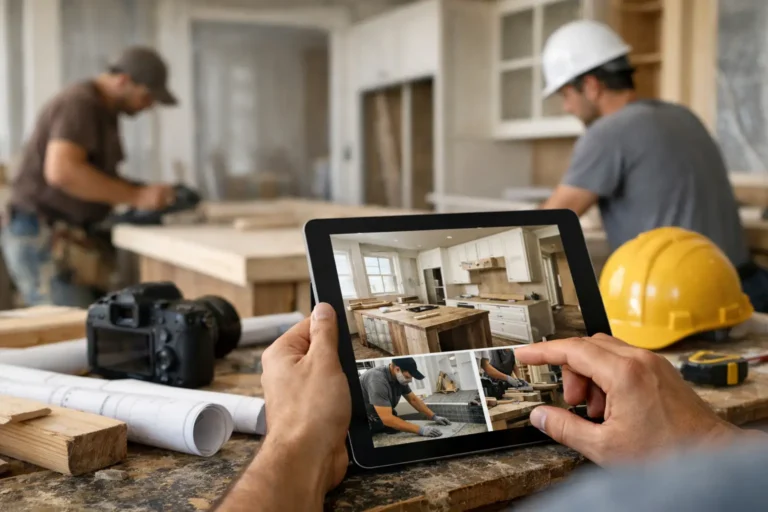
The best video updates for clients are not polished marketing content. They are simple, specific, and timely. In most cases, a short walkthrough recorded on a phone is enough.
A project manager might film a room after first fix is complete and explain what has been done, what still needs access, and when the next trade is scheduled. A workshop lead might show a custom furniture piece after assembly, point out material selections, and confirm finishing is next. A fabrication team might record a quick progress clip showing parts completed this week and note any design adjustments that were approved.
The value is not in cinematic production. It is in clarity. Clients want to see real progress, hear a calm explanation, and understand where the project stands.
That said, there is a trade-off. Video is powerful, but only if it stays disciplined. Rambling clips, inconsistent updates, or recordings with no explanation can create more confusion than confidence. The format works best when teams treat it as structured communication, not casual messaging.
When video is better than photos or text
Photos are excellent for showing milestones, finishes, defects, and before-and-after comparisons. Text is useful for dates, decisions, approvals, and concise status notes. Video sits between them and becomes especially useful when the project needs explanation.
If the client needs to understand scale, sequence, access constraints, layout changes, movement, or technical context, video usually does the job better. It helps teams explain why something looks incomplete, why a delay happened, or why a change was necessary. A camera moving through the space or across a component gives clients a better sense of reality than a few static images.
Still, video should not replace every other update. Some information is better documented as a note or image inside a clear timeline. A smart update process uses all three formats together.
The business case for video updates for clients
The immediate benefit is fewer status-check messages. When clients can already see what happened this week and hear what comes next, they are less likely to send “Any updates?” texts or call the office for reassurance.
The second benefit is better expectation management. Many project issues come from mismatched assumptions rather than actual delivery failure. Video allows teams to explain progress in plain language while work is happening, not weeks later when frustration has built up.
The third benefit is record keeping. Long-running custom projects generate a lot of fragmented communication. Decisions get buried in chats. Photos stay on personal phones. Explanations live in email threads. A clear visual history makes it easier to reference what was shared and when.
For that reason, businesses often get the most value when video updates are not sent ad hoc through messaging apps, but stored in one client-facing project feed. A platform like CustomWorks gives each project a private space for videos, photos, notes, stages, and delivery updates, so clients can follow progress without relying on scattered messages.
How to make client video updates useful, not time-consuming
The biggest hesitation is usually operational. Teams assume video updates will take too much time. In practice, the problem is not recording the video. The problem is having no repeatable format.
A simple structure solves most of this. Start with where the project stands today. Show the relevant area, item, or stage. Explain what changed since the last update. Mention any decision, delay, or adjustment the client should know about. Then finish with the next expected step.
That structure keeps updates short and reduces follow-up questions because it covers the points clients usually care about.
It also helps to set an internal rule for timing. Some companies send video updates at milestone points. Others do them weekly on active projects. It depends on project length, complexity, and client expectations. A kitchen fit-out with daily visible changes may justify more frequent updates than a long-lead bespoke manufacturing job waiting on materials.
Consistency matters more than volume. A reliable weekly video is often better than a burst of messages followed by silence.
Common mistakes that weaken trust
One common mistake is sending video only when something has gone wrong. If clients hear from the team only during delays or issues, the format starts to feel defensive. Regular progress videos create a steadier communication rhythm and make problem updates easier to accept when they do happen.
Another mistake is using personal chat apps as the main delivery method. It feels quick in the moment, but over time it creates a messy trail. Videos get buried, context disappears, and new team members cannot easily see what was already shared.
A third issue is overexplaining. Clients do not need a technical monologue unless the situation calls for it. They want a clear view of progress and a simple explanation of what matters. The best updates are concise, factual, and easy to review later.
Finally, some teams avoid video because the site or workshop is not “presentation ready.” That concern is understandable, but clients generally do not expect polished staging. They expect honesty and visible progress. A real update from a working environment often feels more credible than something overly produced.
Where video updates fit across different industries
This approach works especially well in industries where progress is physical, sequential, and hard for clients to visualize from a distance. Renovation companies can show completed stages before walls are closed. Custom builders can document structure, services, and finishing progress. Interior fit-out teams can walk clients through installation phases and highlight decisions that affect timeline or finish.
Furniture makers, fabrication shops, and bespoke production teams can use video to show assembly, test fitting, finishing, packing, and pre-delivery checks. Boatyards and restoration specialists can show hidden work, repairs, and technical progress that clients would otherwise never see.
The common thread is simple. When the work takes time and the client cannot observe it directly, video helps make the process visible.
A better standard for project communication
Most companies do not lose client confidence because the work stops. They lose it because communication becomes thin, scattered, or reactive. Video updates for clients solve a practical problem: they make progress easier to see and easier to understand.
That does not mean every update should be a video, or that every client wants the same level of detail. It means businesses doing long-running custom work should treat visual communication as part of delivery, not an afterthought.
If the project is complex, expensive, and personal to the client, showing progress clearly is part of doing the job well. A short video, shared at the right time and stored in the right place, can prevent a lot of unnecessary friction before it starts.
When clients can see what is happening, they ask fewer questions, make faster decisions, and stay calmer through the parts of the project that would otherwise feel uncertain.