Why Visual Project History Matters
A client pays a deposit, work starts, and then the quiet period begins. For your team, that silence usually means real progress – site prep, sourcing, fabrication, approvals, adjustments. For the client, it often feels like nothing is happening. That gap is where repeated update requests, scattered messages, and unnecessary tension start. A visual project history closes that gap by showing what has happened, when it happened, and how the project is moving forward.
For businesses handling custom, long-running work, this is not a nice extra. It is part of how you maintain confidence between kickoff and handover. If you build kitchens, fit out offices, restore boats, fabricate custom parts, or manage renovations, clients want proof of movement. They do not want to chase it across email threads, text messages, and photo attachments.
CustomWorks.app
Keep clients updated without messy chats
Give each project a private feed for client updates — and keep a clear history of photos, videos, notes, stages, decisions, and delivery moments for your team.
What visual project history actually means
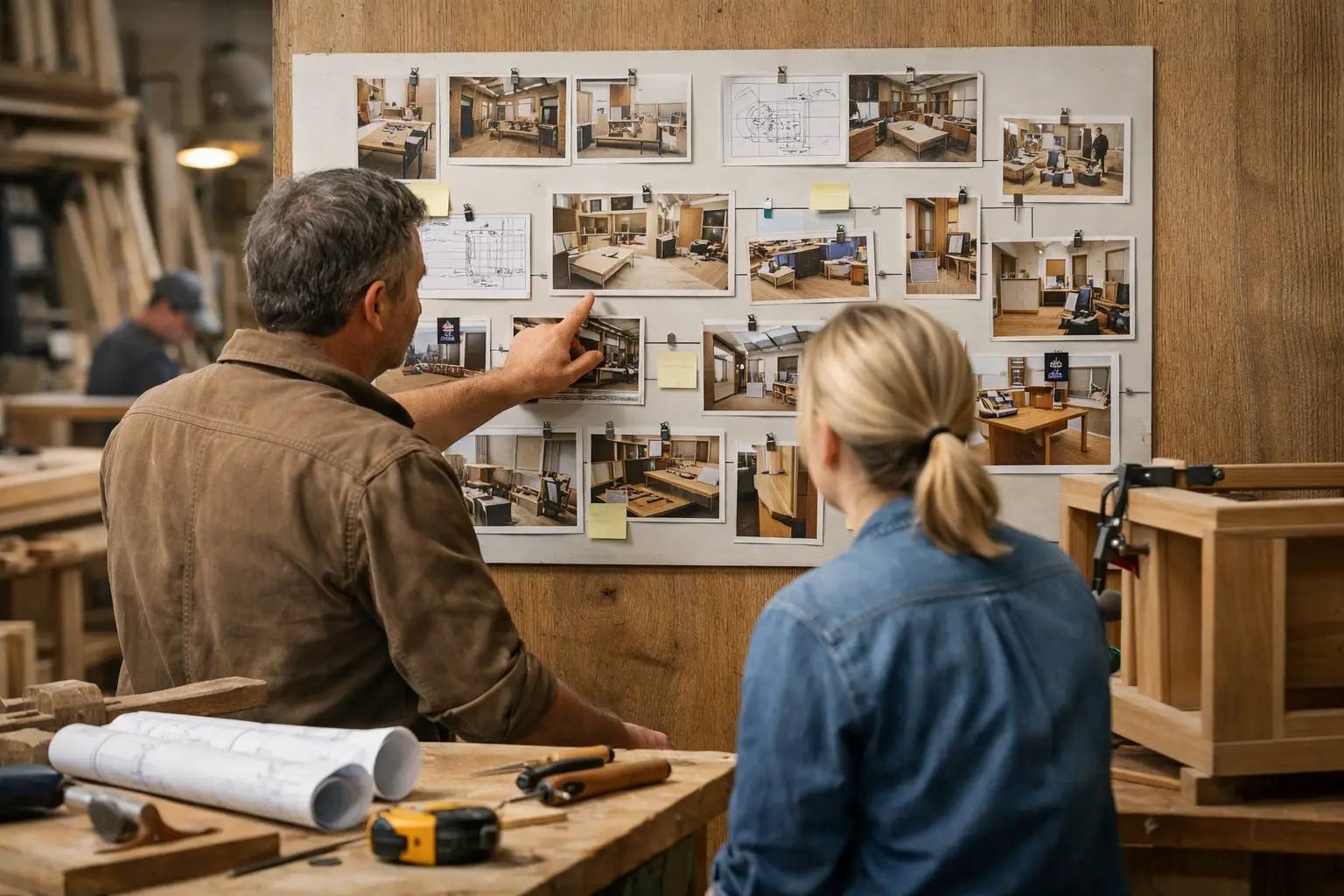
Visual project history is a client-facing record of progress built around time. Instead of sending isolated updates whenever someone asks, your team adds photos, videos, short notes, stage changes, delivery milestones, and key decisions to a single timeline.
The difference matters. A folder full of site photos is not the same as a usable project history. Neither is a long email thread. Clients need context, not just raw information. They need to see that demolition happened before framing, that a material delay was flagged before installation moved, and that a design change was agreed before production started.
When that information lives in one place, it becomes much easier for clients to understand progress without asking your team to reconstruct the story every week.
Why clients ask for updates even when work is moving
Most status requests are not really about impatience. They are about visibility. If a client cannot see progress, they fill the gap with uncertainty. That is especially true after a large upfront payment or when the project is physically out of view.
A homeowner cannot see workshop fabrication happening off-site. A commercial fit-out client may visit once every two weeks and miss most of the important stages. A yacht refit customer may only hear from the team when a decision is needed. In all of these cases, work is happening, but the client experience still feels unclear.
That uncertainty creates extra admin for your team. Someone has to gather photos from phones, check with the site lead, search messages for the last approved change, and write a fresh response. Then the same cycle repeats a few days later.
A clear visual project history changes the dynamic. Instead of answering each request from scratch, you maintain a running record clients can review at any time.
Visual project history reduces operational friction
The obvious benefit is fewer “Any updates?” messages. But the bigger advantage is that your communication becomes easier to manage internally.
When updates are informal, they usually depend on individual people. One project manager is great at sending photos. Another keeps most details in WhatsApp. A third gives updates by phone and assumes everyone remembers what was said. That makes the client experience inconsistent and leaves the business exposed when staff are busy, absent, or replaced.
With a structured timeline, updates become part of the project workflow rather than a personal habit. Photos are attached to actual stages. Notes explain what changed. Delivery events are recorded when they happen. Decisions sit next to the relevant visual evidence.
This creates order in places where communication often breaks down. It also reduces the risk of losing important context halfway through a three-month or six-month job.
A visual project history is not project management software
This distinction is important. Many businesses already use internal tools for tasks, budgets, scheduling, and team coordination. Those systems matter, but they are usually built for the team, not the client.
Clients do not want to log into a complicated workspace to interpret task boards, dependencies, or internal comments. They want a straightforward view of progress. They want to know what is complete, what is happening now, what changed, and what comes next.
That is why visual project history works best when it is simple and client-facing. It should not force clients into the mechanics of internal delivery. It should translate project movement into something visible and easy to follow.
For many businesses, that simplicity is the point. You are not trying to expose every internal detail. You are trying to keep clients informed in a clean, professional way.
What should be included in a visual project history
The most useful project histories are practical rather than polished. Clients care more about clarity than presentation.
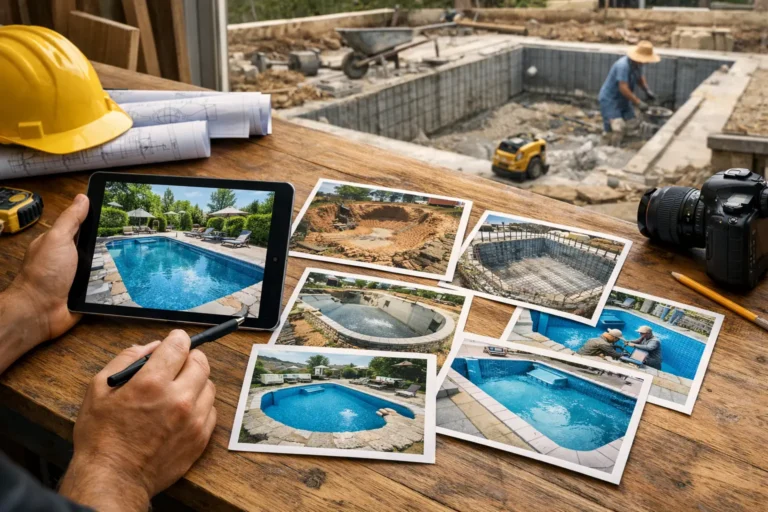
Photos are usually the foundation because they make progress tangible. Video can help when a walk-through, machine test, finish quality, or installation detail is easier to show than describe. Short notes provide context so clients understand what they are seeing and why it matters.
Beyond that, stage markers are valuable because they turn individual updates into a readable sequence. Design approvals, material changes, unexpected issues, access delays, delivery dates, and completion moments should also appear in the same record. These are the events that shape expectations and often trigger later questions if they are not documented clearly.
The key is not volume. It is continuity. A project with eight clear, well-timed updates is usually more useful than one with thirty random uploads and no explanation.
Where businesses usually get this wrong
One common mistake is treating updates as a last-minute admin task. When communication only happens after a client asks, the project history becomes reactive and incomplete.
Another problem is fragmentation. Photos sit on one phone, approvals live in email, delivery details are buried in chat, and the client gets partial information depending on who replies. That may feel manageable on a small job, but it gets harder as project values rise and timelines extend.
Some teams also overcorrect by sending too much. Daily messages, unfiltered images, and technical details without explanation can overwhelm clients rather than reassure them. A visual project history should reduce noise, not add to it.
The better approach is consistent, structured updates tied to meaningful progress points.
How to implement visual project history without adding bureaucracy
This only works if your team can maintain it without turning every update into extra office work. The process needs to be light enough to use during real jobs, not just in theory.
Start by deciding what counts as an update in your business. For a renovation company, that may be demolition, first fix, finishes, snagging, and handover. For a custom fabrication shop, it could be design approval, material arrival, production start, assembly, quality check, and dispatch.
Then define what gets added at each point: a few photos, a short note, any relevant change, and the current stage. That creates a repeatable standard without forcing long reports.
It also helps to assign ownership. Not everyone needs to write updates, but someone must be responsible for making sure they happen. In smaller companies, that may be the owner or project manager. In larger teams, it may sit with account managers, site leads, or coordinators.
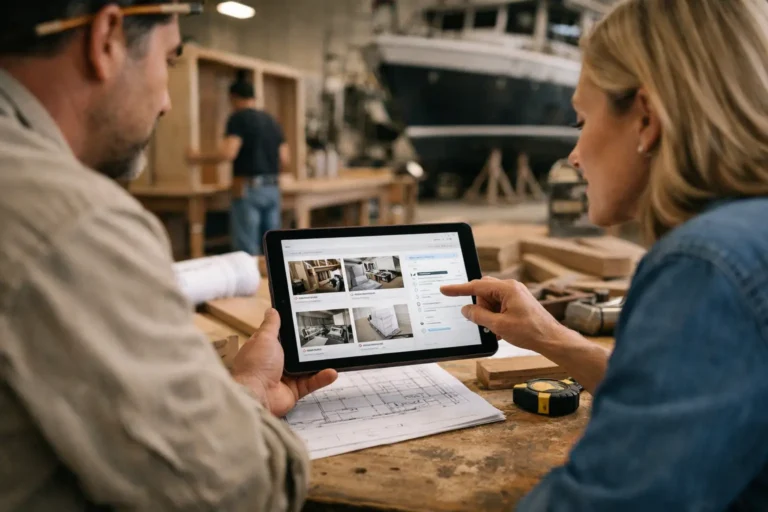
The best systems make this easy to maintain in one place. CustomWorks is built for exactly that use case – a simple client-facing timeline where teams can share photos, videos, notes, stages, changes, and delivery updates without turning client communication into full project management.
Why this matters for trust and professionalism
Clients judge your business partly by the work itself and partly by how clearly that work is communicated. If progress is hard to see, even a well-run project can feel disorganized from the client side.
A visual project history creates a different impression. It shows that your business is structured, transparent, and in control. It demonstrates progress without forcing clients to ask. It also gives them a record they can revisit when they want to confirm what was agreed, what was completed, or how the project developed over time.
That matters in industries where projects are expensive, bespoke, and stretched across weeks or months. Trust is rarely lost because of one delayed reply. It usually erodes through repeated uncertainty and fragmented communication.
Clear project history helps prevent that. Not by promising perfect delivery, but by making the reality of the project visible and understandable.
If your team is doing solid work but clients still ask for constant reassurance, the issue may not be the work itself. It may be that progress is happening without a clear record. When clients can see the story of the project as it unfolds, the relationship gets easier for both sides.