Project Photo Updates That Clients Trust
A client who has paid a deposit and heard nothing for ten days is not calmly waiting. They are wondering whether the project is moving, whether details were missed, and whether they now need to chase your team for answers. Project photo updates solve that problem faster than long emails ever will.
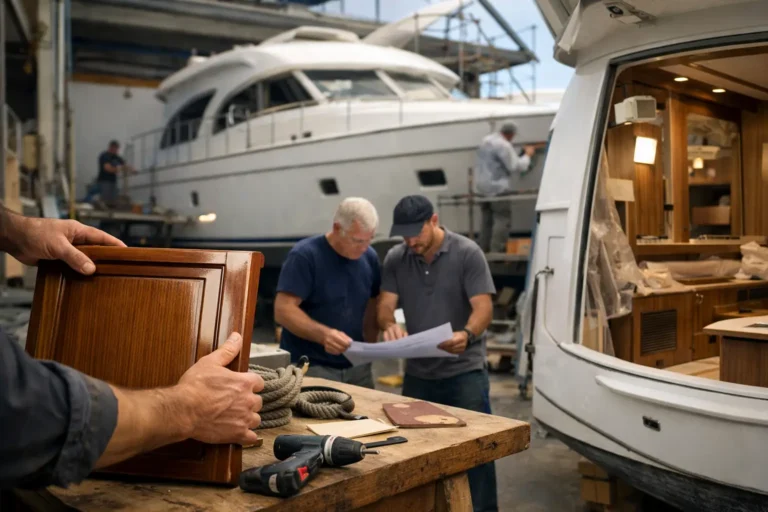
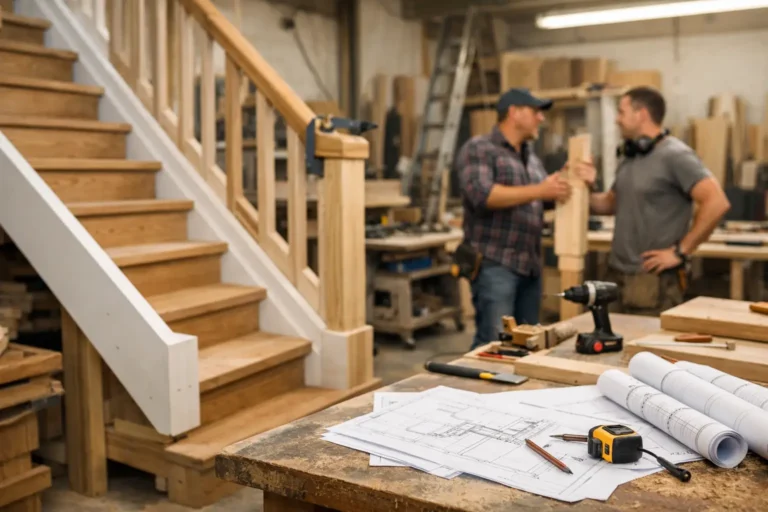
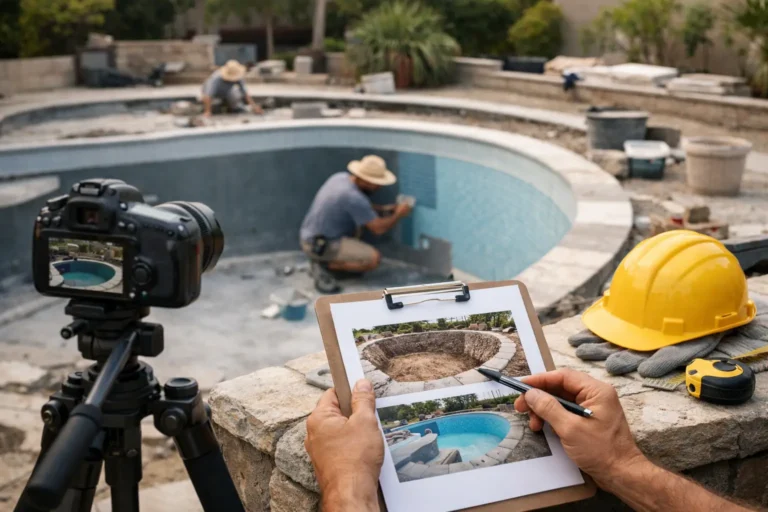
For companies delivering renovations, fit-outs, custom builds, fabrication work, interiors, or bespoke production, progress is often visible before it is easy to explain. A photo of framing complete, cabinetry dry-fitted, wiring roughed in, or materials delivered gives clients immediate proof that work is happening. Done well, those updates reduce anxiety, cut repetitive status messages, and give your business a more professional way to communicate.
CustomWorks.app
Keep clients updated without messy chats
Give each project a private feed for client updates — and keep a clear history of photos, videos, notes, stages, decisions, and delivery moments for your team.
Why project photo updates work so well
Most long-running custom projects have the same communication problem. Clients want visibility, but teams are busy doing the work, not writing detailed reports. That gap usually gets filled with WhatsApp messages, scattered email replies, and photos buried in someone’s camera roll.
Photos are effective because they compress a lot of information into a format clients understand instantly. A short note attached to an image can answer three common questions at once: what has been completed, what is happening now, and what comes next. That is far more useful than a vague message saying the project is “in progress.”
They also create confidence in a way text alone often cannot. In custom work, many milestones are not dramatic enough to justify a call, but they still matter. Surface prep, hidden infrastructure, mockups, component assembly, and partial installation all represent real progress. When clients can see those moments, silence stops feeling like risk.
There is also an internal benefit. A consistent stream of visual updates gives your team a usable record of the project as it develops. If a client later asks when a change was made or what conditions looked like before a stage was closed up, the answer is easier to find.
The real issue is not photos. It is structure.
Many businesses already send photos. The problem is that they send them in the wrong place.
A few images in a chat thread may help in the moment, but they age badly. Decisions get mixed with casual messages. Different stakeholders see different parts of the conversation. Files disappear into personal devices. Later, when someone needs to verify what was approved or when a stage was completed, the history is fragmented.
Email is not much better. Long threads are hard to follow, attachments get separated from context, and clients often miss key updates if several projects or vendors are emailing them at once.
Project photo updates only become truly useful when they are organized in a clear timeline. Each update should sit in context, with the image, a short explanation, a date, and ideally the stage or decision it relates to. That turns a loose photo into a project record.
What a good project photo update looks like
The best updates are simple. They are not polished marketing posts, and they do not need a lot of writing. What matters is that the client can understand the update in seconds.
A strong update usually includes one to five relevant photos, a plain-language note about what the client is seeing, and one line on what happens next. If there is a delay, change, or decision point, that should be stated directly. Clarity matters more than volume.
For example, instead of posting “progress on site,” a better update would say that first-fix electrical is complete in the kitchen and utility area, photos are attached before plastering, and the next step is inspection on Thursday followed by wall closure. The client does not need a technical report. They need orientation.
The photo selection matters too. Too many similar images make updates harder to scan. Too few can make progress feel abstract. It helps to choose photos that answer obvious client questions: what is finished, what changed, what is hidden behind later work, and what should the client review or approve.
When to send project photo updates
The right frequency depends on the project type, but consistency matters more than intensity.
A residential renovation with visible day-by-day change may support updates several times a week. A bespoke manufacturing job with longer production stages may only need one or two meaningful updates weekly. A yacht refit, office fit-out, or custom interior project may need a rhythm tied to milestones rather than calendar dates.
The mistake is waiting until there is something dramatic to show. Clients do not measure communication quality by whether every update is exciting. They measure it by whether they feel informed. If work is progressing but not visually dramatic, a smaller update still helps. A note with photos of materials received, subassembly completed, templates checked, or finishes approved can prevent unnecessary follow-up messages.
At the same time, over-updating can create noise. If every minor movement generates another message, clients stop paying attention. A good rule is that each update should either show real progress, document a key condition, record a decision, or set expectations for the next step.
Common mistakes that make photo updates less effective
One common mistake is sending photos without context. Clients may not know whether they are seeing preparation, completion, a problem, or a temporary condition. A ten-second explanation changes everything.
Another is only posting when things are going well. That creates a credibility problem. On long projects, minor delays and changes happen. If clients only hear from you when there is clean progress to show, they may assume silence means trouble. It is usually better to communicate a delay early with a supporting photo and a short explanation than to disappear until the issue is resolved.
Some teams also treat updates as an internal dump of whatever was captured that day. That saves time in the moment, but it shifts the burden to the client, who now has to interpret messy information. Client-facing updates should be curated. Not polished, just clear.
A final mistake is separating visuals from decisions. If a layout adjustment, material substitution, or scope change appears in one place and the supporting photos appear somewhere else, confusion follows. The closer those items live together, the cleaner the project history becomes.
A better process for project photo updates
If your current system relies on phones, chat apps, and long email chains, the fix is usually operational rather than complicated.
Start by deciding who is responsible for capturing updates. In some businesses, that is the site manager or workshop lead. In others, it is a coordinator who collects photos from the field and posts them in a client-ready format. The key is ownership. If everyone is responsible, updates often become inconsistent.
Next, define a simple rhythm. That might be every Tuesday and Friday, at each completed stage, or whenever a key decision is needed. Clients do better with predictable visibility than with random bursts of communication.
Then standardize the content. Teams should know that each update includes photos, a brief note, and the next step. That removes the friction of wondering how much to write every time.
Finally, keep everything in one client-facing timeline. This is where a tool built for visual project communication helps. CustomWorks is designed around that exact need: a private update feed where teams can post photos, videos, notes, stages, changes, and delivery moments in one place without turning the client experience into full project management software.
Where this matters most
Project photo updates are especially valuable in industries where clients cannot easily visit the work in person or understand technical progress without visual proof.
That includes home renovations, commercial fit-outs, custom furniture and millwork, fabrication, marine refits, restoration, specialist installation, made-to-order production, and design-build projects. In all of these, clients are buying a process as much as an end result. They want reassurance that the project is moving correctly between kickoff and delivery.
They are also useful when multiple stakeholders are involved. A homeowner may want updates for peace of mind, while a spouse wants finish confirmations. A business client may have an operations lead, a finance contact, and a director all wanting visibility. A structured photo timeline reduces the risk of information being relayed inaccurately between them.
Professional communication without extra bureaucracy
Some teams avoid formalizing updates because they assume it will create more admin. Sometimes it does, especially if the system is too heavy. But in practice, organized project photo updates usually save time.
They reduce “Any updates?” calls. They cut repeat explanations. They make approvals easier because clients can see what is being discussed. They also help new team members or managers get up to speed quickly if they need to review project history.
There is a trade-off, of course. Creating good updates requires discipline. Someone has to take the photos, write the note, and post it consistently. But that effort is usually much smaller than the cost of fragmented communication across email, messaging apps, and memory.
Clients do not expect constant contact. They expect signs of control. When they receive clear, relevant project photo updates in one organized place, they stop wondering whether your team is on top of the job.
That is the real value. Not more communication for its own sake, but fewer doubts, fewer interruptions, and a project history that still makes sense months after the work is done.