What a Customer Project Portal Should Do
Silence is where good projects start to feel risky. A client pays a deposit, weeks pass, the work is moving, and then the questions begin: Any updates? Do you have photos? Has anything changed? A customer project portal exists to prevent that gap from turning into doubt.
For companies delivering custom work over weeks or months, client communication usually breaks down in predictable ways. Updates sit in a supervisor’s phone. Photos are buried in chat threads. Decisions get confirmed in email, then contradicted in messaging apps. The project may be under control internally, but from the client’s side it can feel vague and disorganized.
CustomWorks.app
Keep clients updated without messy chats
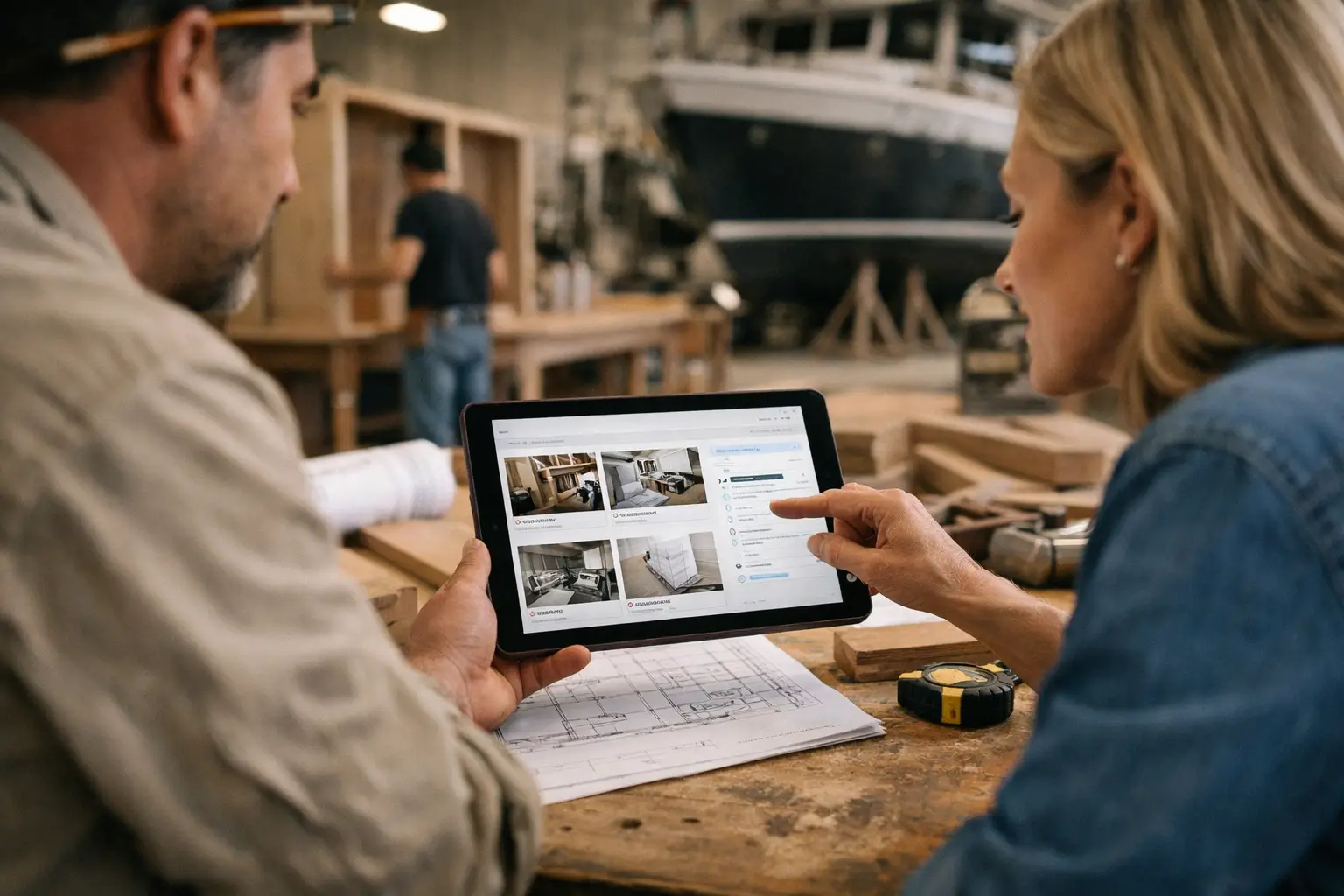
Give each project a private feed for client updates — and keep a clear history of photos, videos, notes, stages, decisions, and delivery moments for your team.
That is the real job of a customer project portal. It is not there to replace your internal operations software. It is there to give clients a clear, private view of progress so they can see that work is moving, understand what has happened, and stop chasing your team for reassurance.
What a customer project portal actually solves
Most teams first think about a portal as a convenience feature. In practice, it solves a business problem.
When clients cannot see progress, they create their own visibility by calling, emailing, and messaging. That interrupts the team, creates inconsistent answers, and adds pressure to people who are already busy delivering the work. It also increases the chance that important details get shared casually instead of being recorded properly.
A customer project portal creates one place where updates live in order. Photos, videos, short notes, stage changes, decisions, delays, and delivery milestones can all be shared in context. That matters because clients rarely need constant conversation. They need confidence that nothing is being missed.
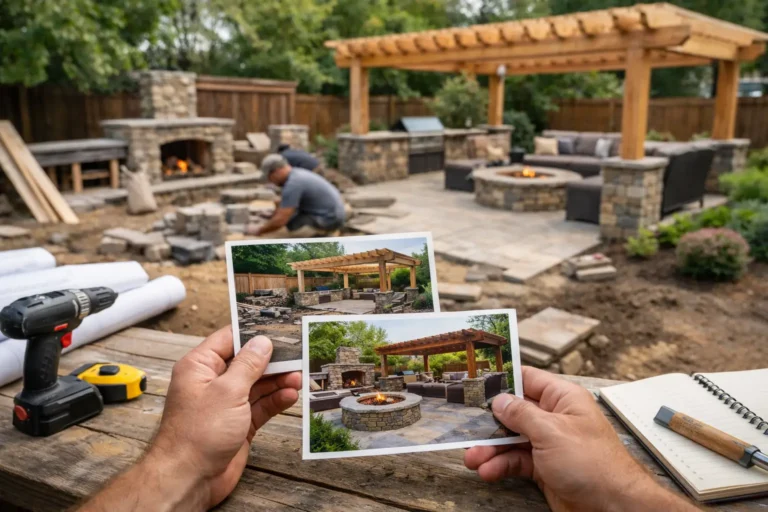
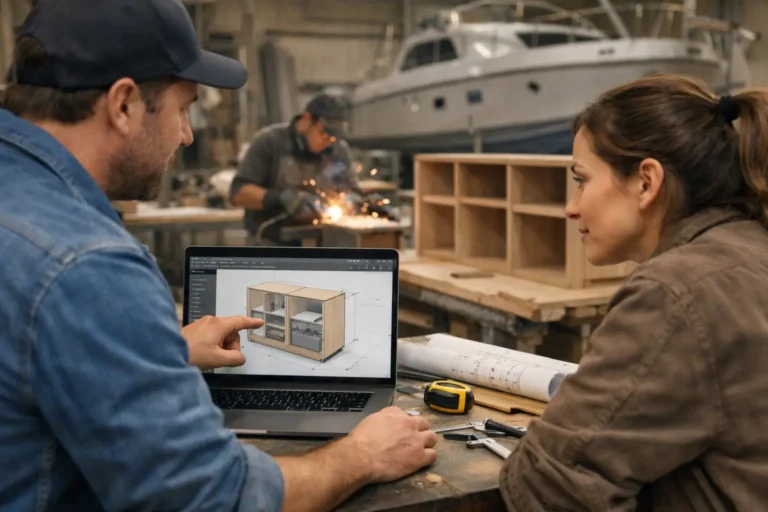
For renovation companies, that might mean showing demolition, first fix, material delivery, installation, snagging, and handover. For a fabrication shop, it might be design approval, material prep, welding, finishing, assembly, and dispatch. For a custom furniture maker, it may be workshop progress, finish samples, hardware confirmation, and final packing. Different industries use different update types, but the need is the same: visible progress over time.
A portal is not the same as project management software
This distinction matters because many businesses try to solve client communication with tools built for internal teams.
Project management platforms are useful for tasks, dependencies, budgets, assignments, and schedules. But they are often too detailed and too operational for clients. Giving a client access to internal boards can create more confusion, not less. They see unfinished notes, technical language, and workflow detail that means something to the team but not much to the customer.
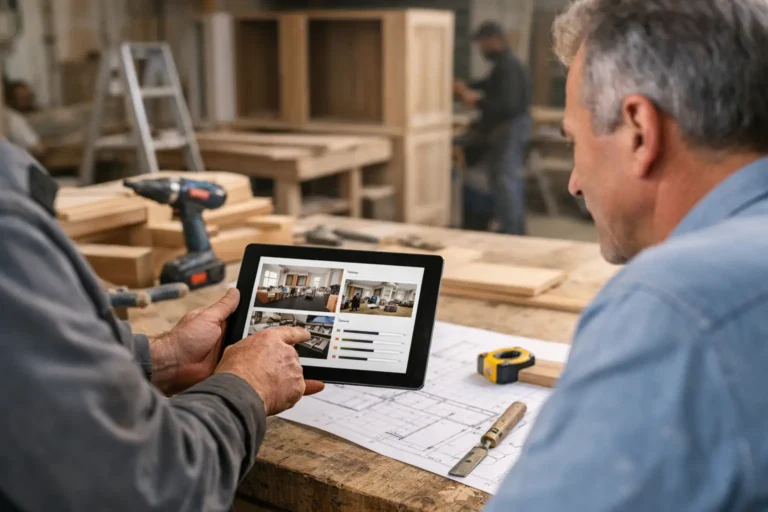
A customer project portal should be simpler than that. It should present the project from the client’s point of view. What has been completed? What changed? What needs approval? What happened this week? What is the latest visual progress? Those are the questions a portal should answer clearly.
That also makes adoption easier. Clients should not need training to follow their own project. If the portal feels like work, they will go back to email and chat.
What clients expect from a good customer project portal
Clients do not usually ask for a portal by name. They ask for certainty.
They want to know that their project is active, that delays will be communicated, that decisions will not get lost, and that the company they hired is organized. A good portal supports that by making updates easy to understand and easy to revisit.
The best setup usually includes a private project feed with visual updates and short written context. A single photo without explanation can raise new questions. A long paragraph without visuals can feel abstract. Together, they provide enough detail without overloading the client.
Order also matters. A project history should read like a clear timeline, not a pile of disconnected files. When a client can scroll back and see what happened in sequence, trust tends to rise. So does internal clarity, because the team has a reliable record of what was shared and when.
The features that matter most
A customer project portal does not need dozens of features to be useful. In fact, too many options can make the tool harder to maintain.
What matters most is the ability to post updates quickly and consistently. Teams should be able to add photos, videos, short notes, stage changes, approvals, variation details, and delivery milestones without turning every update into admin work. If posting an update takes too long, the portal will be ignored during busy periods, which defeats the point.
Privacy is another requirement. Clients should see only their own project. That sounds obvious, but it is one reason shared folders, group chats, and patchwork systems often fall short. They can work for a while, but they do not create the same professional structure or clear separation.
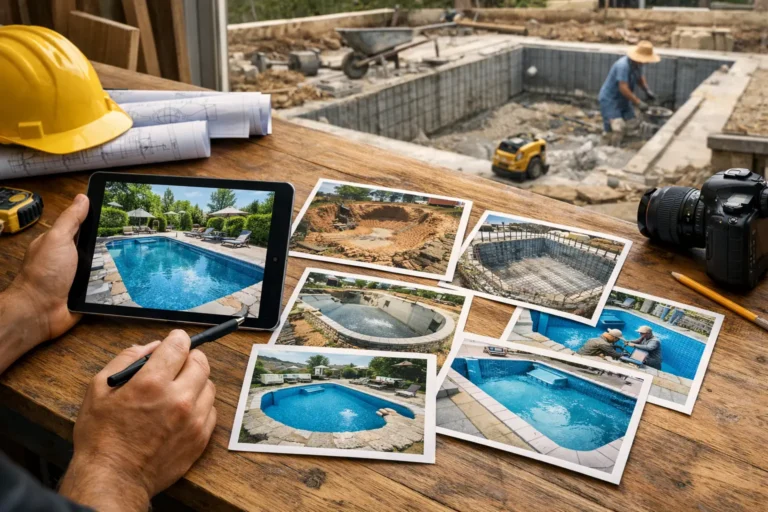
A useful portal also needs strong visual history. In long-running custom projects, progress is often easier to prove with images than with text. Clients may not understand every technical step, but they do understand visible movement. Photos from the workshop, the site, the installation phase, or the finishing stage make the project real.
There is also value in lightweight structure. Stage labels, milestone markers, and update categories help clients interpret what they are seeing. Too little structure creates noise. Too much structure turns the portal into a second internal system. The right balance depends on the complexity of the work and how often clients expect updates.
Where many businesses get it wrong
The most common mistake is thinking the portal needs to show everything.
It does not. Clients do not need every internal issue, every supplier message, or every scheduling adjustment. They need relevant visibility. A portal should reduce uncertainty, not expose every operational detail in a way that creates more questions.
The second mistake is inconsistency. A portal only works if updates continue after the first week. If clients see a strong start and then nothing for ten days, the silence feels louder than before. That is why the system has to fit normal operations. It should be simple enough that site managers, workshop leads, or project coordinators can update it without friction.
The third mistake is treating updates as marketing content. Clients are not looking for polished storytelling during delivery. They want clarity. A quick photo set with a short note on what was completed and what comes next is often more useful than a highly produced update that takes too long to publish.
When a customer project portal makes the biggest difference
Not every business needs one in the same way. If your projects are short, low value, and completed in a day or two, a portal may be unnecessary.
But if your work involves deposits, custom specifications, long lead times, staged delivery, or many visual progress points, the value becomes much clearer. The longer the project and the less visible the work is to the client, the more helpful a portal tends to be.
This is especially true for renovations, bespoke manufacturing, fit-outs, refits, restorations, custom builds, and specialist installations. In these jobs, there are often long stretches where the client is not physically present and cannot judge progress for themselves. That is where communication quality directly affects trust.
A structured platform like CustomWorks is built for exactly that gap. Instead of forcing clients into internal systems or relying on scattered messages, it gives each project a private update feed that shows photos, videos, notes, stages, changes, and delivery progress in one place.
How to start without creating more admin
The practical way to introduce a customer project portal is to keep the process narrow.
Start with your existing update rhythm. If your team already takes site photos or workshop photos, use those. If project managers already send status emails every Friday, turn that same information into a short portal update instead of writing it twice. The goal is not to create new reporting work. It is to organize the communication you already need to send.
Decide who owns updates for each project. In smaller companies, that may be the owner or project manager. In larger teams, it might be a coordinator collecting inputs from site or production staff. Clear ownership matters because shared responsibility often becomes no responsibility.
Then define a simple standard. For example, every update might include a few current photos, one sentence on what has been completed, and one sentence on what is next. If there is a change, delay, or decision required, add that in plain language. This creates consistency without bureaucracy.
From there, frequency depends on the job. Some projects need updates two or three times a week. Others only need one strong weekly update unless something important changes. More is not always better. Predictable is better.
The real value is not the portal itself
A customer project portal is useful because it changes the client experience during the period when confidence is most fragile. It replaces silence with visible progress. It replaces scattered communication with one record. It helps your team answer fewer repeat questions while looking more organized in the process.
And that matters beyond the current project. Clients remember how a company communicated when things were underway, not just how the final handover looked. If they felt informed throughout, they are more likely to trust the process, approve the next stage, and speak well about the experience after the work is done.
The best systems do not try to impress clients with complexity. They make progress easy to see, easy to understand, and hard to lose. That is usually enough to turn a stressful waiting period into a professional, controlled experience.