Project Update Software That Clients Use
Silence is where good projects start to feel risky to clients. A renovation, custom build, refit, or fabrication job might be moving exactly as planned, but if the customer cannot see that progress, they start asking the same question in different ways: Any updates?
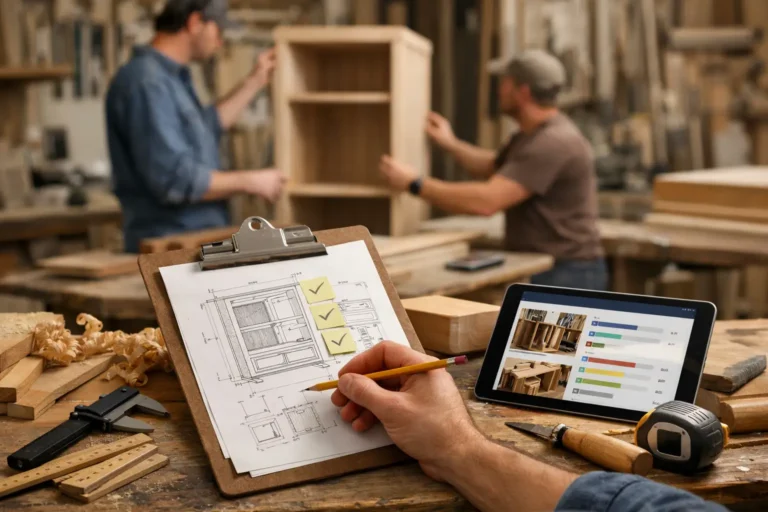
That is where project update software earns its place. Not as another internal system for your team to maintain, and not as a complicated client portal full of features nobody wants to learn. The real job is simpler. It should help you show visible progress, explain what changed, record decisions, and give clients one clear place to follow the project without chasing your team across email, text messages, and chat apps.
CustomWorks.app
Keep clients updated without messy chats
Give each project a private feed for client updates — and keep a clear history of photos, videos, notes, stages, decisions, and delivery moments for your team.
What project update software should actually solve
For companies delivering long-running custom work, the communication problem is usually not a lack of effort. It is fragmentation. Photos sit on one person’s phone. Key decisions live in email. A delivery note is sent by text. A change request gets discussed in WhatsApp. Two weeks later, the client remembers one version, the team remembers another, and everyone wastes time reconstructing the story.
Good project update software fixes that by creating a single, client-friendly record of progress. It gives your team a repeatable way to post updates as the job moves forward, and it gives the client a simple timeline they can understand without guidance.
That matters because custom projects are not static. Materials arrive late. Designs evolve. Site conditions change. Install dates shift. Clients do not expect perfection, but they do expect visibility. If they can see what happened, why it happened, and what comes next, trust stays intact even when the schedule does not.
Why most teams do not need more project management software
A lot of businesses already have some form of internal project management. They may use spreadsheets, a job management system, or a full PM platform for scheduling, tasks, procurement, and internal notes. The issue is that these tools are built for the team, not the client.
That difference matters more than software vendors usually admit. Internal project management software tends to be too dense for client communication. It exposes too much irrelevant detail, requires setup that busy teams skip, or forces clients into dashboards they do not want to check. In practice, teams end up falling back to email threads and messaging apps because it feels faster.
The trade-off is obvious. Quick messages are easy in the moment, but they create a messy project history. They do not scale, they are hard to review, and they make your communication feel less structured than the work you are actually doing.
Project update software should sit in a different lane. It should not try to run your operations. It should help you present progress clearly to the client.
The best project update software feels simple on both sides
If your team avoids using it, or your clients need instructions to access it, the system will fail no matter how many features it has. The strongest setups are usually the simplest.
For the team, posting an update should take a minute or two. Add photos or video, write a short note, mark a stage, mention a change, and move on. If updating the client becomes admin work, it will be postponed until the next complaint lands in the inbox.
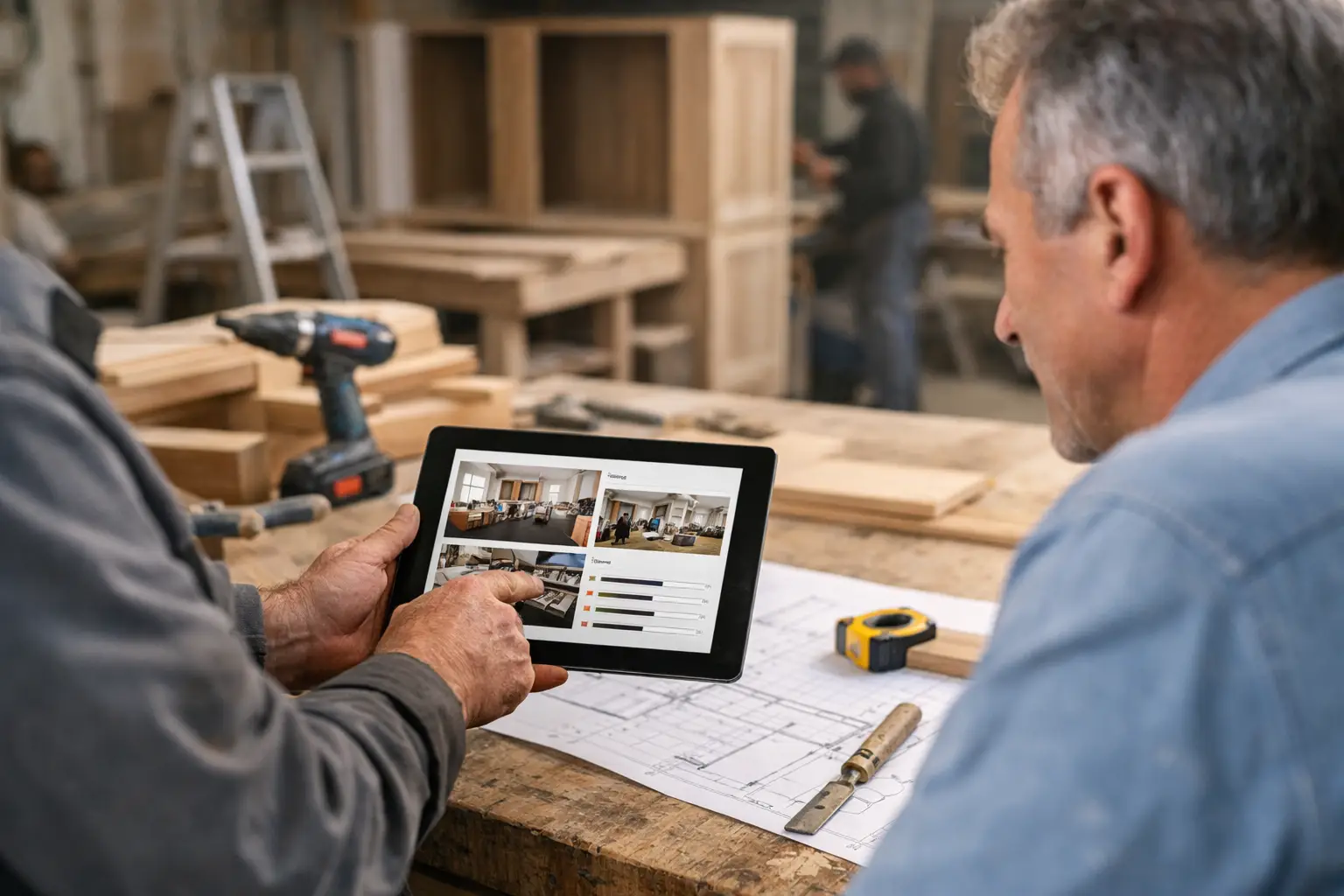
For the client, the experience should feel obvious. They should be able to open the project feed, scroll through progress, review what was completed, and understand the current position without booking a call. That does not remove human communication. It makes the human communication more useful because people start from the same facts.
This is especially valuable in industries where visible progress matters. A kitchen remodel, a custom furniture order, a retail fit-out, a yacht refit, or a specialist manufacturing job all produce moments the client wants to see. Photos from site, workshop milestones, mockups, finish selections, revisions, snagging items, and handover updates all help turn uncertainty into clarity.
What to look for in project update software
The right features depend on your workflow, but the fundamentals are consistent. First, you need a private client-facing space for each project. Not a public gallery and not a shared chat thread. A dedicated feed gives structure to the work and sets a professional tone from the start.
Second, visual updates matter. Long-running custom projects are easier to understand when clients can see them. Photos and short videos often do more than long written explanations, especially when showing progress that would otherwise be invisible to someone off-site.
Third, the software should support short contextual notes. A photo without context can create new questions. A simple explanation of what was completed, what changed, or what is waiting on approval keeps the client aligned.
Fourth, you need continuity. The value compounds over time because every update becomes part of a visible project history. That helps with live communication during the job, and it also helps later when reviewing decisions, clarifying scope changes, or showing what was delivered.
A final point is ease of adoption. If setup is heavy or usage rules are too strict, smaller teams will not keep it current. A practical system fits around the way people already work in the field, workshop, or studio.
Where project update software makes the biggest difference
The best fit is any business where projects run for weeks or months, involve client-specific work, and include multiple stages that are hard for the customer to track on their own.
Construction and renovation teams use it to show site progress and explain delays before they become friction. Interior designers and fit-out companies use it to keep clients aligned through approvals, installations, and finish changes. Custom builders, joinery shops, and furniture makers use it to document fabrication, assembly, and delivery milestones. Boatyards, restoration specialists, and bespoke manufacturing teams use it because the work is often complex, expensive, and emotionally significant to the client.
In all of these cases, the software is doing more than sharing updates. It is reducing the communication gap between paid work and visible reassurance.
A better process for client updates
Most teams do not need a complicated communications strategy. They need a consistent one.
A workable approach is to update at meaningful moments rather than trying to report everything. That could mean posting at the end of each work stage, after an important site visit, when materials arrive, when a design decision is finalized, when a change affects timing, or when the project is ready for handover.
This rhythm keeps the feed useful instead of noisy. Clients do not need a stream of minor activity. They need proof that the project is moving and a clear explanation when it is not.
That is why dedicated tools such as CustomWorks can be more effective than general-purpose systems for this use case. When the focus is on private project feeds, visual progress, concise notes, and a clear timeline, teams are more likely to keep updates going and clients are more likely to read them.
Common mistakes when choosing project update software
One common mistake is choosing a tool built around internal task management and expecting it to solve client communication by default. Sometimes that works, but often it creates extra complexity without improving visibility.
Another mistake is thinking that a shared chat can do the same job. Chats are useful for quick exchanges, but they are poor records. Important information gets buried, photos become hard to find, and new stakeholders struggle to catch up.
Some businesses also overestimate how much detail clients want. Clients usually do not need every internal dependency, task owner, or scheduling issue. They want reassurance, clarity, and confidence that the work is under control. Good project update software supports that without oversharing operational noise.
It also helps to be honest about team habits. If your supervisors or project leads are already overloaded, the best solution is not the one with the longest feature list. It is the one they will actually use every week.
How to tell if your current setup is failing
If clients regularly ask for updates even though the project is moving, the issue is not just progress. It is visibility. If your team spends too much time answering the same status questions, searching for old photos, or clarifying what was agreed, your communication system is costing more than it seems.
You can also spot the problem in handover conversations. When clients say they had no idea how much had been done until the end, that usually means the work was fine but the narrative around it was missing. Project update software fills that gap by turning progress into something the client can follow in real time.
The right tool will not remove every difficult conversation. Delays, changes, and mistakes still happen. But when the project history is clear, those conversations are easier because the evidence is already in front of everyone.
For businesses delivering custom work, that is the real value. Not more software for the sake of software, but a cleaner way to keep clients informed, reduce repeat questions, and make the whole project feel more controlled from start to finish.
The companies that communicate best during long projects usually are not saying more. They are showing the right things, in the right place, at the right time.