Landscape Design Project History That Clients Trust
A landscape project often looks quiet before it looks impressive. Clients see a site visit, then a drawing, then a stretch of time where not much seems to happen from their side. Meanwhile, your team is juggling measurements, revisions, plant selections, drainage decisions, hardscape sequencing, supplier delays, weather, and budget changes. That gap is exactly where landscape design project history matters.
When there is no clear record of what happened, when it happened, and why a change was made, clients start filling in the blanks themselves. That usually leads to status questions, uncertainty, and avoidable friction. A visible project history does something simple but valuable: it turns a long, custom job into a clear timeline clients can follow.
CustomWorks.app
Keep clients updated without messy chats
Give each project a private feed for client updates — and keep a clear history of photos, videos, notes, stages, decisions, and delivery moments for your team.
Why landscape design project history matters
Landscape design is not a one-step service. It unfolds over time, often in phases that make perfect sense to your team but feel fragmented to a client. First there is discovery. Then concept work. Then revisions. Then materials, approvals, scheduling, site prep, installation, and finishing details. If those stages live across email threads, text messages, camera rolls, and internal chat, the client gets only fragments.
That creates two business problems. The first is communication overhead. Clients ask for updates because the process is not visible. The second is trust erosion. Silence after a deposit or signed proposal rarely feels neutral. Even when work is moving forward, a client who cannot see progress may assume delay, confusion, or neglect.
A well-kept project history fixes both. It shows the progression of the work in a format that is easy to understand: what was shared, what changed, what was approved, what was completed, and what comes next. For landscape firms, that is especially useful because so much of the work is visual and sequential.
What a good project history should include
A useful landscape design project history is not a document produced at the end of the job. It is an ongoing record built throughout the project. The goal is not administrative detail for its own sake. The goal is client clarity.
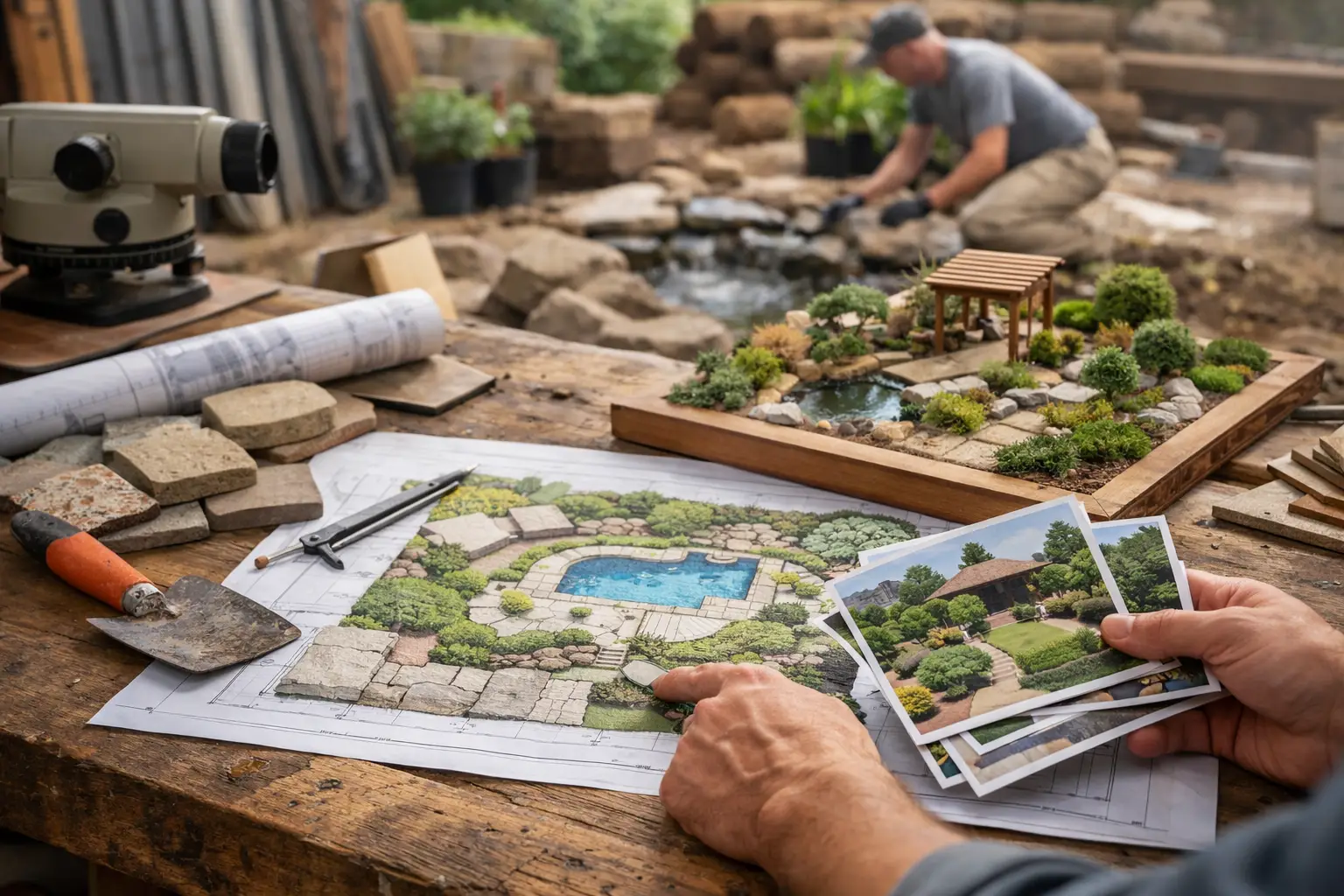
That means the history should capture the moments a client actually cares about. Early photos and site measurements matter because they show the starting point. Concept sketches and design options matter because they show direction. Notes on plant palette changes, paving selections, grading adjustments, irrigation decisions, and lighting revisions matter because they explain why the plan evolved.
It should also include practical milestones. When demolition starts, when soil prep is complete, when hardscape is underway, when planting begins, when weather causes a delay, and when final punch items are resolved – these are the points that reduce uncertainty. Photos and short updates usually do more here than long reports.
There is a trade-off, though. Too little detail makes the history vague. Too much detail turns it into noise. Most clients do not need every internal coordination point. They need a clean record of visible progress, key decisions, and meaningful changes.
Visual proof is especially important in landscape work
Landscape projects are easier to trust when clients can see them develop. A written note saying “retaining wall complete” is helpful. A photo showing the wall in place, aligned with the grade plan, is better. Before-and-after comparisons are particularly effective because they make progress obvious, even when the full design is not finished yet.
This matters because landscape work often has periods that look messy before they look polished. Excavation, trenching, drainage work, and staging areas can make a site appear worse before it improves. Without visual context, that phase can trigger concern. With visual context, it looks like what it is: part of the process.
Where most landscape teams lose the history
The problem usually is not that updates never happen. It is that they happen everywhere.
A designer sends revised plans by email. A site supervisor shares install photos in a group chat. A client asks a question by text. A supplier issue gets mentioned on a call. A scope adjustment is confirmed in a message thread that no one can easily find two months later. By the end of the job, the project history exists, but only as scattered fragments across different tools and people.
That creates risk. If a client asks when they approved a layout change, your team may need to search old messages. If there is confusion about whether a feature was included in the original design or added later, the answer may be buried in someone else’s inbox. If the client wants a full visual record after completion, assembling it becomes extra admin work.
This is where a client-facing timeline is more than a convenience. It gives the project a single visible record. Instead of repeating updates across channels, the team adds them once in the same place the client expects to find them.
How to build a better landscape design project history
The most effective approach is usually the simplest one: update the history as the job moves, not after the fact.
Start with the initial project context. Add site photos, a short note about goals, and any early design direction that anchors the rest of the work. This helps clients remember where the project began and gives later updates more meaning.
Then track the major stages in order. Concept presentation, design revision, materials selection, final scope confirmation, site preparation, installation phases, weather impacts, change requests, and completion milestones should all be documented as they happen. Each update should answer one practical question: what changed, what was completed, or what should the client understand now?
Keep the wording brief. Long explanations are rarely necessary unless a change affects budget, timing, or outcome. In most cases, a few sentences plus photos or video are enough. That keeps the record easy to follow for both the client and your team.
Consistency matters more than polish. A project history with short, regular updates is more useful than a perfect update posted only once every few weeks. Clients do not expect a presentation. They expect visibility.
Include changes without making the project feel unstable
Landscape design projects change. That is normal. Site conditions shift, products go out of stock, plant availability changes by season, and clients rethink details once they see the design taking shape. Hiding those changes is not helpful. Recording them clearly is.
The key is framing. A project history should show that changes were managed, not that the job was drifting. If a stone option was replaced due to lead time, say so plainly. If drainage details were adjusted after uncovering site conditions, explain the reason in practical terms. Clients are usually comfortable with change when they can see the logic behind it.
The business impact of a clear project history
For many firms, the immediate benefit is fewer update requests. When clients can open a timeline and see recent photos, notes, and milestones, they do not need to send as many “Just checking in” messages. That saves time, but it also improves the tone of the relationship. Communication becomes proactive instead of reactive.
There is also a professionalism benefit. A clear project history makes your process feel organized. It shows that your team is in control of the work and that decisions are being tracked. For long-running, high-value projects, that matters almost as much as the design itself.
It also helps after handover. Clients often want a record of what was done, especially on complex properties where planting, irrigation, lighting, drainage, and hardscape were completed over multiple stages. A structured history gives them something useful instead of a folder full of random photos.
For teams managing several projects at once, this system reduces internal dependence on memory. If a client calls with a question, the answer is easier to find. If someone on the team is out, another person can review the timeline and understand the project quickly.
One platform built around this idea is CustomWorks, which gives each project a private client-facing feed for photos, videos, stage updates, decisions, changes, and progress over time. For landscape firms that want clients to see movement without turning updates into full project management, that structure fits the job well.
Landscape design project history is really about reducing silence
Most client frustration in long projects does not come from one major failure. It comes from long stretches where nothing is visible. Landscape design has too many moving parts to rely on memory, scattered chats, or occasional email recaps.
A good landscape design project history gives shape to the work. It shows progress when the site still looks unfinished. It captures changes before they become disputes. It keeps the client oriented without forcing your team to answer the same questions repeatedly.
If your projects already include photos, notes, decisions, revisions, and stage updates, then you already have the raw material. The real improvement is putting that information into one clear timeline that clients can actually follow. When the history is visible, the project feels managed – and clients notice the difference.