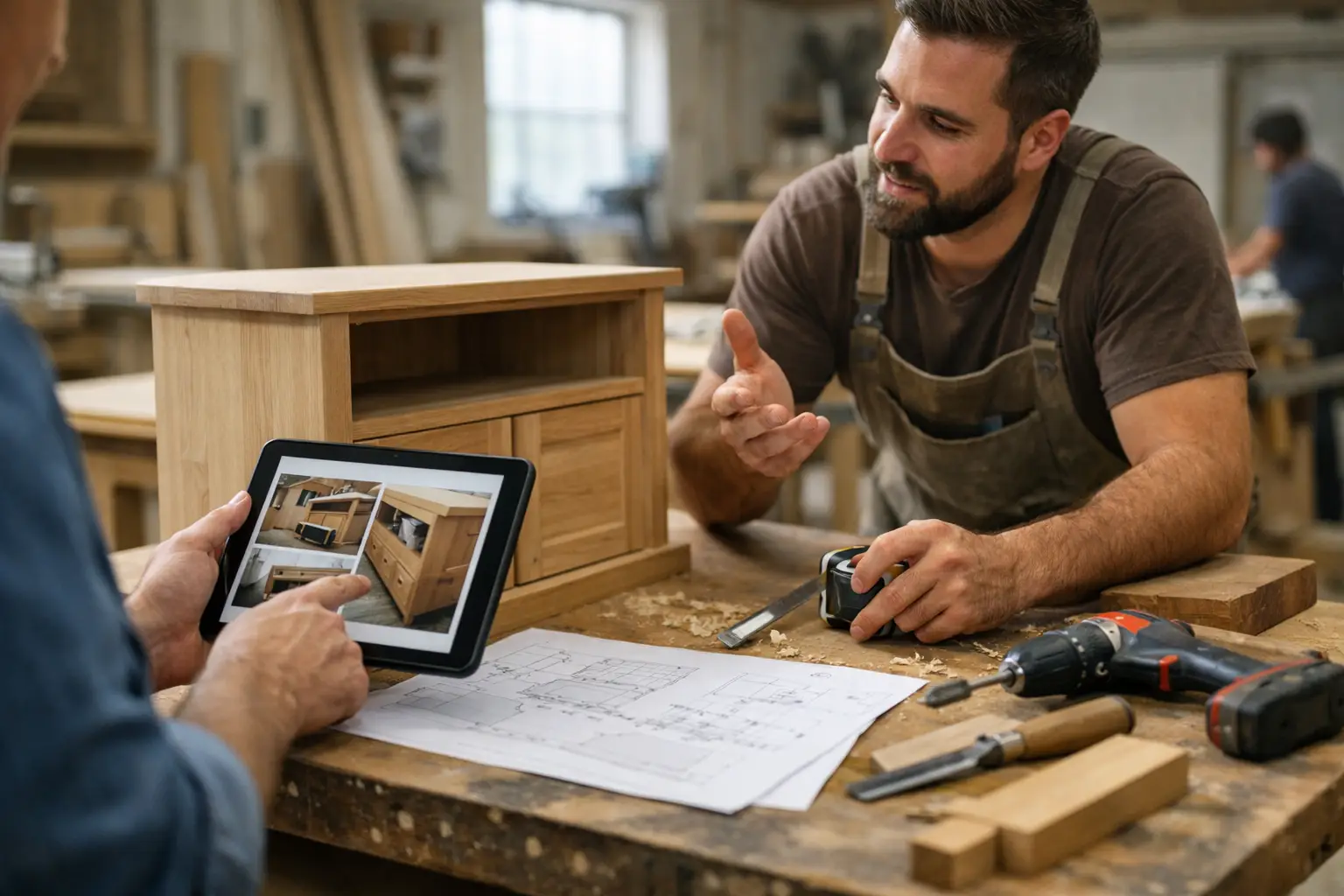
Custom Woodworking Project Updates That Work
A custom cabinet run is halfway through finishing, the client approved the stain last week, hardware is delayed by four days, and your team has three other jobs moving at the same time. This is exactly where custom woodworking project updates either protect the client relationship or quietly damage it. When updates are inconsistent, clients fill the silence themselves. They assume delays are bigger than they are, decisions get buried in messages, and your team spends time answering the same question in five different places.
For woodworking businesses, the issue is rarely the work itself. The issue is visibility. Clients can understand that custom work takes time. What they struggle with is not knowing what has happened, what is happening now, and what still needs a decision from them.
CustomWorks.app
Keep clients updated without messy chats
Give each project a private feed for client updates — and keep a clear history of photos, videos, notes, stages, decisions, and delivery moments for your team.
Why custom woodworking project updates matter more than most shops think
Woodworking projects are visual, staged, and highly specific. A client may not care about every production detail, but they do care that the walnut was selected, the mockup was approved, the finish sample matched expectations, and installation is still on track. If those moments are not documented clearly, the project can feel uncertain even when the shop is performing well.
That uncertainty creates avoidable pressure. Clients start checking in more often. Team members reply from memory instead of from a shared record. Photos live on one person’s phone, design changes sit in email, and delivery expectations get repeated in chat threads that no one wants to search later.
Good updates solve a business problem, not just a communication problem. They reduce interruptions, make handoffs easier between team members, and create a cleaner client experience from deposit to delivery. For a shop handling long lead times, custom builds, or high-ticket residential work, that professionalism matters.
What clients actually want from custom woodworking project updates
Most clients do not want full access to your internal workflow. They are not asking to see task boards, workshop scheduling, or procurement notes. They want a simple answer to a simple concern: is my project moving forward?
That answer usually needs four things.
First, visual proof. A quick photo of panel selection, assembly progress, dry fitting, or finishing work gives clients confidence fast. Second, short written context. A few clear lines explaining what they are seeing is often enough. Third, decisions captured in one place. If the client approved a finish, changed a handle style, or confirmed an installation date, that should sit next to the rest of the project history. Fourth, a sense of sequence. Updates work best when clients can follow the timeline without asking your team to reconstruct it.
This is where many shops get stuck. They do send updates, but in fragments. A photo over text, an approval in email, a delivery note in chat, a quick phone call to confirm a detail. Each piece makes sense in the moment. Together, they create a messy record.
The most common update mistakes in woodworking businesses
The first mistake is updating only when something goes wrong. That trains clients to associate every message with bad news. A better rhythm includes routine progress updates, even when the message is simple.
The second mistake is overexplaining internal activity. Clients usually do not need the entire production story. They need the visible milestone, the current status, and anything they must approve.
The third mistake is relying on whichever channel is easiest at the time. WhatsApp is fast. Email feels formal. Phone calls are convenient. The trade-off is that information gets scattered. Once that happens, no one has a clean project history.
The fourth mistake is leaving updates to one person’s memory. In small shops, that is common. The owner, project manager, or lead craftsperson becomes the human filing system. That works until they are busy, off-site, or trying to remember whether the client approved brushed brass or matte black.
A better way to structure custom woodworking project updates
The most effective update process is simple enough that your team will actually use it. It does not need to become project management. It needs to create clarity for the client and consistency for the business.
Start with project stages that make sense for woodworking. For example, that might be design approval, material selection, cutting and fabrication, assembly, finishing, quality check, delivery, and installation. Not every project needs every stage, but most custom jobs follow a pattern.
Within those stages, post short updates tied to real progress. A good update might include two workshop photos, one sentence on what was completed, one sentence on what comes next, and a note if the client needs to confirm anything. That format works because it respects the client’s attention while still showing movement.
It also helps to distinguish between progress updates and change updates. Progress updates reassure. Change updates document decisions. If a client changes dimensions, finish, edge detail, or installation timing, record that clearly and separately enough that it cannot be confused later.
What a strong client update looks like in practice
Imagine a custom built-in library project. A weak update says, “Making progress this week.” That creates more questions than it answers.
A strong update says, “Cabinet carcasses are now assembled and dry fitted in the workshop. We have attached current photos before finishing begins. Next step is final sanding and stain application on Thursday. Please confirm that you want the sample marked B as the final tone so we can proceed on schedule.”
That kind of message works because it is visual, specific, and actionable. It tells the client where the project stands and what happens next. It also reduces the chance of a delayed approval becoming your shop’s problem later.
For a furniture maker, the same logic applies at a smaller scale. A dining table update might show slab preparation, explain that base fabrication is complete, and note that final finish coats will need two more curing days before dispatch. Clear updates turn waiting time into visible progress.
Why scattered communication creates hidden costs
Shops often underestimate how expensive fragmented communication is. The cost is not just annoyance. It shows up in labor hours, duplicated responses, missed details, and client confidence.
If a customer asks for an update and your team has to search phones, scroll old chats, and check with the workshop before replying, that is operational waste. If a finish approval is buried in a message thread and later disputed, that is risk. If the client feels ignored because no one gave them a clean timeline, that affects referrals and repeat work.
This is why a dedicated client-facing update system makes sense for custom work businesses. The goal is not to expose every internal process. The goal is to give clients one organized view of progress, decisions, photos, and milestones without turning updates into a full admin job.
For companies that want a cleaner way to handle this, CustomWorks is built around private project updates, visual progress history, and structured client communication for long-running custom jobs.
How to make updates easier for the team
The best update process is one that fits into the workday. If posting an update feels like extra paperwork, consistency will collapse after the first busy week.
A practical approach is to assign responsibility by stage, not by personality. The designer posts after approvals. The workshop lead posts after fabrication milestones. The installer posts after delivery or site progress. That spreads the effort and keeps updates tied to the people closest to the work.
It also helps to set a minimum rhythm. For some shops, that is one update per week unless something major changes. For others, it is one update at every visible milestone. The right cadence depends on project length and client expectations. A six-week furniture build needs a different rhythm than a four-month whole-home millwork package.
Short templates can help, as long as they do not make updates sound robotic. Keep the structure simple: what was completed, what is next, what needs approval, and current timing if relevant.
The balance between transparency and overcommunication
There is a limit. Too many updates can be almost as unhelpful as too few. If clients receive constant minor workshop notes, they may stop reading or start reacting to details that do not require their involvement.
The better standard is meaningful visibility. Share stage changes, visual progress, important decisions, schedule shifts, and delivery milestones. Skip noise that adds no value to the client view.
This is especially important in woodworking, where the process has natural waiting periods. Glue curing, finish drying, supplier lead times, and installation sequencing can all create pauses. Those pauses do not need daily explanation. They need occasional context so the client understands that no visible change does not mean no progress.
When custom woodworking project updates are handled well, the effect is immediate. Clients ask fewer status questions. Your team spends less time piecing together old decisions. The project feels organized from the outside because it is organized in how it is presented.
And that is the real advantage. In custom work, silence makes clients nervous. Clear updates make the process feel controlled, professional, and easier to trust.