Art Installation Client Updates That Work
An art installation rarely feels long from the installer’s side. The schedule is packed, the site conditions change, the fabrication timeline shifts, and the crew is moving. For the client, though, silence stretches. That is why art installation client updates matter so much. If a client has approved a concept, paid a deposit, and is waiting for a piece to arrive, be fabricated, or be installed on-site, they do not just want the final result. They want visible progress.
The problem is not that most teams fail to communicate. It is that they communicate in ways that are hard to maintain. A few photos in a text thread, a quick email after a site visit, a phone call about a delay, and maybe a spreadsheet somewhere with revised dates. Each message makes sense in the moment. Over a six-week or six-month project, it becomes a fragmented record that clients cannot easily follow and teams cannot easily manage.
CustomWorks.app
Keep clients updated without messy chats
Give each project a private feed for client updates — and keep a clear history of photos, videos, notes, stages, decisions, and delivery moments for your team.
For art installers, fabricators, galleries, exhibition teams, and project managers handling custom work, better updates are not about adding more admin. They are about removing friction. When updates are clear, visual, and easy to access, clients ask fewer status questions, approvals happen faster, and the whole project feels more controlled.
Why art installation client updates break down
Most communication problems start with good intentions. A project manager wants to keep the client informed, so they send updates wherever it is fastest. That might be email, text, WhatsApp, or a call from the site. The issue is not the channel itself. The issue is what happens after the third change, fifth photo set, or second delivery adjustment.
Clients lose track of what is current. Teams repeat themselves. Important decisions sit inside personal inboxes or phone threads. Photos are stored on one person’s device instead of inside the project story. When a client asks, “Where are we now?” the answer often requires someone to reconstruct the timeline manually.
Art installation work makes this worse because the process is visual and staged. There may be design approvals, material selections, mockups, fabrication progress, packing, transport, site prep, installation sequencing, punch-list items, and final handover. If those moments are not documented in a clean timeline, the client sees only gaps.
Silence creates its own narrative. A client who has not heard anything for ten days may assume there is a problem, even when the work is progressing normally. That assumption creates anxiety, and anxiety creates more messages, more calls, and more time spent reassuring instead of delivering.
What clients actually want from art installation client updates
Most clients do not want a full project management system. They do not want to learn your internal process, review task boards, or log into software built for your operations team. They want something simpler.
They want to know what happened, what is happening now, and what comes next. They want photos that prove the work is moving. They want notes that explain delays without forcing them to decode technical detail. They want key decisions captured clearly, especially when timelines, finishes, dimensions, or access conditions change.
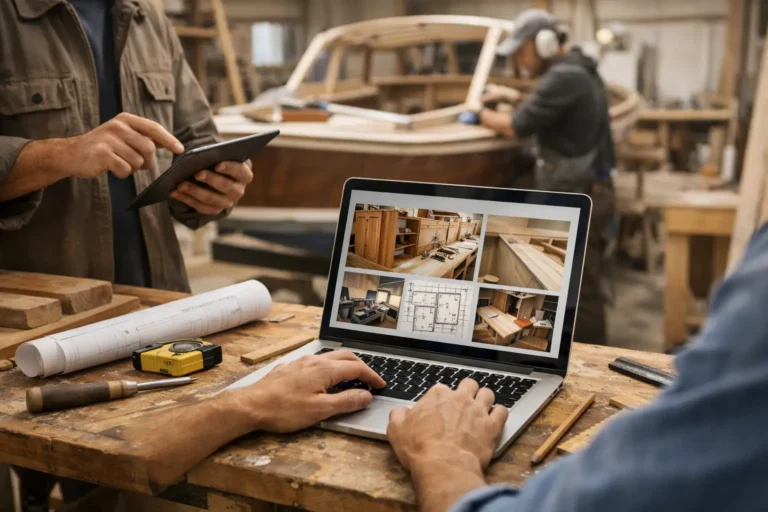
That means the best update format is usually a private, client-facing progress feed rather than scattered one-off messages. A structured feed turns project communication into a visual history. Instead of searching through email threads, clients can see the sequence in one place.
This approach also helps set the right expectation. Not every update needs to be long. In fact, shorter updates are often better. A quick stage note, two photos from fabrication, a short video from the site, or a delivery confirmation can do more than a detailed email nobody fully reads.
What good update communication looks like in practice
A strong update system for art installation projects is built around clarity and consistency. It should show progress without creating extra reporting work for the team.
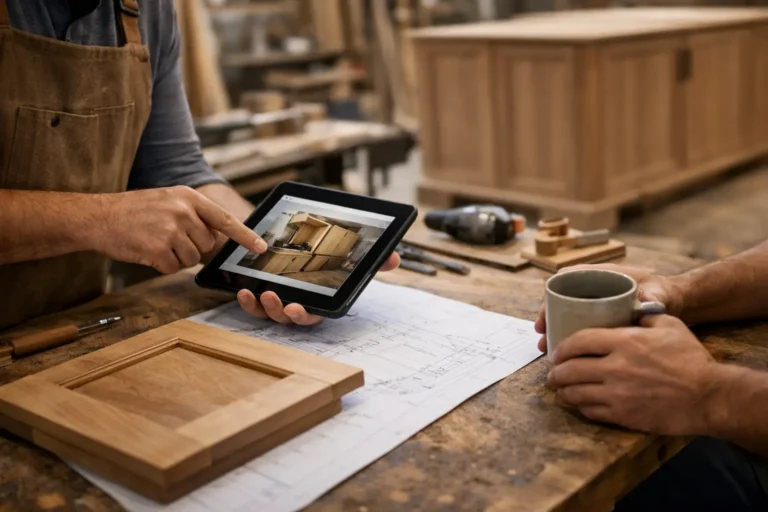
The most useful updates tend to include visual proof, a plain-language explanation, and context about timing. For example, instead of saying, “Fabrication in progress,” a better update would show images of the frame assembly, mention that the finish sample was approved, and note that crating is scheduled for next week. That gives the client confidence because they can see movement and understand the stage.
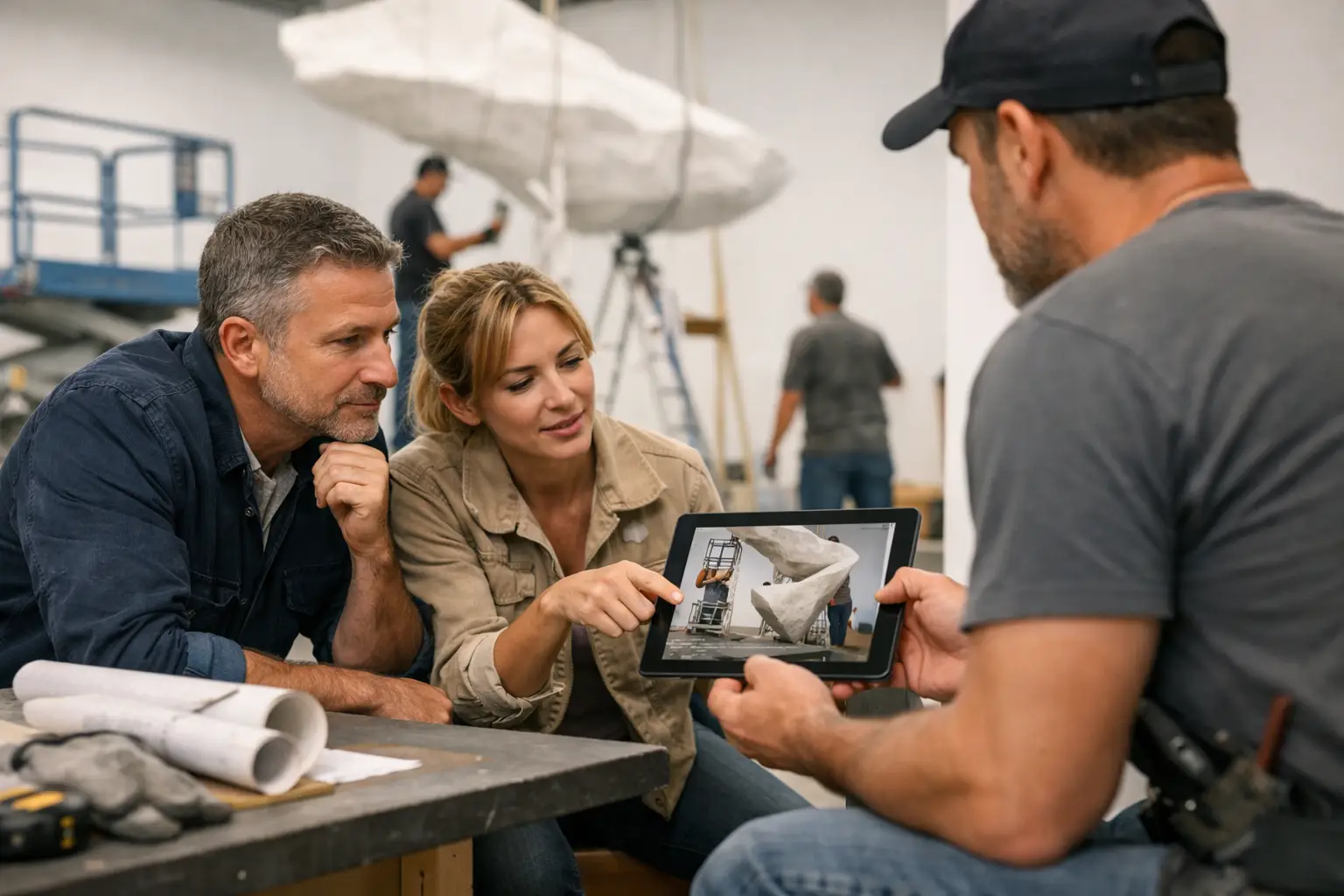
This is especially valuable when a project includes multiple stakeholders. A gallery owner, architect, property manager, curator, or end client may all need visibility at different points. If updates live in scattered channels, someone always gets left out or receives information late. A single project timeline prevents that.
Good updates also reduce emotional friction around delays. In art installation work, delays are not always avoidable. Site access issues, supplier lead times, transport damage risk, and approval hold-ups are real. What clients react badly to is not always the delay itself. It is finding out too late or feeling that nobody has been documenting the path to that change.
A simple structure for better client updates
If your current process is reactive, the fix does not need to be complicated. Start with a basic rhythm that clients can rely on.
First, define what counts as an update. For most art installation projects, that means progress photos, videos, stage completions, approvals, changes, issues that affect timing, and delivery or installation milestones. If a piece of information would help a client understand the project status next week, it belongs in the record.
Second, set a communication cadence. Weekly is often enough for many projects, but it depends on pace and visibility. A fabrication-heavy project may need one substantial update a week, while an active on-site installation might justify shorter, more frequent posts. The goal is not constant messaging. The goal is to avoid long periods of silence.
Third, write updates in plain business language. Clients should not need specialist knowledge to understand what changed. Keep the note short, mention the stage, explain the impact, and attach visuals where possible.
Fourth, keep decisions attached to the project timeline. If a client approves a finish change, asks for repositioning, or agrees to a revised install date, that should live beside the rest of the project history. This avoids confusion later when memories differ.
Finally, make sure the client can view the history without asking your team to resend old material. That one change alone can cut a surprising amount of repetitive communication.
Why email and chat threads stop working
Email still has a role, but it is weak as a long-term record for visual project progress. Threads split. Attachments get buried. New recipients miss context. Chats are even harder to manage because they feel convenient while the project is active, then become impossible to search cleanly once there are dozens of messages.
For long-running custom work, the communication method should reflect the nature of the job. Art installation is not a one-day service call. It is a process with stages, visuals, revisions, logistics, and handover moments. A timeline-based update format fits that reality much better than general messaging tools.
This is where a dedicated system can make a practical difference. A platform like CustomWorks gives each project a private client-facing update feed where teams can post photos, videos, notes, stage changes, and delivery updates in one clear place. That is useful not because it adds more software, but because it removes the need to piece together the story from scattered channels.
The trade-off: how much is too much?
Not every client wants the same level of detail. Some want weekly visibility. Others only want milestone updates unless something changes. That is why the best communication process leaves room for adjustment.
Too few updates create uncertainty. Too many low-value updates create noise. The right balance usually depends on project complexity, client personality, and how much risk or variability is involved in the schedule.
A good rule is to update when something visible changes, a decision is needed, a stage is completed, or timing shifts in a meaningful way. That keeps communication relevant without turning the process into reporting for its own sake.
It also helps to separate internal detail from client-facing detail. Your team may need task-level notes. The client usually needs stage-level clarity. Mixing those two creates confusion.
Better updates make the business look better
Art installation companies often focus heavily on the final presentation, which makes sense. The finished piece matters. But clients are also judging the experience of getting there.
When updates are organized, timely, and visual, the business appears more reliable. It feels easier to work with. That matters for referrals, repeat projects, and stakeholder confidence, especially when clients are trusting you with expensive, custom, or high-visibility work.
There is also an internal benefit. Teams spend less time answering the same status questions and less time searching for the latest approved photo, decision, or delivery note. Cleaner communication is not only client-friendly. It protects operational time.
If your projects run for weeks or months, your update process is part of the service. Clients notice when it is missing, and they notice when it is handled well. A clear project history does more than inform them. It reassures them that the work is moving, the details are under control, and the project is being managed with care.
The simplest improvement is often the most effective: stop treating updates like isolated messages and start treating them like part of the project itself.