Client Project Updates That Reduce Friction
Silence is expensive in long-running work. A client pays a deposit for a renovation, custom build, fit-out, or fabrication job, then hears very little for a week. Even if the project is moving, the gap creates doubt. That is why client project updates matter so much. They do more than share progress – they protect trust while the work is still underway.
For companies delivering custom projects over weeks or months, the communication problem is rarely dramatic. It is repetitive. Clients ask for photos, ask what changed, ask whether materials arrived, ask when the next stage starts. Your team answers in WhatsApp, follows up by email, sends a few photos from someone’s phone, and later tries to remember what was already approved. Nothing feels broken at first. Then the thread gets messy, details get buried, and everyone loses time.
CustomWorks.app
Keep clients updated without messy chats
Give each project a private feed for client updates — and keep a clear history of photos, videos, notes, stages, decisions, and delivery moments for your team.
Why client project updates affect more than communication
When clients cannot see progress, they start filling the gap with assumptions. Sometimes they assume nothing is happening. Sometimes they assume delays are being hidden. Sometimes they simply feel out of control because their money is committed but the work is out of sight.
That anxiety shows up as more messages, more calls, and more pressure on your team to reassure rather than deliver. In practice, poor updates create three business problems at once: they increase admin, make the client experience feel less professional, and weaken confidence during the period when trust matters most.
Good client project updates do the opposite. They make progress visible. They show that decisions are being tracked. They give clients a stable place to check what happened last week, what changed today, and what is coming next. That visibility reduces the need for constant one-off conversations.
This is especially important in businesses where the end result takes time to become visible. In a home renovation, a yacht refit, a bespoke furniture build, or a commercial fit-out, there may be long phases where the work is technical, hidden, or difficult for a client to interpret. A clean update with a photo, a short explanation, and the current stage can prevent a lot of confusion.
What clients actually want from project updates
Most clients do not want full access to your internal project management system. They do not want to learn a complicated tool. They usually want something simpler: proof of progress, clarity on key moments, and confidence that they have not been forgotten.
That means the best updates are not the longest or most detailed. They are the clearest. A few progress photos, a short note about what was completed, confirmation of a change, a material arrival, or a milestone reached can be more useful than a long technical explanation.
There is also a balance to get right. Too few updates create uncertainty. Too many low-value updates create noise. The right frequency depends on the type of work, but the principle stays the same: every update should help the client understand movement, decisions, or next steps.
The problem with scattered update channels
Many teams try to handle updates through tools they already use. That usually means a mix of email, messaging apps, shared photo folders, and occasional calls. It feels flexible, but over time it creates a fragmented project record.
Photos sit in one chat. A scope change is mentioned in email. A delivery delay is discussed on the phone. A finished stage is shared in a group message that later disappears under newer conversations. If a client asks, “When did we confirm that finish?” someone has to search across multiple places and hope the answer is still there.
The issue is not only inefficiency. Scattered communication makes the project feel less controlled. Even when your team is doing good work, the client experience can still feel improvised.
For custom projects, presentation matters. Clients are often buying something expensive, specific, and personal. The way progress is shown affects how they judge the business behind the work.
What better client project updates look like
A strong update system is built around one simple idea: the client should be able to open a single timeline and understand the project story without asking someone to reconstruct it.
That timeline should include the things clients actually care about during delivery: photos, videos, short notes, work stages, changes, important decisions, and delivery or handover moments. When those items sit together in order, the project becomes easier to follow for both the client and your team.
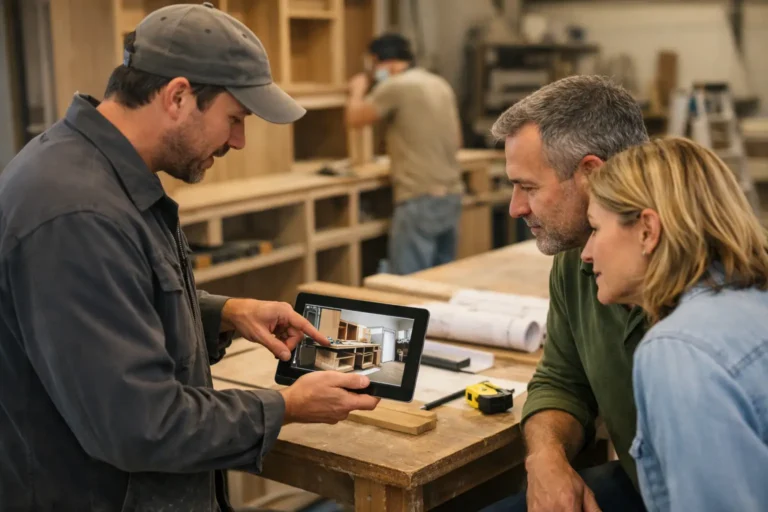
This is where a dedicated client-facing tool makes sense. CustomWorks is designed around that exact use case: clear client project updates in a private feed for each job, without turning the client into a user of internal task software.
That difference matters. Internal project tools are built for assignments, dependencies, and team workflows. Client updates need a different structure. They need to be simple to publish, easy to view, and organized around trust and visibility.
How to make your update process work in real projects
The best process is the one your team will actually maintain. If updating clients feels like extra admin, it will be skipped when work gets busy. A useful approach is to define a light rhythm and a consistent format.
Start by deciding what triggers an update. That could be a completed stage, a visible progress moment, a design decision, a confirmed change, a delivery event, or a schedule adjustment. This gives the team a practical reason to post instead of relying on someone to remember.
Next, keep each update short. One or two photos, a brief explanation of what happened, and a note on what comes next are often enough. You are not writing reports. You are reducing uncertainty.
Then make sure the history stays in one place. This is what turns individual messages into a usable project record. It helps the client stay oriented, and it helps your team refer back to prior decisions without searching through threads.
There is some nuance here. Not every client needs the same level of detail. A commercial client managing multiple stakeholders may want more frequent visibility. A residential client may care more about photos and milestone confirmations than technical detail. The format can stay consistent while the depth adjusts to the audience.
Where teams usually get it wrong
One common mistake is updating only when a client asks. That creates a reactive pattern where communication follows anxiety instead of preventing it. Another is sending updates that are too vague, such as “work is in progress,” without showing what that means.
A different mistake is over-explaining every internal issue. Transparency matters, but raw internal detail does not always help the client. The goal is not to expose every operational conversation. It is to give clear, relevant visibility into progress, changes, and outcomes.
Some teams also treat photos as optional. In long-running custom work, visuals are often the fastest way to create confidence. A short note plus a current photo can answer questions before they are asked.
Why this matters across industries
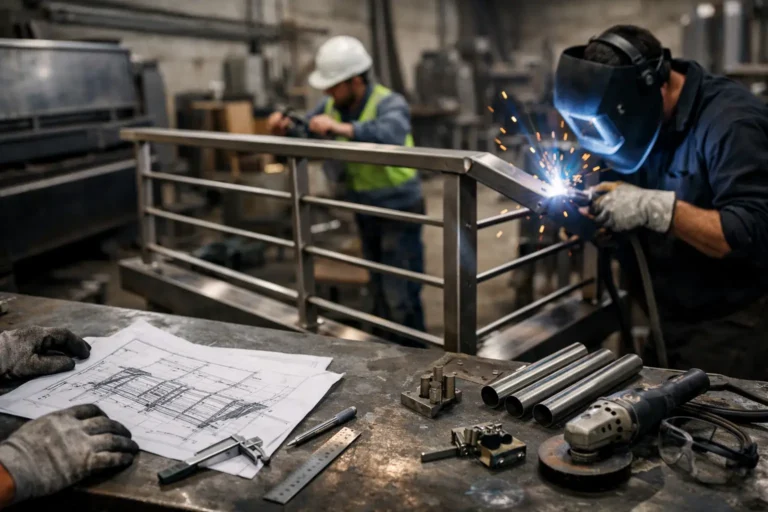
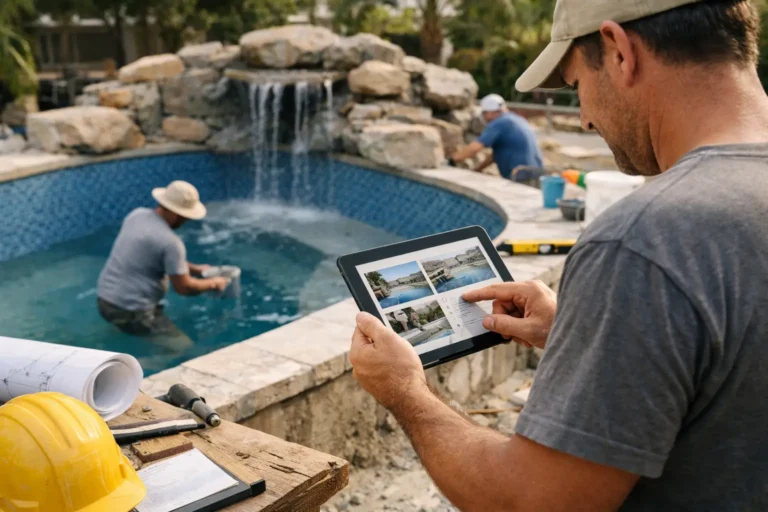
The need for better updates is not limited to one trade. Renovation companies use them to show stage-by-stage site progress. Interior fit-out teams use them to document installations and snag completion. Custom furniture makers use them to show fabrication, finishing, and pre-delivery checks. Boatyards and restoration specialists use them to show hidden technical progress that would otherwise be invisible to the owner.
The common factor is simple: the work takes time, money changes hands before completion, and the client cannot always see what is happening firsthand. In that environment, communication is part of delivery.
That does not mean every business needs a complex system. In fact, the opposite is often true. The more specialized and hands-on the work is, the more valuable it is to have a straightforward way to post progress without adding process for its own sake.
A professional update process builds trust before the final handover
Clients do not judge a project only at the end. They judge it throughout. They notice whether communication feels organized, whether questions are answered before they need to ask them, and whether the business appears in control.
That is why client project updates are not a side task. They are part of the service experience. Done well, they reduce friction internally and create a calmer client relationship externally. They also leave behind something useful: a visual project history that documents what happened from start to finish.
If your team is still piecing together progress updates across chats, emails, and saved phone photos, the real cost is not just time. It is the trust lost in every quiet gap. A cleaner update process gives clients something they rarely say out loud but always want during custom work: visible proof that the project is moving.