Project Progress Software That Clients Use
A client has paid a deposit, the work is underway, and then the messages start. Any update? Do you have photos? Has the delivery date changed? This is where project progress software matters most – not as another internal tool for your team, but as a clear way to show clients what is happening across a long-running custom project.
For companies doing renovations, fit-outs, custom builds, fabrication, bespoke manufacturing, or restoration work, progress is rarely simple. A project moves in stages, decisions change, lead times shift, and visible work does not happen every day. When communication is spread across email, WhatsApp, text, and phone calls, even well-run jobs can feel disorganized from the client side.
CustomWorks.app
Keep clients updated without messy chats
Give each project a private feed for client updates — and keep a clear history of photos, videos, notes, stages, decisions, and delivery moments for your team.
That gap creates two problems at once. Clients become uncertain because they cannot see momentum, and teams lose time repeating updates that already exist somewhere else. Good project progress software closes that gap by turning scattered status updates into one structured, client-friendly record.
What project progress software should actually solve
A lot of software in this category is built for internal project management. It focuses on tasks, dependencies, time tracking, resource planning, or team workflows. Those features can be useful, but they do not automatically solve the client communication problem.
If your business delivers custom work over several weeks or months, the real issue is usually simpler. Clients want visibility. They want to know that work is moving, what stage the project is in, what changed, and what happens next. They also want this information without having to chase your team for it.
That is why the best project progress software for custom project businesses should do three things well. It should make updates easy for your team to post, easy for clients to understand, and easy to review later when questions come up. If the system is too heavy, your team will avoid using it. If it is too technical, clients will not engage with it. If it lacks structure, you are back to scattered messages again.
Why traditional tools often fall short
Most project management platforms are designed around internal execution. They assume the audience is your staff, not your client. So the interface is full of boards, tasks, statuses, comments, and permissions that make sense for operations but not for customer reassurance.
That creates friction. Either you expose clients to a tool that feels too complex, or you keep them out entirely and continue sending updates manually. Neither option is ideal. The first can confuse clients. The second creates admin work and inconsistency.
There is also a presentation issue. A forwarded email chain or a set of photos buried in chat does not create a professional sense of progress. It may contain the right information, but it does not look organized. For businesses handling high-value custom projects, that matters. Clients judge reliability not only by the work itself, but by how clearly the process is communicated.
The best format for project updates
For long-running client projects, a timeline works better than a dashboard. Clients do not need to inspect your operations. They need to follow a story of progress.
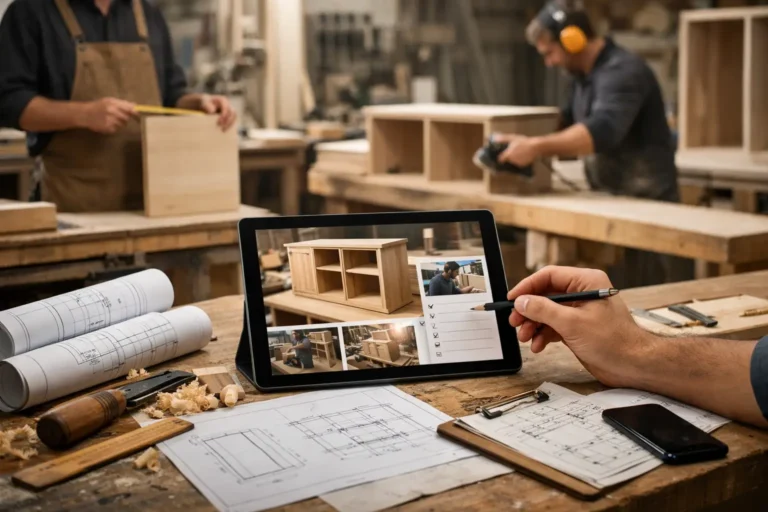
A clear update feed lets your team post photos, videos, short notes, stage changes, decisions, variations, and delivery milestones in one place. That format feels natural because it mirrors how clients think. They want to see what has happened, what the latest update is, and whether anything important has changed.
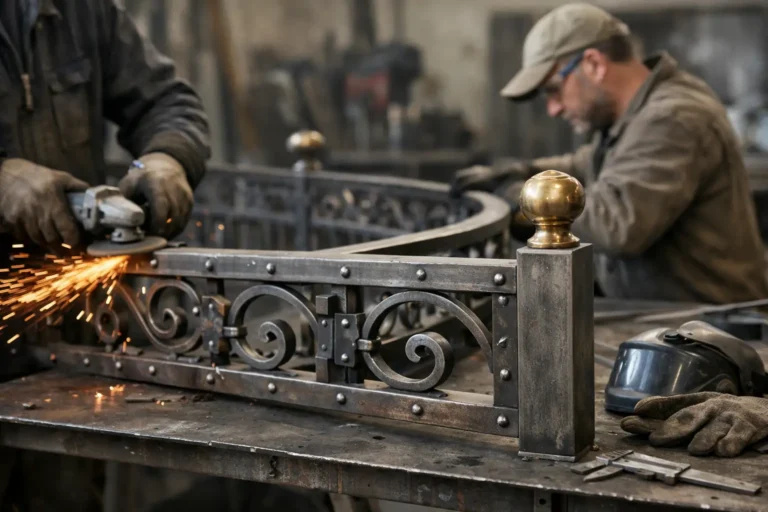
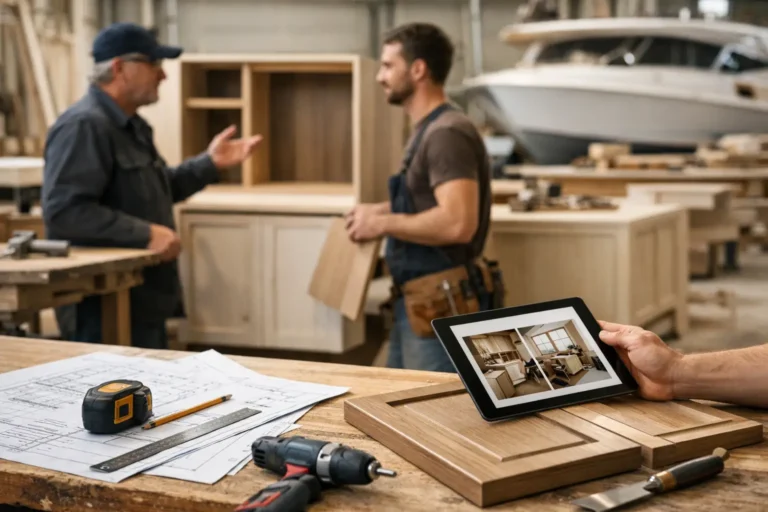
This is especially useful in industries where visual proof carries weight. A workshop can show fabrication progress. A renovation company can share site photos. A boatyard can document refit stages. An interior fit-out team can confirm installation milestones. In each case, images and short explanations often answer more questions than a long written report.
What to look for in project progress software
The right tool depends on how you work, but some requirements are consistent across most custom project businesses.
First, updates have to be quick to create. If posting progress takes too many steps, it will not happen consistently. Teams need to be able to add a few photos, a short note, and a stage update without turning it into a reporting exercise.
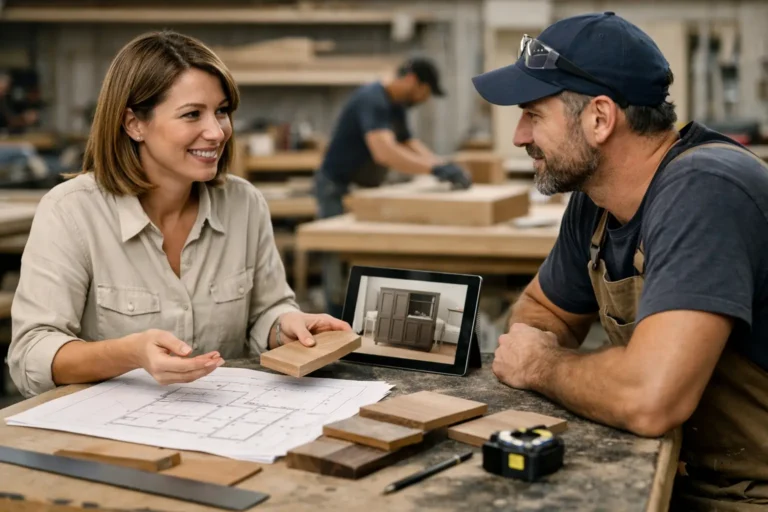
Second, the client experience should be simple. Clients should not need training or access to a full project management environment. They should be able to open the project, see the latest progress, review earlier updates, and understand the current position immediately.
Third, the software should create a clean project history. This matters for more than convenience. A structured record helps when clients ask about past decisions, approved changes, delays, or delivery expectations. Instead of searching across inboxes and chat apps, your team can refer to one visible timeline.
Fourth, the system should support the types of content that matter in real projects. Photos and video are often essential, but so are notes about key decisions, changes in scope, stage completions, delivery updates, and handover moments.
Finally, it should help you look organized without creating extra bureaucracy. That trade-off is important. A very detailed platform may promise more control, but if it adds too much process, your team may stop using it or fall back to informal messages.
Where project progress software delivers the biggest value
The obvious benefit is fewer status requests. When clients can see current progress for themselves, they are less likely to send repeated messages asking if anything has happened.
But the bigger value is trust. Silence during a long project creates doubt quickly, especially after a client has paid in advance or committed to a large budget. Even when work is proceeding normally, lack of visibility can make clients feel that nothing is happening.
Consistent updates change that dynamic. They show momentum. They prove attention. They create a record of care and organization that supports the relationship throughout the project, not just at handover.
There is an internal benefit too. Teams waste less time reconstructing history. When updates, photos, and key notes live in one place, it becomes easier to answer questions, onboard colleagues to a project, and refer back to earlier stages without guesswork.
A practical way to introduce project progress software
The easiest rollout is usually the best one. Start with one active project and define a simple update rhythm. For example, post at key milestones, after major site visits, when materials arrive, when an approval is needed, and when delivery timing changes.
Keep the format consistent. A few photos, a short plain-English note, and a clear stage label are often enough. You do not need long reports. In fact, shorter updates tend to work better because they are easier for both teams and clients to use regularly.
It also helps to set expectations early. Let clients know where updates will appear and how often they should expect them. That alone reduces unnecessary checking and gives the project a more structured feel from the start.
If your current process relies on scattered chat messages and email threads, moving to a dedicated client-facing update system can make communication more predictable very quickly. That is the difference between reacting to requests and running a visible process.
One example is CustomWorks, which is built specifically for private client project updates and visual project history rather than internal task management. That distinction matters for businesses that need to keep clients informed without adding the weight of a full project management platform.
Project progress software for client visibility, not task overload
This is the key buying question. Do you need a system to manage your team internally, or do you need a system to show clients clear project progress? Sometimes the answer is both, but not always in the same tool.
If your internal workflow already works well enough, adding a complex all-in-one platform may create more friction than value. In that case, project progress software focused on client visibility can be the better fit. It solves the communication problem directly instead of asking clients to enter your operational environment.
For businesses handling custom, high-value work, that focus is often what improves the client experience most. Clients do not need to see every task. They need confidence that the project is moving, that changes are documented, and that your team is in control.
Software should support that outcome, not complicate it. The best systems make progress visible, communication cleaner, and the whole project feel more professional from the client side.
When clients can see steady, organized progress without asking for it, the project feels calmer for everyone involved.