Software for Bespoke Manufacturing Updates
A client has paid a deposit for a custom piece, the job will take ten weeks, and by week three the same message arrives again: any updates? That question is rarely about impatience alone. In bespoke work, silence creates risk. Good software for bespoke manufacturing updates gives clients a clear view of progress without forcing your team into constant manual follow-up.
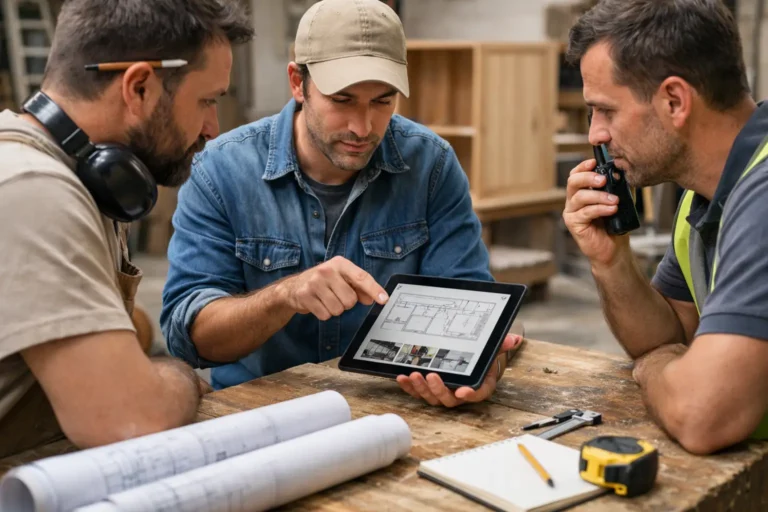
For workshops, fabricators, furniture makers, specialist joinery teams, and other custom production businesses, the real issue is not whether updates happen. It is how they happen. In many companies, progress photos sit on one employee’s phone, changes are buried in email, approvals happen in chat, and delivery timing gets discussed somewhere else entirely. The result is familiar: repeated status requests, avoidable confusion, and a project history that is hard to reconstruct when questions come up later.
CustomWorks.app
Keep clients updated without messy chats
Give each project a private feed for client updates — and keep a clear history of photos, videos, notes, stages, decisions, and delivery moments for your team.
What software for bespoke manufacturing updates should actually solve
Most bespoke manufacturers do not need another internal task system just to keep clients informed. They need a simple, client-facing way to show what has happened, what is changing, and what comes next.
That sounds straightforward, but many tools miss the point. Traditional project management software is often built for internal planning, resource allocation, or engineering workflows. Those functions may be useful behind the scenes, but they do not automatically create a professional update experience for clients. In fact, inviting clients into complex internal systems can create more friction, not less.
The better approach is narrower and more practical. A useful update platform should help your team record progress as work happens and present it in a format clients can follow without explanation. That usually means a clear timeline of updates with photos, short notes, video, milestones, changes, and delivery information.
If the software does not reduce incoming update requests, improve communication clarity, and make your business look more organized, it is solving the wrong problem.
Why bespoke manufacturing updates break down so easily
Bespoke production has a communication problem that standard manufacturing does not. Every job is different, timelines can shift, materials can change, and client decisions often affect production after work has started.
A standard order can be tracked with a dispatch notification and an invoice. A custom order needs context. Clients want to see that progress is real, that their specification has been understood, and that delays or changes are being managed properly.
That is why scattered communication causes so much damage. A quick message on WhatsApp may feel efficient in the moment, but six weeks later nobody can easily see which finish was approved, when the frame was completed, or whether the client was informed about a revised install date. Email threads are not much better. Important details get split across replies, attachments, and side conversations.
This matters even more when the project is high value. The larger the deposit and the longer the lead time, the more clients want reassurance that work is moving forward. Frequent requests for updates are often a symptom of weak visibility, not difficult clients.
The features that matter most
The best software for bespoke manufacturing updates is usually simple on the surface. Complexity is rarely the selling point here. What matters is whether the platform fits the pace of workshop and production communication.
A private project feed is one of the most useful formats because it gives each client a single place to follow progress. Instead of searching through chat history or forwarded photos, they can open one timeline and see what has been completed, what stage the job is in, and any key changes.
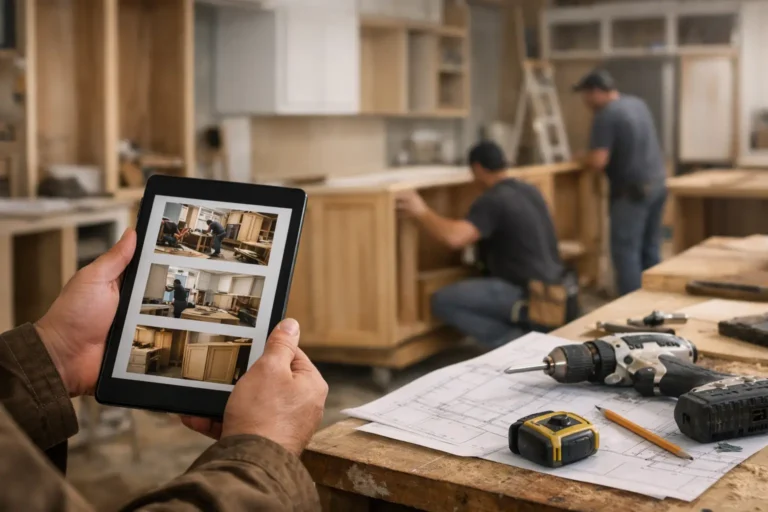
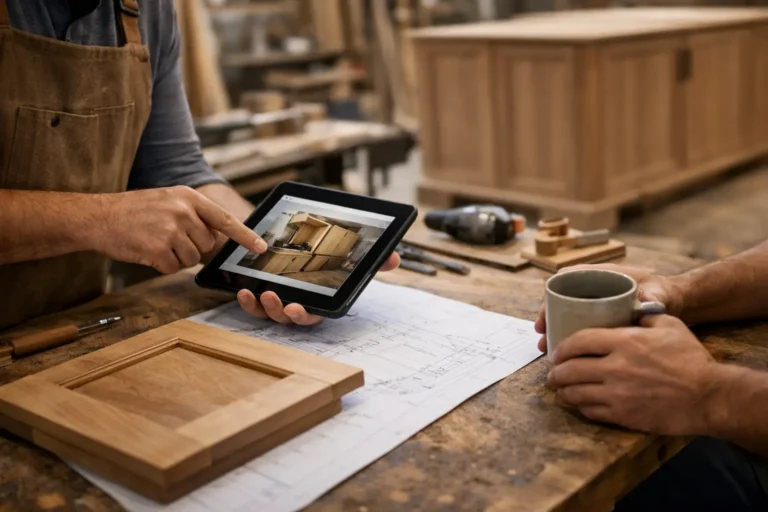
Visual updates matter because bespoke work is easier to understand when clients can see it. A short note saying assembly has started is helpful. A photo or short video of assembly in progress is stronger. It reduces doubt and prevents the need for follow-up explanation.
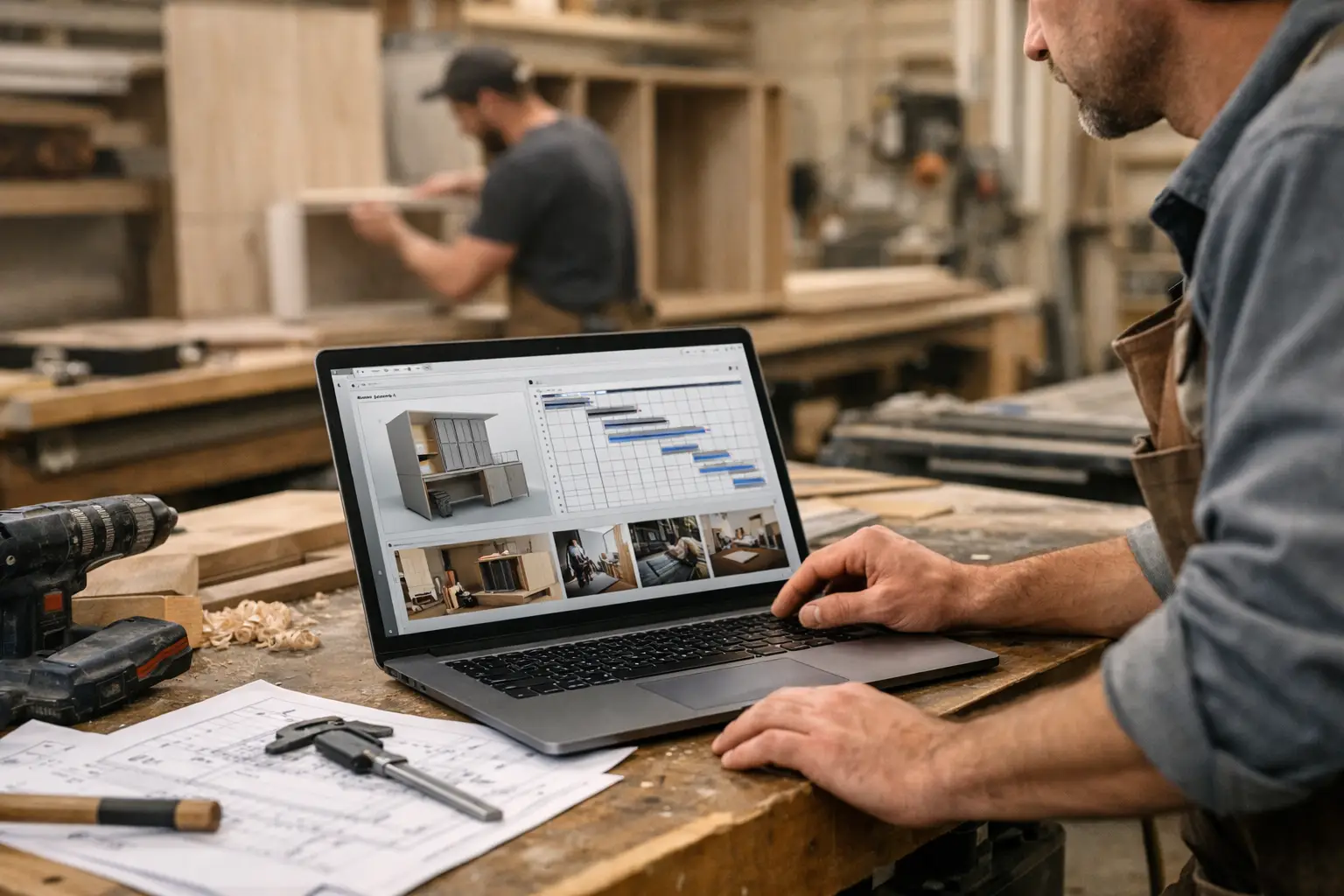
Stage-based updates are also important. Many custom projects move through repeatable milestones even when the final product is unique. Design approval, material preparation, fabrication, finishing, quality checks, delivery planning, and installation all give clients useful reference points. The software should let teams communicate those stages clearly without turning every project into an administrative exercise.
Change tracking matters for a different reason. In bespoke work, changes are normal. Dimensions shift, finishes are revised, delivery windows move, and client requests evolve. When those changes are captured in the same visible project history as the rest of the updates, misunderstandings become less likely.
What to avoid when choosing a tool
It is easy to buy software that looks capable but creates more work for the team.
One common mistake is choosing a tool designed mainly for internal project management and trying to force it into a client update role. These systems often have too many fields, too many views, and too much setup for frontline teams who just need to post a progress photo and short note from the workshop floor.
Another mistake is relying on general communication tools. Messaging apps are quick, but they are not structured. Updates get lost, files are hard to find, and new team members cannot easily understand project history. Email has similar limits. It works for formal communication, but it is a poor place to maintain a visual, ongoing record of a long-running custom job.
There is also a trade-off around detail. Some businesses assume clients want every internal update. Usually they do not. They want enough visibility to feel informed and confident. Good software should help your team share meaningful progress, not every internal movement.
How the right update process changes client behavior
When clients know where to check progress, they ask fewer open-ended questions. That sounds like a small gain, but it compounds across dozens of active jobs.
Instead of answering the same status query five times in five different ways, your team can keep one current project record. That saves time, but it also improves consistency. Everyone sees the same photos, the same notes, and the same decisions in the same place.
It changes the tone of communication as well. A business that sends occasional reactive replies looks busy. A business that maintains a clear update history looks controlled. That difference affects trust, especially during slower phases of a project when visible progress may be less dramatic but client reassurance is still important.
This is where a platform like CustomWorks fits naturally for many bespoke manufacturers. It is built around the client update layer rather than full internal project administration, which makes it easier to share progress without adding unnecessary process.
A practical way to start using software for bespoke manufacturing updates
The easiest rollout is usually the best one. Start with active projects that already generate frequent client check-ins. Those jobs will show value quickly because the communication problem already exists.
Set a basic update rhythm your team can maintain. For some businesses, that means posting at each production stage. For others, it means one or two updates per week with photos and a short explanation. The right cadence depends on project length, client expectations, and how visible progress is from week to week.
Keep updates brief but specific. A strong update does not need polished marketing language. It needs evidence and clarity. For example, a short note about completed framework fabrication, two workshop photos, and a line about the next finishing step is often enough.
Make sure changes and approvals are recorded in the same timeline. This is one of the biggest operational benefits. Weeks later, if a question arises about a revised detail or delivery shift, the answer is easier to find.
Finally, decide who owns update posting. In some companies it is the project manager. In others it is a coordinator who gathers input from the workshop. The best model is the one that can be sustained without relying on heroic effort.
Where this works best
This approach is especially effective for businesses delivering work over several weeks or months, where clients are paying for something custom and cannot physically see progress day to day.
That includes furniture makers, cabinet shops, metal fabricators, specialist joinery teams, marine refit businesses, restoration workshops, architectural feature manufacturers, exhibition builders, fit-out contractors, custom installers, and mixed workshop businesses handling one-off or limited-run projects.
The common factor is not industry. It is project shape: custom scope, visible progress over time, client decisions along the way, and a need to maintain confidence between deposit and delivery.
Not every business needs the same depth of communication. Some clients want regular visuals and stage updates. Others only need milestone visibility. That is why the best system is one your team can adapt without making updates feel like a separate administrative job.
If your clients keep asking for progress, the issue is rarely that they want more conversation. Usually, they want less uncertainty. Good software gives them that certainty in a format that is easy to maintain, easy to follow, and easy to trust. When updates are clear, visible, and organized, the project feels better managed before a single extra word is sent.