How to Track Woodworking Project Changes
A cabinet run rarely stays exactly as drawn on day one. A client wants a different stain after seeing a sample in natural light. Hardware changes because lead times slip. Shelf spacing gets adjusted after a site measure. If you do not track woodworking project changes in a clear, consistent way, those small shifts turn into missed details, awkward calls, and expensive rework.
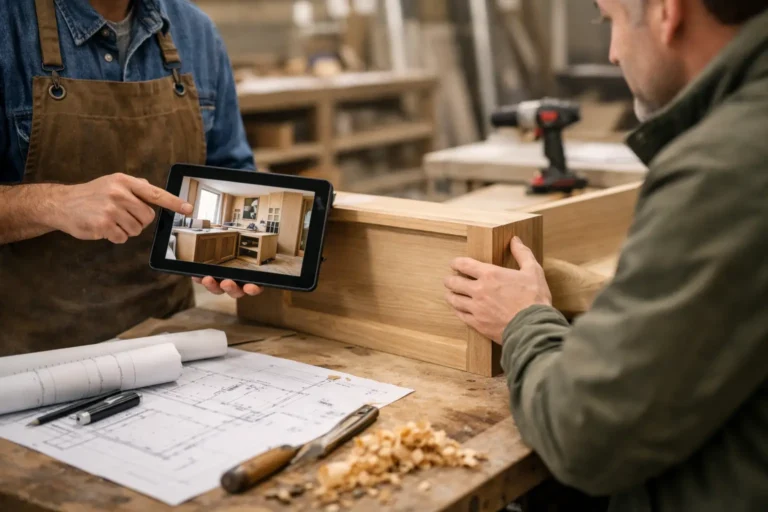
For woodworking shops, millwork teams, and custom furniture makers, the problem is usually not the change itself. Custom work changes. The real problem is where that change gets recorded. One decision sits in email, another in text, another in a marked-up PDF, and the latest site photo lives on someone’s phone. A week later, the shop floor is building from one version while the client is talking about another.
CustomWorks.app
Keep clients updated without messy chats
Give each project a private feed for client updates — and keep a clear history of photos, videos, notes, stages, decisions, and delivery moments for your team.
The fix is not adding more administration for the sake of it. The fix is creating one simple client-facing history of what changed, when it changed, and what was agreed. That gives your team a cleaner reference point and gives the client confidence that nothing is disappearing into a message thread.
Why woodworking changes create so much confusion
Woodworking projects are especially vulnerable to communication drift because the work is visual, detailed, and highly dependent on approvals. A finish change can affect material selection, schedule, and the final look. A size change can affect production drawings, installation sequencing, and even transport. A handle swap might seem minor until holes are drilled or stock has already been ordered.
There is also a timing issue. Many changes happen gradually, not in one formal revision. A client might first ask a question, then request a sample, then give a verbal approval on-site, then send a photo of a reference piece they want matched. By the time the team acts, the decision has evolved over several interactions.
That is why informal communication creates risk. Fast messages are useful in the moment, but they are poor as a project record. If your process depends on someone remembering which chat contains the latest instruction, you are relying on memory where you should be relying on visibility.
What it means to track woodworking project changes properly
To track woodworking project changes properly, you do not need a complicated engineering change system. Most custom woodworking businesses need something simpler and more practical. Every change should have a visible record of four things: what changed, why it changed, when it changed, and whether the client approved it.
That record should also include context. A short note saying “finish updated” is not enough six weeks later. A useful update explains that the original satin lacquer was replaced with a matte finish after the client reviewed the sample board, and that production will proceed with the revised finish on all visible exterior panels. Add a photo or video if the change is visual. Now the update works as a reference, not just a note.
This approach matters just as much for internal clarity as it does for client communication. Teams in the shop, on-site, and in the office often need different pieces of the same story. When the project history is clear, everyone sees the same version without chasing each other for context.
The best time to record a change
The best time is immediately after the decision becomes real. Not at the end of the week. Not when someone has time to tidy up admin. The longer a change sits in someone’s head or inbox, the more likely details get blurred.
That does not mean every passing idea needs to be logged. Clients think out loud, and custom work often involves options. The line is simple: once a discussion affects drawings, materials, production, sequencing, budget, or client expectation, it should be recorded.
For example, if a client is merely asking whether white oak is possible, that is still a discussion. If they confirm they want white oak instead of walnut, that is a change. If they ask whether the island can be longer and you start checking dimensions, that is still under review. If the revised measurement is accepted and the plan moves forward, record it.
A simple structure that works on real projects
Most woodworking businesses do not need more forms. They need a repeatable format. Each project update should be easy to create and easy to read later.
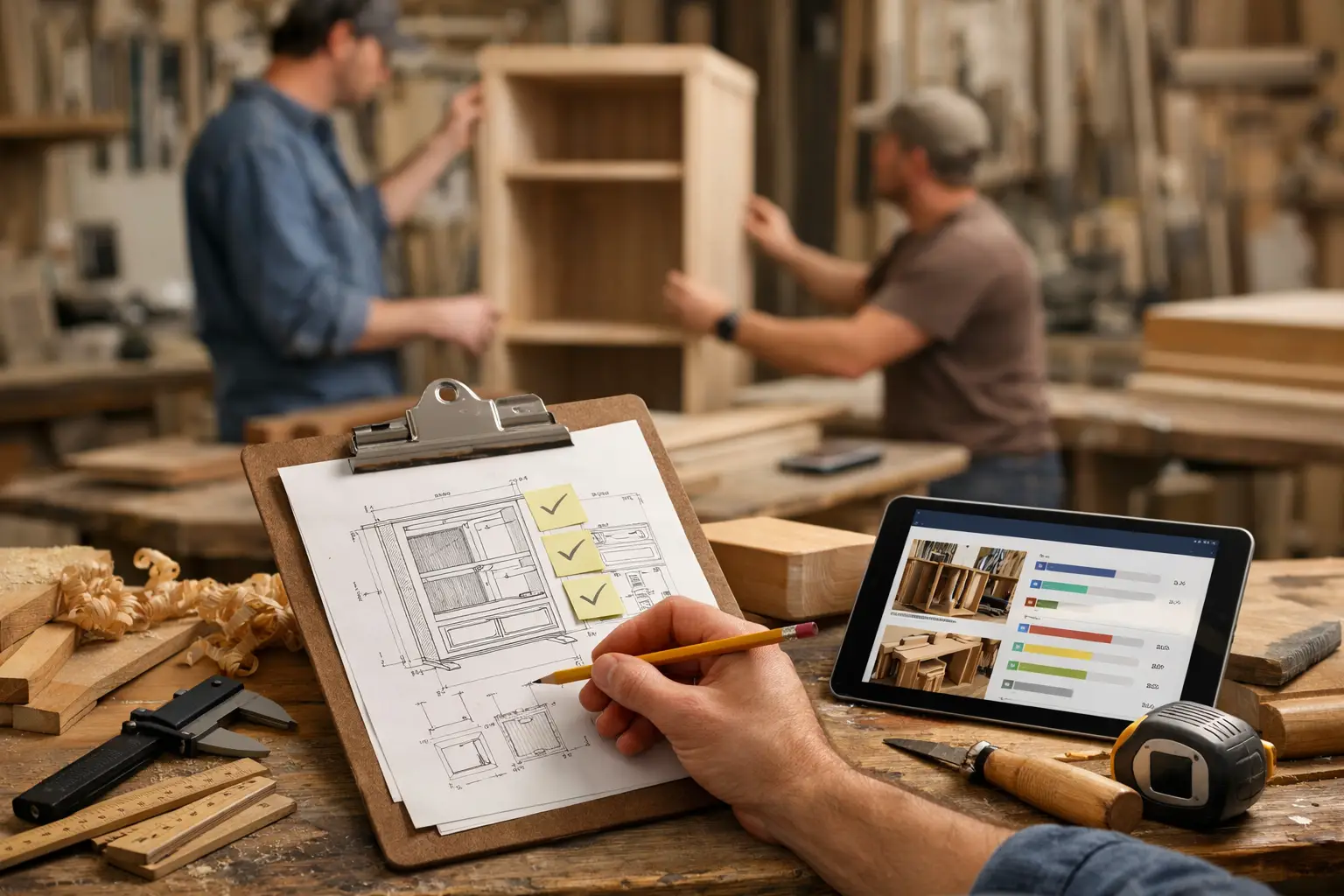
Start with a short title that makes the change obvious, such as “Vanity finish updated to smoked oak” or “Wardrobe internals revised after site measure.” Then add a brief explanation in plain English. Include the reason if it helps future context. Attach a photo, marked-up image, finish sample, drawing snapshot, or site image whenever possible. Visual evidence removes ambiguity fast.
Then state the status clearly. If the change is approved, say so. If it is pending client sign-off, say that too. If it affects delivery timing, mention the impact directly. Clients usually handle change better when the knock-on effect is explained early instead of appearing later as a surprise.
This kind of structure is one reason businesses use a tool like CustomWorks, where photos, videos, notes, stage updates, and project changes sit in one private client feed. Instead of spreading the story across emails and chats, the project develops in one visible timeline that both the team and the client can follow.
How to track woodworking project changes without slowing the team down
The common objection is time. Shop owners worry that formalizing updates will create extra work. In practice, the opposite is usually true. The time cost of recording a change is small compared with the time cost of correcting confusion later.
A workable process usually looks like this. When a decision changes, the person closest to it records a short update while the details are fresh. If there is a visual reference, they attach it. If client approval is needed, the update makes that clear. Once confirmed, the team proceeds based on that recorded version.
The key is keeping the update short enough that people will actually do it. Two or three sentences and a photo are often enough. You are not writing reports. You are creating a reliable history.
It also helps to define ownership. In smaller shops, one project lead may own all client-facing updates. In larger teams, the estimator, designer, site lead, or production manager might each post updates relevant to their stage. It depends on how your business runs. What matters is that responsibility is clear.
The changes that deserve extra attention
Not every change carries the same risk. In woodworking, a few categories deserve stronger tracking because they cause the most downstream problems.
Finish changes are high risk because clients often decide based on samples, lighting, or how adjacent materials look on-site. If the approved finish is not documented visually, disputes are more likely later.
Dimensional changes are another major category. Even small measurement revisions can affect material yield, hardware positions, fitting tolerances, and installation time. These changes should always be tied to the latest confirmed measurement or drawing reference.
Material substitutions matter too, especially when supply issues force alternatives. Clients may accept a substitute if it is presented clearly, but they are less forgiving when they discover it after the fact.
Finally, scope changes need careful visibility. Added panels, extra shelving, revised internals, filler pieces, protection panels, and changed installation details often begin as “small adjustments.” They are only small until no one can prove when they were requested.
Why clients respond better when they can see the history
Silence makes clients assume one of two things: either nothing is happening, or something is wrong. That is especially true in custom woodworking, where clients often pay deposits well before they see the finished piece installed.
When they can see a clean project history, the tone changes. A finish decision looks like a controlled revision, not a moving target. A delay caused by hardware availability feels more credible when it is explained alongside the updated plan. Questions still come up, but they are fewer and usually better informed.
This is also where professionalism becomes visible. Organized updates signal that your business is in control. Not perfect, because custom work rarely is, but structured. That distinction matters.
Track woodworking project changes as part of delivery, not damage control
The strongest teams do not record changes only when something goes wrong. They treat change tracking as part of the service itself. Clients are not just buying joinery, cabinetry, or bespoke furniture. They are buying confidence that the work is moving in the right direction.
That is why the format matters. A project history should be easy for a client to follow without forcing them into a full project management system. They do not need task boards and internal workflows. They need visibility. They need to see progress, decisions, and changes in one place.
If your current process still depends on scattered screenshots, forwarded emails, and memory, the issue is not volume. It is fragmentation. Bringing project changes into one visible timeline reduces noise, protects margins, and gives clients fewer reasons to ask for reassurance.
The more custom the work, the less you can afford vague communication. In woodworking, details move projects forward or pull them apart. Track the changes while they are small, and the whole job stays easier to control.