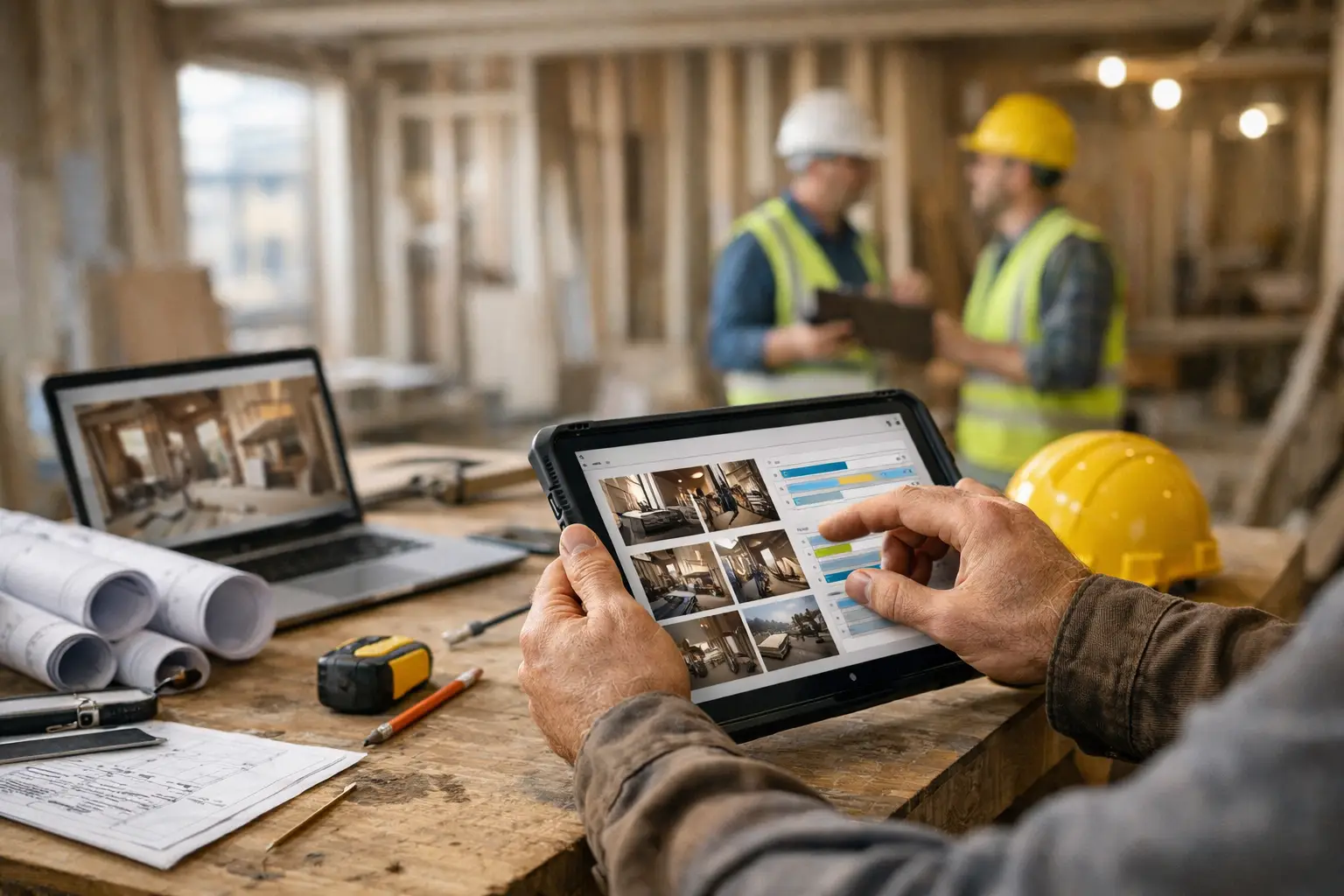
Project Update Software for Contractors
A client pays a deposit, work begins, and then the messages start. Any updates? Has the material arrived? Are we still on schedule? Can you send photos? For many firms, project update software for contractors becomes necessary the moment communication starts taking more time than the work itself.
That problem usually does not come from bad service. It comes from long project timelines, high client expectations, and updates spread across email, text threads, shared albums, and jobsite photos buried in someone’s phone. When a renovation, fit-out, fabrication job, or custom build takes weeks or months, silence creates doubt. Even when work is moving forward, clients can feel like nothing is happening unless they can see it clearly.
CustomWorks.app
Keep clients updated without messy chats
Give each project a private feed for client updates — and keep a clear history of photos, videos, notes, stages, decisions, and delivery moments for your team.
What contractors actually need from project update software
Most contractors do not need another heavy internal system just to keep clients informed. They already have estimating tools, accounting software, site notes, schedules, and task management in some form. The real gap is usually client-facing visibility.
That distinction matters. A lot of software is built to manage teams, assign tasks, track budgets, or run internal operations. Those functions may be useful, but they do not automatically solve the client communication problem. A client does not want to log into a complicated workspace, sort through internal detail, or learn a new process just to see whether framing is complete or finishes have been installed.
Good project update software for contractors should make one thing easy: showing progress in a way clients can understand. That means updates should be simple to post and easy to review later. Photos, short videos, notes, key decisions, changes, milestones, and handover moments should sit in one clear history rather than getting scattered across channels.
The practical benefit is straightforward. When clients can see visible progress without asking for it, repeated status requests drop. Teams spend less time answering the same question in five different places. The company also looks more organized, which matters when a project involves large deposits, custom work, and long lead times.
Why email threads and chat apps stop working
At the start of a project, informal communication feels manageable. A few texts, a couple of photos, maybe a quick email recap. That can work for a short job. It breaks down fast on anything custom or long-running.
Chats are fast, but they are not structured. Photos get buried. Important decisions sit between casual messages. A client asks again because they cannot find the last answer. Email is better for formal communication, but long threads become difficult to follow, especially when multiple people are involved. Attachments get lost, and no one has a clean visual timeline of the work.
This creates a second problem beyond wasted time. It weakens confidence. If updates are inconsistent or hard to locate, clients may assume the project is less under control than it really is. That is a reputation issue as much as an efficiency issue.
A dedicated update system fixes that by separating client visibility from general conversation. Instead of chasing context across apps, both sides can refer to one project record.
What to look for in project update software for contractors
The best choice depends on the kind of work you deliver. A general contractor managing many subcontractors may need something different from a custom furniture studio or a marine refit company. Still, a few capabilities matter almost every time.
First, the software should be client-facing without exposing internal complexity. Clients should be able to follow progress easily. They should not have to interpret task boards, internal comments, or technical workflows that are only useful to your team.
Second, visual updates need to be central, not secondary. In custom projects, photos and short videos often explain progress faster than written reports. If adding visuals is awkward, teams will avoid doing it consistently.
Third, the update history should stay organized over time. A project that runs for three months or six months needs a timeline clients can scroll through and understand. That record becomes useful not only during delivery, but also when questions come up later about what changed, what was approved, and what was completed.
Fourth, the tool should reduce admin, not create more of it. If posting an update feels like filling out paperwork, adoption drops. Contractors need a quick way to document work from the office, workshop, or jobsite.
Finally, think about client experience. A polished, private project feed often does more for trust than a large feature set. The point is not to impress clients with software. The point is to remove uncertainty.
The trade-off between full project management and client updates
This is where many companies choose the wrong tool.
Full project management platforms can be powerful. They help with scheduling, dependencies, internal accountability, documentation, and operations. If your business needs those functions, they have value. But they are often designed for internal teams first. Client communication is either an afterthought or too complicated for the way most customers want to receive updates.
On the other side, software built specifically for client project visibility may do less overall, but do one thing better. It gives clients a simple place to follow progress without exposing internal systems or requiring your team to maintain another complex workflow.
It depends on what problem is costing you the most. If your biggest issue is task coordination across field teams, you may need a broader operational platform. If your biggest issue is clients asking for updates, uncertainty after deposits, and communication scattered everywhere, a focused update tool is often the better fit.
For many contractors, the answer is not replacing every system. It is adding a simpler layer for client-facing updates.
Where this matters most
The need becomes strongest in businesses where projects are high value, custom, and hard for clients to evaluate from a distance. Renovations are an obvious example, because clients usually see only part of the process and often worry during the messy middle. The same is true for fit-outs, bespoke fabrication, custom joinery, marine refits, restoration work, and specialty installations.
In these sectors, progress is real long before the final result is visible to the client. Materials arrive, structures are prepared, components are fabricated, finishes are tested, issues are resolved, and revisions are approved. If none of that is communicated well, clients interpret the gap as delay or confusion.
That is why a visual project history matters so much. It turns hidden progress into visible progress.
A simpler model for client communication
A practical setup usually looks like this: each job has one private place where the team posts updates as work moves forward. Those updates may include photos, short notes, videos, stage changes, approvals, change items, or delivery milestones. Over time, the client gets a readable timeline instead of disconnected messages.
This works well because it matches how custom projects actually unfold. Communication is not one big weekly report. It is a stream of meaningful moments. A completed frame. A finished mock-up. A material selection confirmed. An unexpected issue explained early. A delivery date narrowed down.
That is the model behind CustomWorks, a platform designed specifically for client project updates and private project feeds. Instead of pushing clients into internal project management tools, it gives them a clear view of progress in one place through https://customworks.app.
How to choose without overbuying
Before committing to any software, ask a more useful question than what features it has. Ask what kind of friction it removes.
If your office team spends hours each week answering repeated client messages, your friction is communication overhead. If site photos exist but never reach the client in a structured way, your friction is visibility. If decisions and changes keep getting lost between email and chat, your friction is fragmented history.
Once that is clear, software selection gets easier. You are not buying technology for its own sake. You are choosing a clearer operating method.
It also helps to think about who will actually post updates. If the process depends on one project manager writing long status reports every Friday, consistency may slip. If updates can be added quickly by the people already close to the work, adoption is more likely. The best system is usually the one your team will still be using six months from now.
What better update systems change for the business
The obvious gain is fewer incoming questions, but that is only part of it. Better update software changes the tone of the client relationship. Instead of clients having to chase information, they receive evidence that the project is moving. That shift reduces tension.
It also creates a cleaner standard inside the company. Teams become more consistent about documenting stages, recording changes, and showing completed work. That helps with handovers and post-project reference as much as it helps during delivery.
There is a sales effect as well, even if it is indirect. A company that communicates clearly during a project feels more professional and more trustworthy. In industries built on referrals, that matters.
Contractors do not need clients involved in every internal detail. They need clients informed enough to stay confident while the work is underway. Good software supports exactly that balance – clear visibility for the client, less communication drag for the team, and a project record that stays organized from start to finish.
If your projects run long and your updates still live across chats, inboxes, and photo folders, the issue is probably not effort. It is structure. A calmer client experience usually starts with giving progress one place to live.