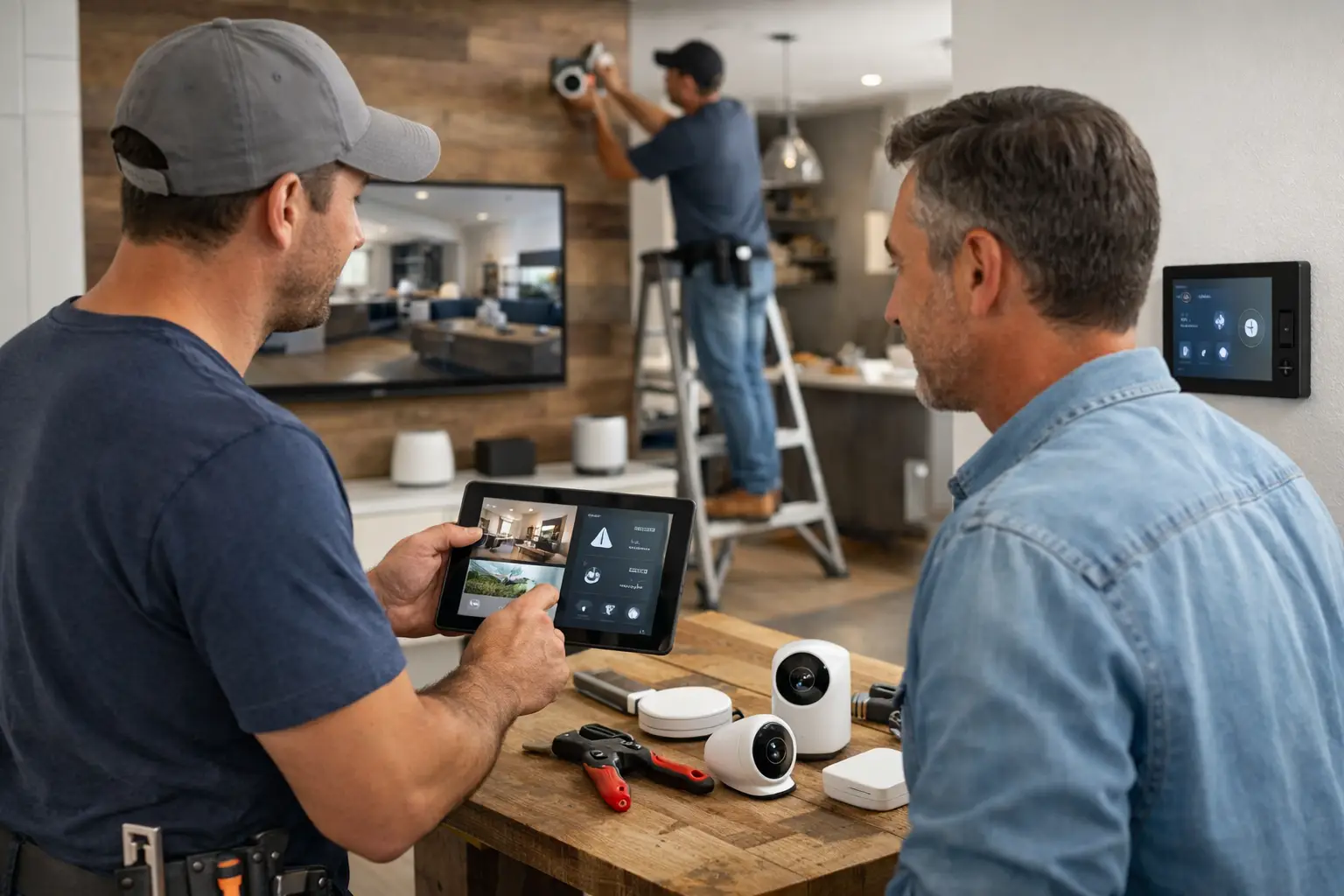
Smart Home Installation Client Updates
A smart home install can look quiet from the client side even when a lot is happening on site. Wiring is hidden, programming happens off-camera, and progress often comes in technical steps the homeowner never sees. That is exactly why smart home installation client updates matter. If the client only notices silence between deposit and handover, they start asking for reassurance, not because the project is failing, but because they cannot see movement.
For companies installing lighting control, security systems, AV, shades, climate control, and whole-home automation, this is a communication problem as much as an installation problem. The work may be on track, but if updates live across text messages, scattered photos, and separate email threads, the client experience still feels disorganized. Over the course of a multi-week or multi-month project, that gap creates unnecessary pressure on the team.
CustomWorks.app
Keep clients updated without messy chats
Give each project a private feed for client updates — and keep a clear history of photos, videos, notes, stages, decisions, and delivery moments for your team.
Why smart home installation client updates are often harder than they look
Smart home work is especially vulnerable to communication gaps because the project crosses multiple trades, phases, and decision points. First-fix cabling may happen before devices are visible. Rack assembly may happen in a workshop, not in the home. Programming may take place after electricians, builders, and decorators have already changed the schedule twice.
From the installer’s perspective, these are normal conditions. From the client’s perspective, they can feel like uncertainty. A client who has paid a substantial deposit wants proof that the project is progressing and that decisions are being tracked properly. They also want confidence that late-stage details, like keypad finishes or camera locations, will not be lost in a message thread.
This is where many teams fall into the same pattern. Updates happen reactively, usually after the client asks. A project manager sends a few phone photos, a technician answers a question in WhatsApp, someone else forwards a supplier delay by email, and then nobody has a clean record of what the client has already been told. The issue is not effort. The issue is structure.
What clients actually want from installation updates
Most clients do not want a technical project log. They want a clear sense of progress, a record of key decisions, and enough visibility to trust that the job is under control. That usually means simple updates delivered consistently.
In smart home projects, useful updates often include photos of first-fix work, short notes on what stage has been completed, confirmation of equipment arrivals, programming progress, changes to device selections, access needs, testing milestones, and handover preparation. Video can help when the team needs to explain placement, demonstrate functionality, or confirm that a system is responding correctly before final sign-off.
The format matters. If communication is too detailed, the client gets buried. If it is too vague, they still ask for clarification. The practical middle ground is a short visual update tied to a project stage or decision. That gives the client context without turning every message into a full report.
The business cost of poor smart home installation client updates
When updates are inconsistent, the first cost is time. Teams spend hours replying to messages that would not exist if progress were already visible. One client asks whether cabling is complete. Another wants to know if their intercom has arrived. A third wants reassurance that changes discussed last week have been captured. None of these are difficult questions, but answering them one by one creates a steady drain on management time.
The second cost is avoidable friction. Silence makes clients nervous, especially on projects with high spend and long lead times. Once anxiety shows up, even minor delays feel bigger. A backordered keypad or postponed commissioning visit can trigger more concern than it should, simply because the client has not been seeing regular progress.
The third cost is a weaker project record. Smart home installations often involve revisions, site constraints, and coordination with builders, electricians, designers, and end users. If decisions are spread across chats and inboxes, important context gets lost. That can create disputes later, particularly around scope changes, timing, and what was approved.
A better way to handle client communication during the install
The most effective approach is straightforward: give each project one client-facing place for updates, and use it consistently from start to finish. Not as a replacement for all internal coordination, but as the clean record the client sees.
That record should show the real shape of the project. Photos of rough-in work. A quick note that network cabling is complete on the ground floor. A short video showing shade motors being tested in the workshop. A marked stage update when rack build is finished. A note confirming a product substitution or revised delivery date. Then, later, final commissioning milestones and handover details.
This type of timeline does two things at once. It reassures the client that the project is moving, and it protects the business by keeping communication organized. Instead of searching across five channels, the team has one visible history of what was shared and when.
For businesses that run many custom installs at once, this also creates consistency. Different project managers may have different communication habits, but the client experience should not depend on who happens to be handling the job. A structured update process makes the company look more professional because it is more professional.
What good update habits look like in practice
The best update rhythm is predictable but not excessive. Weekly updates work well for many smart home projects, with additional updates around visible milestones, approvals, changes, and delivery events. If nothing major has changed, a short progress note is still better than silence.
A useful update usually answers three questions: what happened, what it means, and what comes next. For example, a team might post photos of completed first-fix wiring, explain that the cabling phase is now done in key rooms, and note that the next step is device placement confirmation ahead of second fix. That keeps the client informed without overwhelming them.
It also helps to separate information types. Progress updates should not be buried inside long technical explanations. Decision requests should be obvious. Change notifications should be recorded clearly. Handover updates should feel distinct from installation progress. When all of this sits in one timeline, the client can follow the project more easily.
There is still room for judgment. Some clients want more detail, especially on high-spec residential projects where they are deeply involved in finish selections and user experience. Others only want confirmation that the job is moving and that they will be told when action is required. The point is not to force one communication style on everyone. It is to keep the project visible and documented in a controlled way.
Why messaging apps and email threads break down on longer projects
Messaging apps are fast, which is why teams rely on them. But speed and clarity are not the same thing. A photo sent in a chat is useful for five minutes and hard to find five weeks later. The same is true of voice notes, forwarded screenshots, and fragmented conversations between office staff, technicians, and clients.
Email has a different problem. It creates long chains where updates, approvals, and questions get mixed together. Clients miss attachments. Team members get copied late. Important context lives in old replies no one wants to reopen. As projects become longer and more customized, the communication trail becomes harder to trust.
For smart home installers, this is risky because so much of the value is invisible until the end. The client is buying confidence in the process as much as hardware and labor. If communication feels messy, the whole project can feel less controlled than it really is.
A dedicated client update system gives the business a cleaner front stage. If a company uses CustomWorks, for example, the goal is not to turn the client into a project manager. It is to provide a private project feed where photos, videos, short notes, work stages, changes, and delivery moments are kept in one visible history.
Who benefits most from structured smart home installation client updates
This matters most for companies handling projects that take weeks or months, involve multiple site visits, or include custom design decisions along the way. That includes home automation integrators, AV installers, security specialists, electrical contractors offering smart systems, shading installers, and mixed-service teams delivering complete connected-home packages.
It is especially useful when clients are remote, the property is still under construction, or several stakeholders are involved in approvals. In those cases, a simple visual timeline reduces confusion fast. It gives homeowners, designers, builders, and project managers a shared reference point without relying on constant back-and-forth.
The teams that gain the most are often not the biggest. Small and mid-sized installers feel this pain sharply because the same people managing delivery are also handling client communication. Every avoidable status message interrupts real work. A better update process gives that time back.
Smart home projects are detailed by nature. Client communication does not need to be complicated as well. When updates are clear, visual, and organized in one place, clients ask fewer repetitive questions, teams spend less time reconstructing project history, and the whole installation feels more controlled from first fix to final handover. For businesses that want to look as professional as the systems they install, that is a practical place to start.