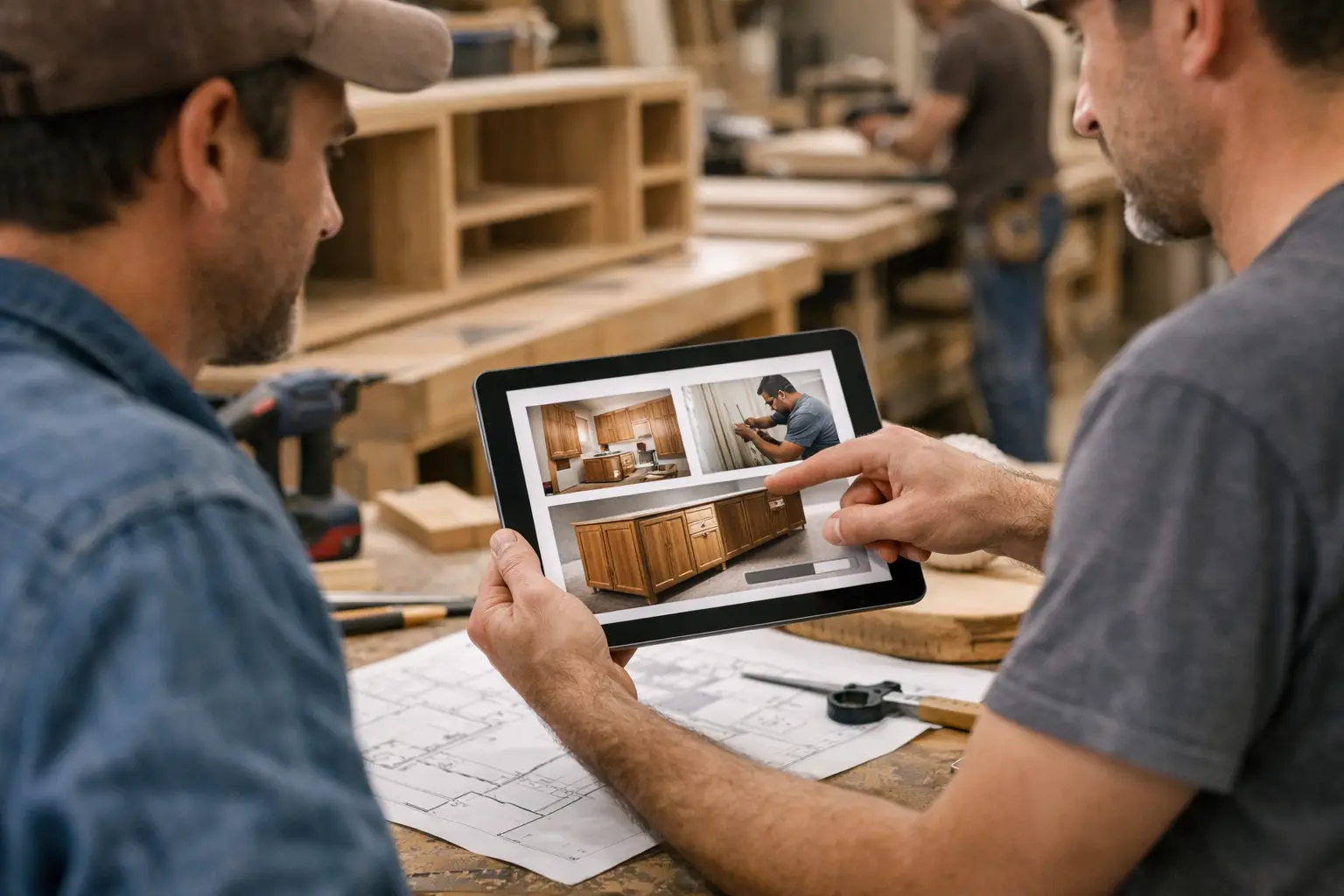
Why Visual Project Updates Work Better
A client pays a deposit, then hears almost nothing for two weeks. Your team is busy, the work is moving, photos are sitting on phones, and someone is sure they already sent an update by email. From the client side, it looks different. Silence feels like delay. That is why visual project updates matter so much in long-running custom work.
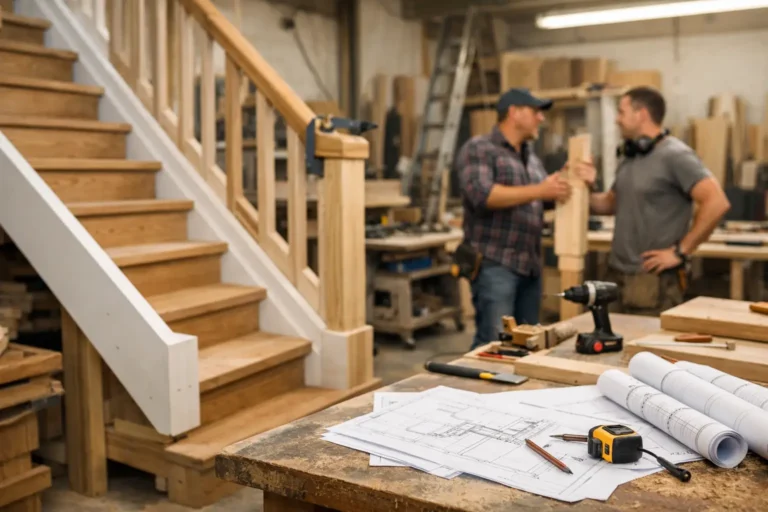
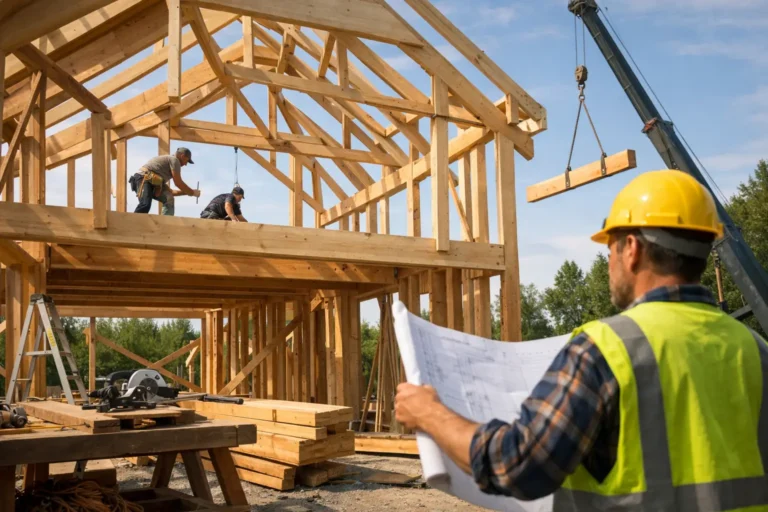
For businesses that build, renovate, fabricate, restore, or install to order, progress is rarely easy to describe in a few lines of text. A cabinet shop may have completed cutting, edge work, and dry fitting, but the client only sees that delivery has not happened yet. A contractor may have finished demolition, rough-ins, and approvals, while the homeowner sees dust and unanswered messages. When the project takes weeks or months, the gap between actual progress and perceived progress gets expensive.
CustomWorks.app
Keep clients updated without messy chats
Give each project a private feed for client updates — and keep a clear history of photos, videos, notes, stages, decisions, and delivery moments for your team.
Visual updates close that gap. They give clients something concrete to look at, not just promises or vague status notes. A photo of framing complete, a short video of machinery installed, or a note attached to a stage change does more than inform. It reassures. It also creates a cleaner record of what happened, when it happened, and what the client was told at each step.
What visual project updates actually do
At a practical level, visual project updates turn progress into proof. Instead of asking clients to trust that things are moving, you show them. That sounds simple, but it changes the tone of the entire project.
Clients stop relying on imagination. They can see materials arrived, surfaces were prepped, parts were assembled, or finish work started. When they see steady movement over time, they are less likely to assume the worst during quiet periods. This is especially valuable after upfront payments, when anxiety tends to rise if communication feels inconsistent.
For the business, the benefit is not just better presentation. It is less interruption. Many status requests are not really requests for detailed information. They are requests for reassurance. If clients can open a clear timeline and see recent photos, videos, notes, and milestones, they ask fewer “Any updates?” questions because the answer is already there.
There is also a second layer of value that often gets overlooked. Visual history makes decision-making easier. If a finish changed, if site conditions created extra work, or if a key stage was completed before a handoff, having that captured in one place reduces confusion later.
Why text-only updates often fall short
Text updates are useful, but they have limits. In custom project work, a short written message can be technically accurate and still leave the client uneasy.
Take a note like, “Electrical first fix completed and joinery in production.” For an experienced contractor or fabricator, that is clear enough. For a client, it may raise more questions than it answers. What does first fix mean? Is that early or late? Is production on schedule? Has anything actually been installed?
A few labeled photos solve most of that instantly. The client sees cable runs in place, panels being cut, or a workbench full of assembled components. The meaning lands faster because the update does not depend on industry vocabulary.
This matters even more when multiple people from the client side are involved. An owner, spouse, operations manager, or procurement contact may all want visibility, but they do not all share the same context. Visual communication travels better across that group than fragmented texts or forwarded emails.
Where visual project updates help most
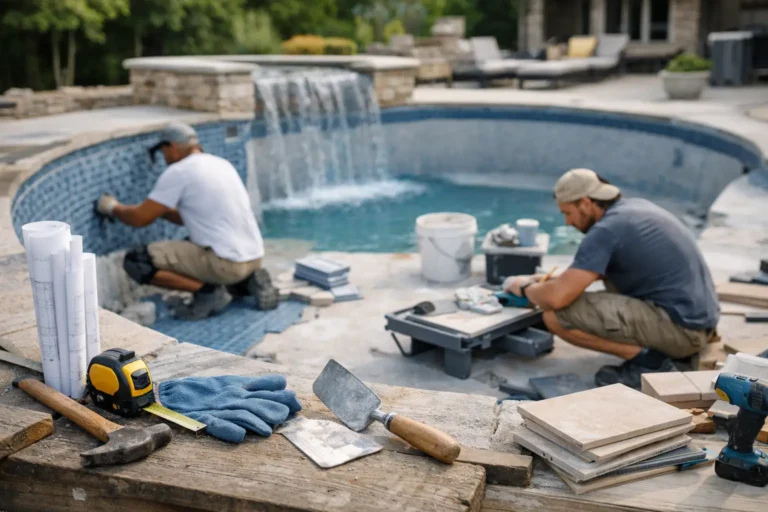
The strongest use case is any project where progress happens in stages but final delivery comes much later. Renovations, fit-outs, yacht refits, custom furniture, fabrication, pool builds, restorations, and made-to-order installations all fit this pattern.
These projects share the same communication problem. Work is active, but not always visible to the client. Some of it happens off-site. Some of it is technical. Some of it looks messy before it looks finished. If you wait until completion to communicate, clients fill in the blanks themselves.
Visual updates are especially useful during moments that usually create friction: after deposit payment, before visible transformation begins, when hidden technical work is completed, when changes affect scope, and when delays need explanation. A simple progress feed with photos, short notes, and stage markers makes these moments easier to handle because the client can see context instead of receiving a standalone message.
Good visual project updates are structured, not constant
More updates are not always better. The goal is not to flood clients with every internal detail. The goal is to create a clear sense of momentum and visibility.
That usually means sharing updates around real project events: a stage completed, materials delivered, a key decision made, an issue discovered, a change approved, or a handoff prepared. If every update has a reason, clients pay attention. If updates are random, they become noise.
The best format is usually simple. A photo or short video, one or two sentences explaining what happened, and a stage label if relevant. That is enough for most projects. You do not need polished media or marketing language. You need clarity.
There is a trade-off here. Too little context and clients may misread what they see. Too much detail and the update starts feeling like an internal project log. For most businesses, the right balance is client-facing explanation, not internal documentation. Show progress, explain significance, and note any decision or impact if needed.
Why scattered communication creates avoidable problems
A lot of teams already send photos. The issue is where those photos go.
One image goes into a WhatsApp chat. Another gets emailed from the office. A site supervisor sends a video by text. Someone mentions a delivery delay on a call. Three weeks later, nobody can easily reconstruct the full story.
This is where the process breaks down. The client may have received information, but not in a format that feels organized or professional. Your team may have communicated, but not in a way that creates lasting visibility. When updates are scattered, the project feels harder to follow than it really is.
A single client-facing timeline works better because it gives each update a home. Photos, videos, notes, stages, changes, and delivery moments sit in order. That reduces repeated explanations and makes the project easier to understand at a glance. It also helps when clients return to earlier decisions or ask when something happened.
Platforms built specifically for this kind of communication, such as CustomWorks, are useful because they focus on the client view of the project rather than internal task management. That distinction matters. Most clients do not want access to a complex project tool. They want clear progress, recent updates, and confidence that the work is moving.
How to start using visual project updates without adding admin
The biggest objection is usually time. Teams assume better updates mean extra admin. In practice, the opposite can be true if the process is set up properly.
Start by deciding what belongs in a client update. For most businesses, that means progress photos, short videos when motion helps explain the work, brief notes in plain language, stage changes, approved changes, and completion or delivery milestones. Keep the format tight and repeatable.
Then decide who owns updates. It should not be everyone and it should not be nobody. In a small business, this may be the owner, project manager, or site lead. In a workshop, it may be production plus one person responsible for client communication. The owner of the update process does not need to create all content personally. They just need to make sure it gets posted clearly and consistently.
Finally, set a rhythm based on project reality. Some jobs need two updates a week. Others need one meaningful update every few days or at each stage transition. It depends on project length, client expectations, and how much change is happening. What matters most is consistency. Clients are less concerned with frequency than with not being left in the dark.
The business case is bigger than fewer status requests
Reducing repetitive messages is valuable, but it is not the whole return.
Visual project updates improve the buying experience after the sale, which is where many custom project businesses become vulnerable. Sales conversations are often polished. Delivery communication is often improvised. That gap affects trust more than many teams realize.
When clients can see steady progress in a professional format, the business feels more controlled and more credible. That can influence referrals, reviews, repeat work, and the ease of collecting stage payments or final sign-off. It also reduces the risk that a normal project delay turns into a trust problem simply because communication was poor.
For teams managing several active projects, visual history also brings internal value. New staff can understand what has been shared. Managers can review communication quality. If a dispute appears, there is a cleaner record of progress and client-facing updates than a mix of chat threads and inbox searches.
Visual project updates are not about making a project look pretty. They are about making progress visible, understandable, and easy to trust. For businesses delivering custom work over weeks or months, that is not a nice extra. It is part of how you keep the project calm for the client and manageable for your team.
If clients regularly ask for updates, they are usually asking for certainty. The most effective answer is not a longer email. It is a clearer way to show the work as it happens.