Project Communication Software That Works
A client pays a deposit, the work begins, and then the silence starts to feel expensive.
That is the real problem project communication software is supposed to solve. Not internal task planning. Not resource scheduling. Not time tracking. For companies delivering long-running custom projects, the communication gap is often where trust starts to slip. A client who cannot see progress starts asking for updates. The team replies in scattered messages, photos get buried in chat threads, and key decisions end up spread across email, WhatsApp, and someone’s camera roll.
CustomWorks.app
Keep clients updated without messy chats
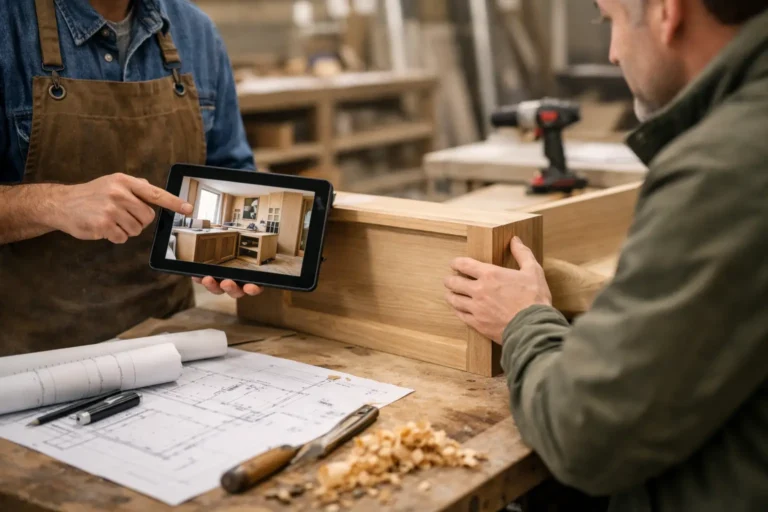
Give each project a private feed for client updates — and keep a clear history of photos, videos, notes, stages, decisions, and delivery moments for your team.
If that sounds familiar, the issue is not that your team is bad at communication. It is that most tools were not built for client-facing progress updates on projects that unfold over weeks or months.
What project communication software should actually do
For custom project businesses, communication has a very specific job. It needs to reassure the client that work is moving, make the project feel visible, and create a clean record of what happened and when.
That means good project communication software should make it easy to share progress in a format clients can understand quickly. Photos of completed work stages, short notes about what changed, videos from the site or workshop, updates about delivery timing, and a visible history of decisions matter more than Gantt charts ever will for most clients.
This is where many businesses run into a mismatch. Traditional project management platforms are usually designed for internal coordination. They help teams assign tasks, track deadlines, and manage dependencies. Those are useful functions, but they do not automatically create a better client experience. In many cases, they create more noise. Clients do not want to log into a complicated workspace just to find out whether cabinets were installed or whether materials arrived.
The better approach is simpler. Client-facing project communication should be organized, visual, and easy to maintain.
Why long-running custom projects need a different setup
A two-day job can survive on calls and emails. A twelve-week renovation, six-month fit-out, or multi-stage custom build usually cannot.
Longer projects create more chances for uncertainty. There are more milestones, more changes, more site photos, more delivery updates, and more moments where the client wonders whether everything is still on track. Even when the work is progressing normally, a lack of visible communication can make the project feel stalled from the client’s side.
This is especially true after upfront payment. Once the deposit has been paid, the client wants evidence that the project is moving forward. If updates only arrive when they ask, your team stays reactive. That costs time and changes the tone of the relationship. Instead of looking organized and in control, the business starts looking hard to reach.
Project communication software works best when it prevents that cycle. The team posts updates as work happens, the client sees a clear timeline, and fewer status requests need to be answered one by one.
The hidden cost of messy communication
Most businesses do not set out to create a messy update process. It usually happens gradually.
A project manager sends one progress photo by text. A site supervisor replies in WhatsApp. A design change is approved by email. A delivery delay gets explained on a phone call. Later, someone needs to confirm what the client saw, what was agreed, and when the update was sent. Now the team is searching across four different channels.
That has a direct operational cost. It wastes admin time, increases the chance of missed details, and makes handovers harder when multiple team members touch the same project. It also has a client-facing cost. Scattered communication feels less professional, even when the work itself is good.
This is where purpose-built tools stand apart. Instead of trying to turn every conversation into a project management workflow, they create one clear place for the client-facing story of the job.
What to look for in project communication software
The right tool depends on how your business works, but a few features matter consistently for companies delivering custom projects.
First, updates should be easy for the team to publish. If posting progress takes too long, it will not happen consistently. The tool should support quick photos, videos, short notes, stage updates, and simple change communication without heavy setup.
Second, the client view should be clean. Clients are not internal users. They do not need dashboards full of tasks, comments, and system notifications. They need a straightforward timeline that shows what has happened and what the latest status is.
Third, the software should create a visual history. For renovations, fabrication, bespoke manufacturing, refits, and fit-outs, visuals do a lot of the communication work. A dated series of photos often answers questions before they are asked.
Fourth, access should feel private and controlled. Clients should be able to see their own project clearly without being pushed into a broader team tool that was designed for employees.
Finally, the system should reduce back-and-forth, not add another layer to manage. If a tool requires too much training or process overhead, small and mid-sized teams tend to abandon it quickly.
Where traditional tools fall short
There is nothing wrong with internal project management software. Many businesses need it. But there is a difference between managing work and communicating progress to a client.
If you invite clients into internal systems, you often create friction. They may see too much detail, get confused by technical language, or miss the few updates that actually matter to them. At the same time, your team may hesitate to share information freely inside an internal workspace because the client is now watching the same board.
Email threads are not much better. They look familiar, but they age badly over long projects. Important photos disappear in inboxes, update chains break when someone forgets to reply all, and the client has no single view of the project journey.
Messaging apps are fast, but they are even harder to manage over time. They are fine for quick coordination, not for creating a structured project record.
That is why many businesses end up needing a simpler category of tool: project communication software focused on client updates rather than internal operations.
A practical model that fits custom project teams
For many contractors, workshops, studios, and specialist delivery teams, the most useful setup is straightforward. Keep internal planning where it already happens, and separate client communication into a clear update feed.
That way, the team can continue using its internal systems for scheduling, purchasing, task assignment, and site coordination. The client, meanwhile, gets one organized place to follow progress. Instead of forwarding screenshots or rewriting updates across channels, the team posts directly to the project timeline.
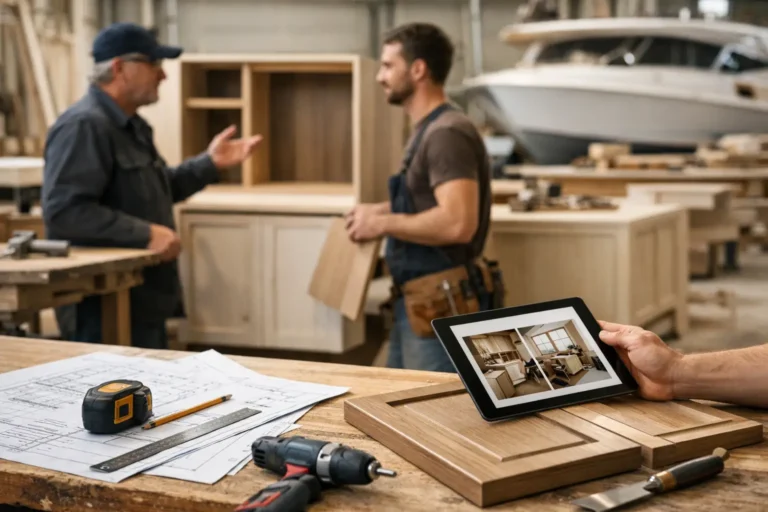
This model works particularly well when projects are visual and staged. A furniture maker can show material selection, frame assembly, finishing, and installation. A renovation company can share demolition, first fix, surface prep, fitting, and handover. A boatyard can document strip-out, repairs, paintwork, refit, and delivery. The structure stays simple, but the client experience becomes much clearer.
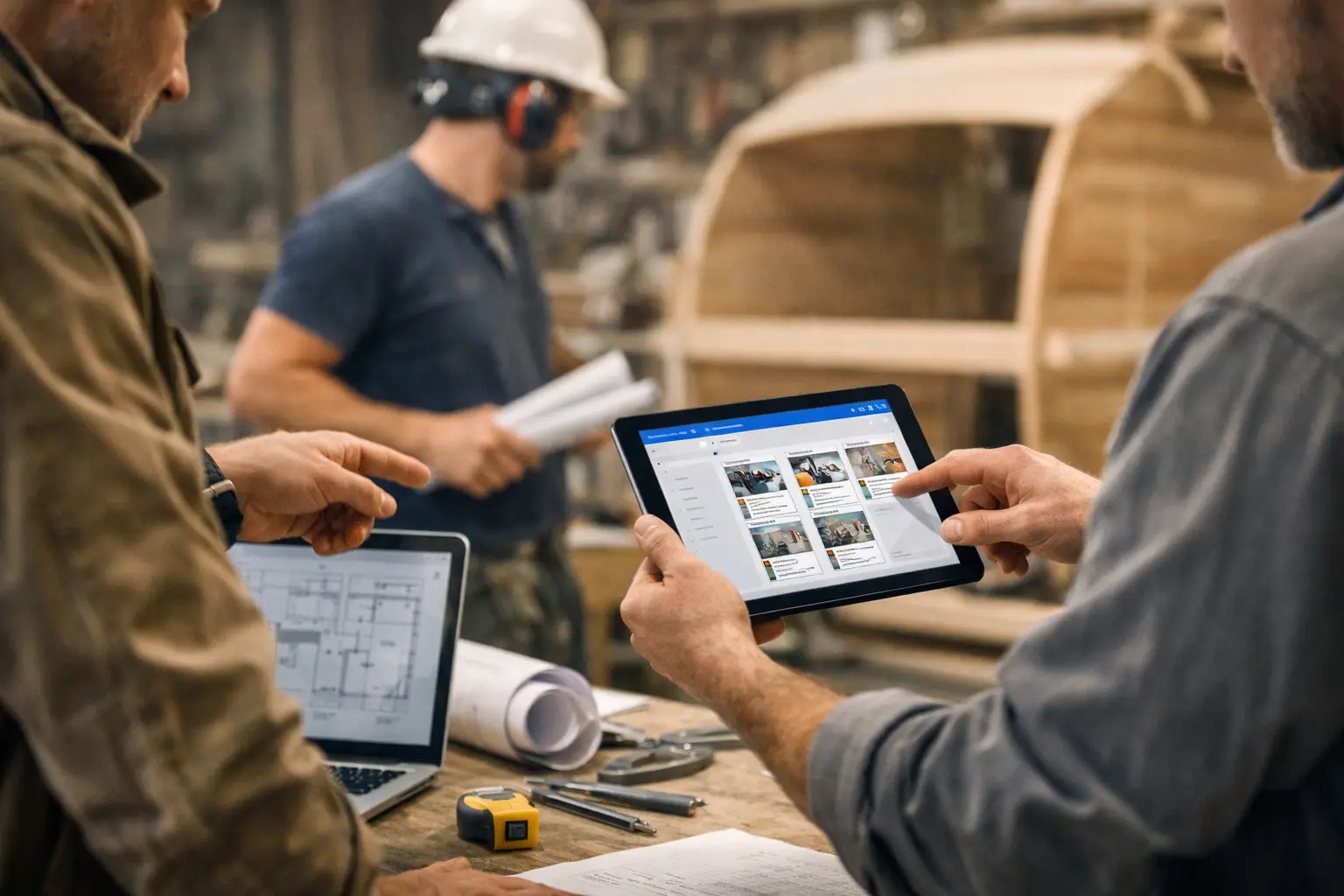
A platform like CustomWorks is built around that exact use case: private client-facing project feeds with photos, videos, notes, work stages, changes, and delivery updates in one visible timeline.
How to start without creating extra admin
The best rollout is usually the lightest one.
Start with one live project and decide who on the team is responsible for updates. In many businesses, that is a project manager, site lead, or account owner. Then decide on a simple rhythm. For example, post when a stage is completed, when a visible milestone happens, when a change is confirmed, or when timing shifts.
Do not aim for constant communication. Aim for predictable communication. Clients do not need ten updates a day. They need enough visibility to feel informed and confident.
It also helps to standardize what goes into each update. A photo or video, a one- or two-sentence note, and a clear indication of what changed is usually enough. Over time, that becomes part of the team’s normal delivery process rather than an extra reporting task.
Who benefits most from this kind of software
This approach tends to deliver the most value in industries where work is custom, high-value, and takes time to complete.
That includes renovation companies, custom home builders, interior fit-out teams, millworkers, furniture makers, fabrication shops, installers, restoration specialists, marine refit companies, exhibition builders, and bespoke manufacturers. The common thread is not the industry name. It is the project shape: client-specific work, multiple stages, visible progress, and regular opportunities for uncertainty.
If your team hears “Any update?” more often than it should, there is probably room to improve the communication system.
The goal is not to communicate more for the sake of it. The goal is to make progress visible enough that trust does not depend on chasing.
Good project communication software gives clients a clearer experience and gives teams back time and control. When updates are organized, visual, and easy to find, the project feels more professional from start to finish.
A quiet client is not always a happy client. Often, they are just waiting for proof that things are moving. Showing that proof consistently is one of the simplest ways to make a long project feel well managed.