Client Updates for Custom Work That Cut Noise
Silence is expensive on a custom project. A client pays a deposit, work starts, and then a few quiet days turn into messages, calls, and follow-ups asking the same thing: what’s happening? That is why client updates for custom work matter so much. They are not just a courtesy. They are part of how you protect trust, reduce interruptions, and keep a long project feeling controlled from start to finish.
For companies handling renovations, fit-outs, custom builds, fabrication, bespoke manufacturing, or restoration work, the challenge is rarely the work itself. The challenge is showing progress clearly while the work is still unfolding. Most teams already have photos, notes, decisions, and delivery details. The real problem is that the information is scattered across phones, chats, email threads, and internal conversations that the client never sees.
CustomWorks.app
Keep clients updated without messy chats
Give each project a private feed for client updates — and keep a clear history of photos, videos, notes, stages, decisions, and delivery moments for your team.
Why client updates for custom work break down
Most communication problems on custom projects start with good intentions. A team sends a few messages when something major happens. Someone shares a photo in WhatsApp. A project manager replies to a question by email. A supervisor texts a quick update from site. Nothing feels broken in the moment.
Then the project gets longer, more people get involved, and the client wants a clear picture of progress. At that point, the business is forced to reconstruct the story from disconnected pieces. Photos are on one device, approvals are in old email chains, and the latest timeline change was mentioned in a message thread that not everyone can find.
This creates three predictable issues. First, clients start asking for updates more often because they do not have confidence that they will hear from you consistently. Second, your team wastes time repeating the same status explanations in different channels. Third, even when the project is going well, the experience feels disorganized.
That last point matters more than many businesses realize. Clients do not judge a project only by the final result. They also judge how visible and well managed the process felt along the way.
What good client updates for custom work actually look like
A good update system is simple enough that your team will use it during a busy week and clear enough that a client can understand progress without needing a phone call every time. It should not feel like internal project management. It should feel like a clean client-facing record of what has happened, what changed, and what comes next.
In practice, that means updates should be visual, short, and tied to real project moments. A photo of framing completed. A note that materials arrived. A video showing a test fit. A quick explanation of a design change. A confirmation that finishing work is underway. A handover note at delivery.
The point is not to flood clients with information. Too many updates can be almost as unhelpful as too few if every post feels random or low value. What works better is a steady rhythm based on meaningful progress.
For one business, that might mean two updates a week. For another, it might mean one update at each work stage plus any major change or decision. It depends on project complexity, client expectations, and how visible the work is day to day. A kitchen remodel, a custom yacht refit, and a fabricated architectural piece do not all need the same update cadence.
What clients want to see during long custom projects
Clients usually are not asking for technical depth. They are asking for reassurance, clarity, and proof of movement. They want to know that work is progressing, that their project has not stalled, and that if something changes, they will hear about it in a clear way.
That is why the most useful updates tend to include a few basic elements. Show what changed since the last update. Explain where the project sits now. Note any decision, delay, or adjustment that affects the client. If possible, show the work visually.
Photos and short videos are especially effective because they reduce ambiguity. A written note saying installation has started is fine. A written note plus two site photos is much better. The client can immediately see real progress, and your team avoids another round of clarification messages.
Just as important, updates should be easy to review later. Clients often want to revisit what happened three weeks ago, especially when discussing timelines, changes, or approvals. If the project story is buried in scattered messages, that becomes difficult fast.
The cost of using chats and email as the update system
Many businesses rely on WhatsApp, text messages, Telegram, or email because those tools are already there. For quick communication, they are useful. As the main system for client updates, they usually create more work than they save.
Chats are fast, but they are hard to structure. Messages get buried. Photos lose context. Team members reply from different devices. Important updates sit next to casual conversation. If a client wants to review the project journey, there is no clean timeline.
Email is more formal, but long threads become messy on long-running jobs. Subject lines drift. Attachments are hard to trace. A simple question can revive an old thread and pull everyone back into a confusing history.
This is where a dedicated client-facing update flow changes the experience. Instead of building communication around whichever channel is most convenient in the moment, you create one clear place where the client can follow progress from start to finish. CustomWorks is built for exactly this kind of structured, visual project communication without turning the client experience into full project management.
How to set up a better client update process
Start with the moments that clients care about most. This is usually the beginning of work, visible progress milestones, changes, delays that affect timing, key decisions, and delivery or completion. If your team can consistently document those moments, you already solve most of the confusion.
Next, decide who owns the update. This does not mean one person creates every update alone, but someone should be responsible for making sure the project feed stays current. Without ownership, updates become optional, and optional communication slips during busy periods.
Then standardize the format. A short title, one or two sentences of context, and a photo or video is often enough. If there is a change, state it plainly. If a decision is needed, make that clear. You do not need long reports. You need updates that are easy to create and easy to understand.
It also helps to set expectations early. Tell the client how updates will be shared and roughly how often. This reduces uncertainty from day one. When clients know where to look and what kind of visibility they will get, they are less likely to chase your team for reassurance.
Where different industries need a different approach
The principle stays the same across industries, but the details vary.
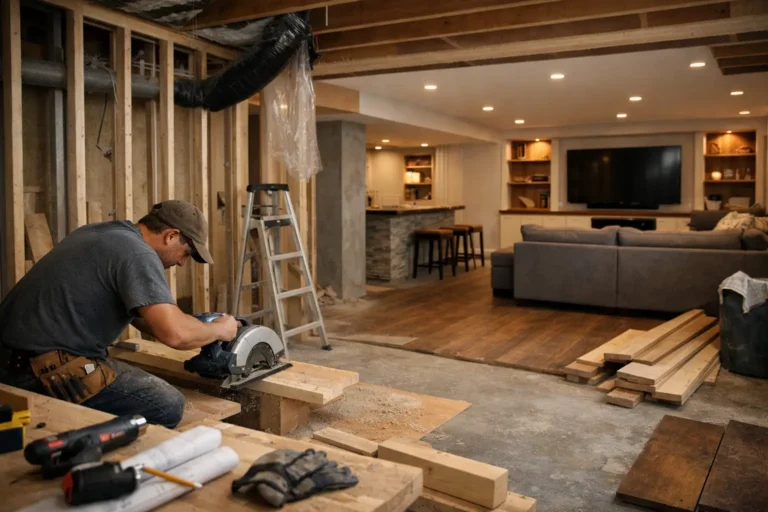
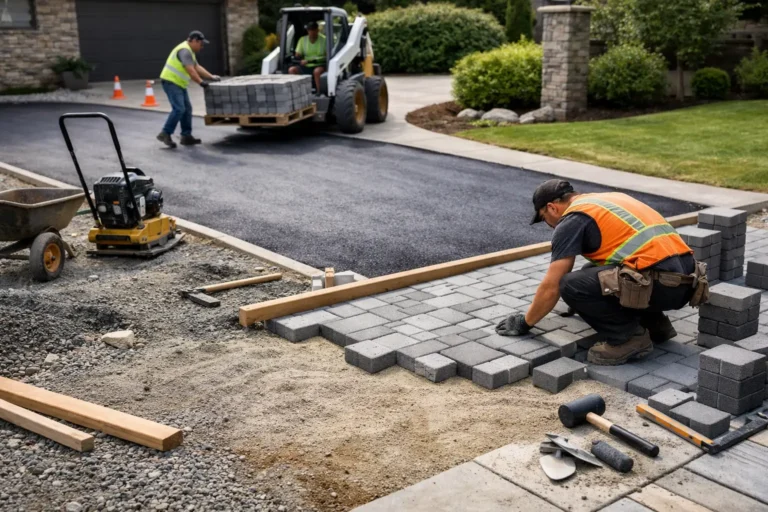
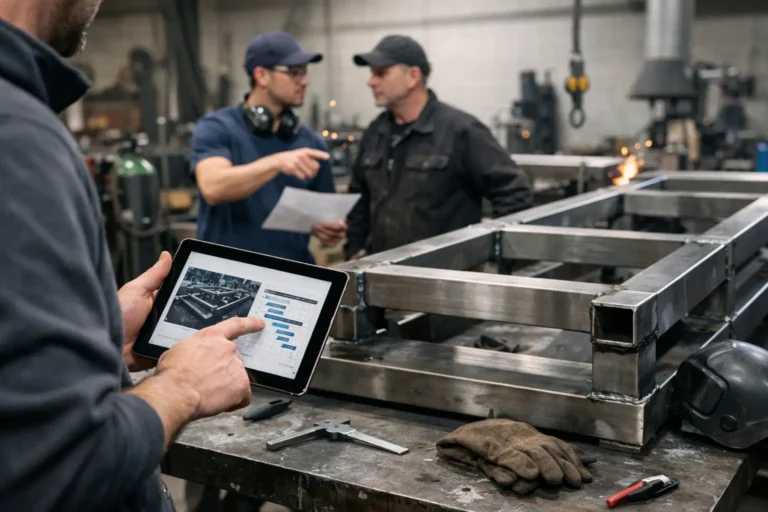
In renovation and construction work, stage-based updates usually matter most because the client often cannot interpret daily activity. They need help seeing the bigger picture. In custom manufacturing or fabrication, production milestones, material status, and finish details tend to matter more. In design-led work such as bespoke interiors or furniture, clients often need updates that connect progress with approvals and change decisions.
That is why rigid update rules do not work well. A business should not copy another company’s communication process without adjusting for project type, project duration, and client involvement. The goal is not a perfect formula. The goal is a system that clients can trust and teams can maintain.
Better updates reduce more than client questions
The obvious benefit of better client updates is fewer status requests. That matters, especially for teams losing hours every week to “Any update?” messages. But the bigger value is often operational.
When project communication is organized, decisions are easier to track. Handover is cleaner. Team members can see what the client has already been told. Disputes about timing or changes become easier to resolve because the project history is visible.
There is also a sales effect, even if it shows up later. A client who felt informed during a long, expensive, custom job is far more likely to describe your company as professional and well managed. That impression comes from the process as much as the finished work.
If your projects run for weeks or months, client communication cannot depend on memory, scattered chats, or whoever happens to answer first. A clear update system gives clients confidence that work is moving, gives teams a cleaner way to communicate, and gives the project a record that actually reflects reality. When clients do not have to ask what is going on, your business starts to look as organized as the work you deliver.