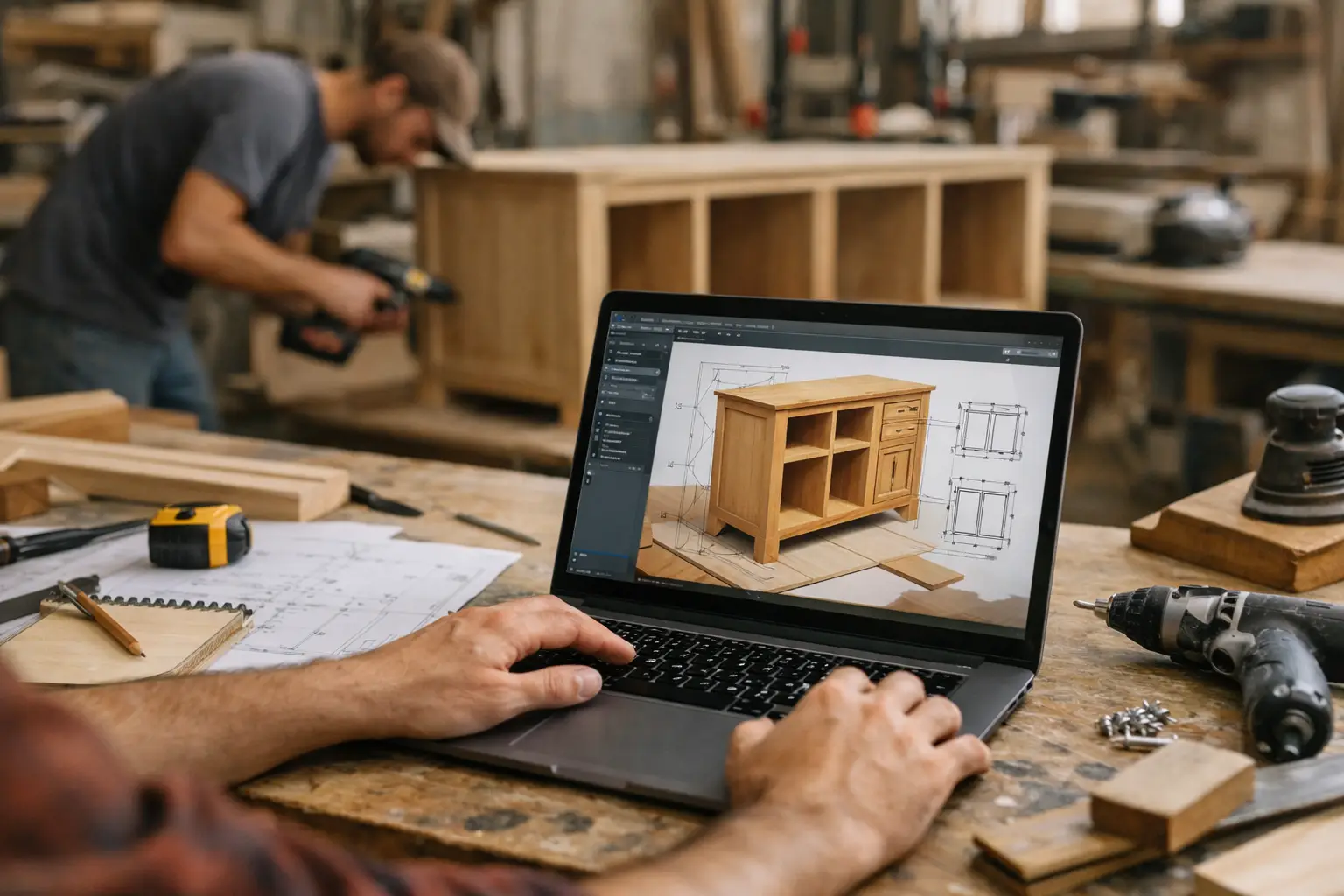
Best Software for Custom Projects
A custom kitchen install, a yacht refit, a built-to-order furniture run, a multi-room renovation – they all share the same problem. The work takes time, the client has already committed serious money, and silence gets expensive fast. That is why software for custom projects should be judged less by how many features it has and more by whether it keeps clients informed without creating more admin for your team.
For many companies, the real breakdown does not happen on the job itself. It happens in communication. Updates live in text threads, photos sit on someone’s phone, change decisions get buried in email, and clients start asking for status because they cannot see progress clearly. That creates friction for the client and wasted time for the team.
CustomWorks.app
Keep clients updated without messy chats
Give each project a private feed for client updates — and keep a clear history of photos, videos, notes, stages, decisions, and delivery moments for your team.
What software for custom projects needs to solve
If your projects are custom, high-value, and spread over weeks or months, you are not dealing with a standard order status problem. You are managing expectation, trust, and visibility across a moving project. A client who pays a deposit for a custom build or renovation usually does not want daily calls. They want confidence that the project is moving and that important decisions are being tracked.
That changes what good software looks like.
Traditional project management systems often focus on internal tasks, timelines, dependencies, and resource planning. Those tools can be useful for operations, but they are not always the right answer for client communication. In many businesses, clients do not need access to task boards. They need a simple, professional way to see what has been done, what changed, and what happens next.
The best software for custom projects usually handles five things well. It gives each project a clear history, makes visual updates easy to share, keeps decisions in context, reduces scattered communication, and helps the business look organized in front of the client.
Why general project tools often fall short
A lot of teams start with whatever is already available. They use email, shared folders, messaging apps, or a generic project platform. That can work for a while, especially with a small number of jobs. But the cracks show up once projects become longer, more valuable, or more client-sensitive.
Email threads are easy to start and hard to manage. One decision might sit in one chain while progress photos are sent somewhere else. Messaging apps are fast, but they are rarely a good system of record. Important updates disappear under day-to-day chatter. Shared folders store files, but they do not explain the story of the project.
General project management tools have a different issue. They can be too detailed for clients and too heavy for teams that only need a clean way to show progress. If every update requires logging tasks, assigning statuses, or training the client to use a workspace, communication starts to feel like overhead.
That is the trade-off. Internal control tools can be powerful, but they are not always the best client-facing software for custom projects. If your biggest communication problem is repeated status requests, missing context, and inconsistent updates, a simpler model usually works better.
The features that matter most
The most useful platform is the one your team will actually keep updated during a busy week. That means the core workflow has to be simple.
A private project feed is often the strongest format because it matches how clients think. They want to open one place and see progress in order. Photos from site, short videos, notes about completed work, changes to scope, approvals, delays, and handover moments all make sense in a timeline. It feels concrete, not abstract.
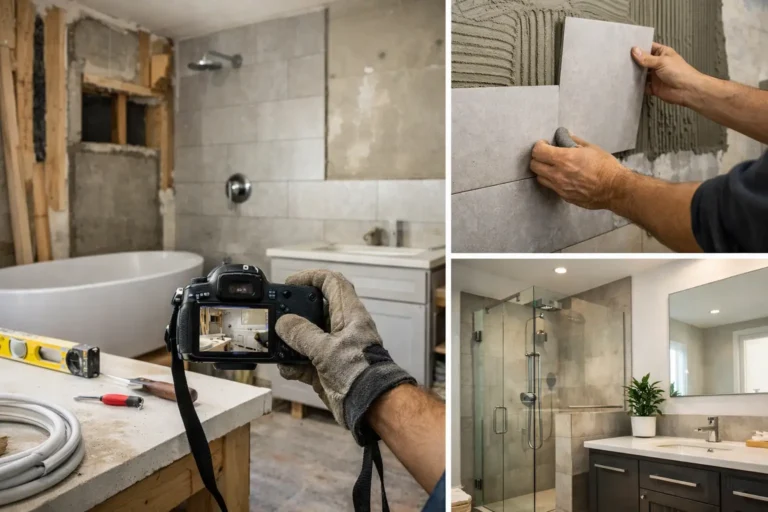
Visual communication matters more than many companies expect. A quick photo of installed framing, finished joinery, paint progress, or a fabrication milestone can answer questions before they are asked. It reduces uncertainty because the client sees evidence, not just a status label.
Context matters too. A good update should not just say that something changed. It should show what changed, when it changed, and what it means for the project. That creates a usable history later, which helps when clients revisit decisions or when the team needs to confirm what was communicated.
The software should also make it easy to post without turning updates into a separate job. If it takes too many steps, the system will not be used consistently. Ease of use is not a nice extra here. It determines whether the communication process survives real project pressure.
Choosing software for custom projects by business type
The right choice depends on the shape of your work.
A renovation contractor may need frequent photo updates from site, milestone-based progress, and a clean record of variations. A bespoke manufacturer may need to show design approval, material arrival, production stages, and final delivery. A boatyard or restoration specialist may need to explain discoveries during the job, document changes, and reassure clients during long quiet periods between visible milestones.
That is why feature checklists can be misleading. Two systems may both offer comments, file uploads, and notifications, but one may still be a poor fit if the client experience feels cluttered or too technical.
If your projects are highly customized and client confidence is part of the service, look closely at the client-facing side. Ask whether the software makes progress easy to understand for a non-technical customer. Ask whether updates can be shared in a structured way without exposing internal planning complexity. Ask whether the result looks professional enough to support trust when the project is delayed, changed, or simply taking time.
A simpler category: client update software
For many companies, the better answer is not more project management. It is clearer client visibility.
That is where a platform like CustomWorks fits. Instead of trying to replace every operational tool, it focuses on the part many teams struggle to manage well: client project updates over long-running custom work. Each project gets a private feed where teams can share photos, videos, notes, work stages, key decisions, changes, and delivery updates in one organized timeline.
This matters because most clients do not want to be pulled into internal systems. They want reassurance, clarity, and a clean history of what is happening. A focused client update tool supports that without turning every project into a formal PM environment.
That does not mean internal software stops mattering. If you run scheduling, budgeting, procurement, or task management elsewhere, that can still make sense. But client communication is often its own problem, and treating it as such usually produces better results.
How to evaluate software for custom projects
Start with the real problem, not the feature list. If your team is losing time answering the same status questions, chasing photos, and searching old messages for approvals, you need software that reduces communication friction first.
Next, look at how updates are created. Can someone on site or in the workshop post progress quickly? Can they attach images and short notes without extra formatting or admin? If the answer is no, usage will drop.
Then consider the client experience. Can a client understand the current state of the project in a minute or two? Can they review past updates without asking your team to resend information? Can they see that work is moving even when the stage is not exciting from an operational standpoint?
Finally, consider professionalism. The software becomes part of how your company is perceived. A clear update history signals organization and control. Scattered communication signals risk, even when the job itself is on track.
The business impact is bigger than fewer messages
Reducing “Any updates?” messages is useful, but the bigger value is trust. When clients can see steady progress and understand changes in context, they are less likely to assume the worst during quiet periods. That lowers pressure on your team and improves the overall project experience.
There is also a practical internal benefit. A visual project history helps teams stay aligned, especially when projects run for months or involve multiple handoffs. It is easier to confirm what was shared, when it was shared, and how the project evolved.
For smaller companies, this can be a meaningful operational upgrade without adding heavy process. You do not need enterprise complexity to communicate well. You need a system that fits the reality of custom work and gets used consistently.
Software for custom projects should make long jobs easier to explain, not harder to manage. If your current setup creates noise, hides progress, or leaves clients guessing, that is usually the signal to simplify the communication layer and make visibility part of the service itself.
The companies that handle custom work best are often not the ones with the most complicated systems. They are the ones that make progress easy to see and trust easy to maintain.