Client Communication for Custom Projects
The job is moving forward. Your team can see it. The client often cannot.
That gap is where most communication problems start on long-running work. In client communication for custom projects, silence rarely feels neutral to the person who paid a deposit and is waiting for something built specifically for them. A quiet week on your side can feel like delay, confusion, or risk on theirs.
CustomWorks.app
Keep clients updated without messy chats
Give each project a private feed for client updates — and keep a clear history of photos, videos, notes, stages, decisions, and delivery moments for your team.
For companies handling renovations, fit-outs, custom manufacturing, refits, installations, or bespoke builds, communication is not a side task. It is part of delivery. When updates are scattered across texts, email threads, phone calls, and photos buried in personal phones, clients ask for reassurance more often, teams repeat themselves, and small misunderstandings become bigger than they needed to be.
Why client communication for custom projects breaks down
Most custom project businesses do not have a work quality problem. They have a visibility problem.
Clients are usually not judging only the final result. They are also judging what happens between payment and handover. If they cannot see progress, they fill in the blanks themselves. That often leads to status requests, second-guessing, and pressure on your team to answer the same question in five different places.
The difficulty is structural. Custom work changes as it moves. Materials arrive late. Site conditions shift. A client makes a new request halfway through. One trade finishes before another can start. Internal project management can handle some of this, but client-facing communication is a different job. It needs to be clear without being overwhelming and consistent without becoming admin-heavy.
That is why many businesses end up relying on whatever is easiest in the moment – a quick message, a few photos, a call from site, an email sent late at night. It feels efficient short term, but over a three-month or six-month project, it creates a messy communication history. Decisions get lost. Photos are hard to find. Team members are not sure what the client has already been told.
What good client communication actually looks like
Good communication on custom projects is not constant messaging. It is structured visibility.
Clients do not need every internal detail. They need confidence that work is progressing, context when something changes, and a clear record of what has happened so far. That usually means showing the right things at the right times: stage completions, photos of visible progress, short notes on what changed, key choices that need approval, and updates around timing.
The format matters as much as the content. If updates live across WhatsApp, email, and random attachments, the client has information but not clarity. A single, ordered timeline works better because it answers the two questions most clients have: what has happened, and what happens next?
This is also where many teams overcorrect. They either say too little or try to explain everything. Neither helps. Too little creates anxiety. Too much creates noise. The right level depends on the type of work and the client, but in most cases, short visual updates are more effective than long written explanations.
A photo of framing completed, a 30-second video of installed components, or a note confirming that the next stage starts Monday often does more to maintain trust than a detailed technical paragraph.
A practical system for client communication for custom projects
The best systems are simple enough to use even when the team is busy.
Start with one rule: every client should know where updates will appear. If your business uses email for some projects, text for others, and calls for the rest, clients will continue to chase answers through whichever channel feels fastest. A defined update channel creates order and reduces guesswork.
Next, decide what counts as an update. For most long-running custom work, there are six useful categories: photos, videos, short notes, stage changes, client decisions, and delivery or timing updates. That covers the communication clients actually want without turning updates into full project administration.
Cadence matters too. Daily updates sound impressive, but they are unrealistic for many businesses and unnecessary for many clients. Weekly updates are often enough if they are consistent and visual. Some projects need more frequent communication during active stages or decision points. Others need less. The point is not frequency for its own sake. The point is avoiding unexplained silence.
Ownership is another issue that gets ignored. If everyone can update the client, often no one does it properly. If only one person can do it, updates may bottleneck. The better approach is usually shared input with clear responsibility. For example, site staff or workshop leads capture photos and short notes, while one coordinator checks that the client-facing record stays clear and complete.
What to include in project updates
Useful updates are concrete. They show movement.
Instead of saying the project is progressing well, show the installed joinery, the completed electrical rough-in, the painted surfaces, the test fit, or the finished fabrication stage. Instead of saying there was a delay, explain what changed, why it changed, and what the revised timing looks like.
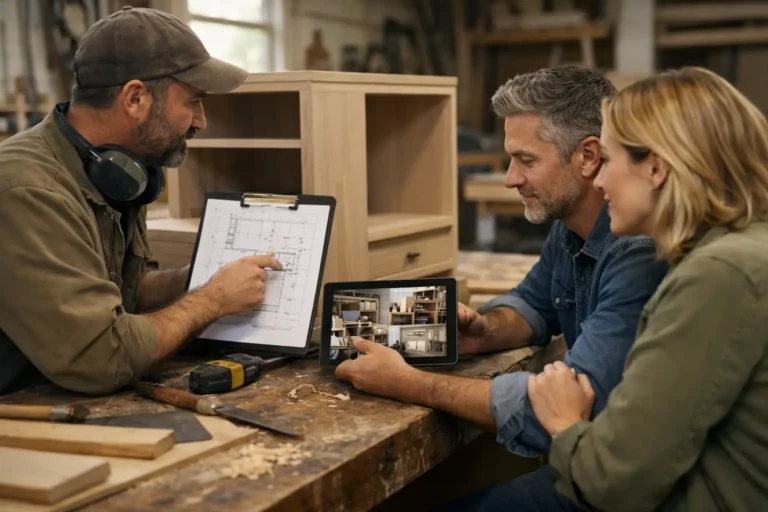
Clients respond well to visible milestones because they make the project feel real. They also reduce the number of avoidable questions. If a client can open one timeline and see last week’s site photos, today’s note about a supplier delay, and the next approval needed from them, they are much less likely to send an anxious message asking for a general status update.
There is also value in documenting small decisions. On custom work, a lot of friction comes from memory gaps. Which finish was approved? When was the layout changed? Was the client told the installation date had shifted? A communication history protects both the client relationship and the team.
Common mistakes that make clients more anxious
Many businesses assume clients ask for updates because they are demanding. Usually, they ask because the communication system leaves them unsure.
The first mistake is waiting until there is major progress before saying anything. From the client side, that can feel like nothing is happening. A short update that says materials are confirmed, prep is complete, or the next trade is booked can still provide reassurance.
The second mistake is using channels that are easy for the team but hard to track over time. Messaging apps are fast, but they are poor records for long projects. Important details disappear into chat history, especially when several people are involved.
The third mistake is separating visuals from context. Sending photos without explanation can confuse clients as much as silence. They may not know what they are looking at, whether it is complete, or whether it represents normal progress.
The fourth mistake is making communication too internal. Clients do not need task lists, jargon, or operational detail they cannot interpret. They need progress presented in a professional, readable way.
A better way to stay organized without adding admin
The challenge for most businesses is not understanding the need for better communication. It is finding a way to improve it without creating another complicated system.
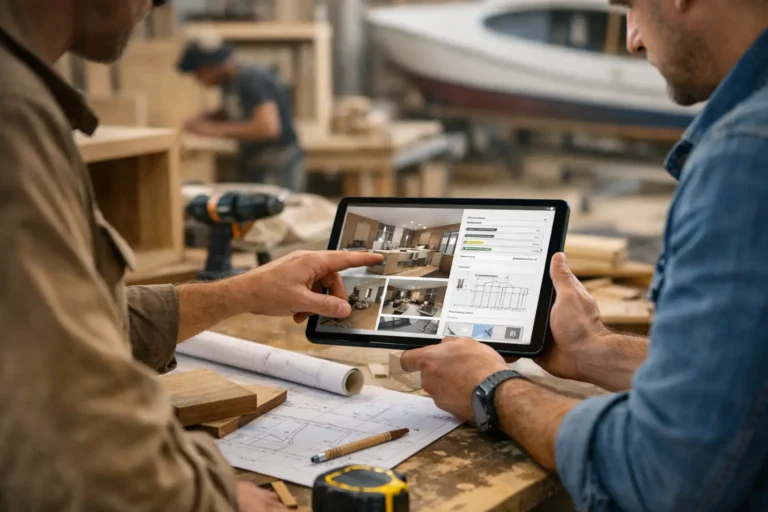
That is where a client-facing update structure makes a real difference. A tool like CustomWorks gives each project a private timeline where teams can share photos, videos, short notes, work stages, changes, and delivery updates in one place. The value is not more software for the sake of it. The value is that the client can see progress clearly, while the team avoids repeating the same information across scattered channels.
This approach works especially well for businesses delivering one-off or high-value work because it matches how trust is built during longer lead times. Clients want to see evidence, not promises. Teams want one clean history instead of fragmented conversations.
It also helps present the business more professionally. That matters more than many owners admit. Even when the work itself is excellent, disorganized communication can make the overall experience feel less controlled.
The business impact of clearer communication
Better communication does more than reduce interruptions.
It protects margin. Every repeated update call, every duplicated explanation, and every search through old messages takes time from billable work. On one project, that may seem minor. Across dozens of projects, it becomes a real operating cost.
It also protects trust when things do not go exactly to plan. Most experienced clients understand that custom work can shift. What they react badly to is finding out late, or feeling that information had to be pulled from the team instead of shared proactively.
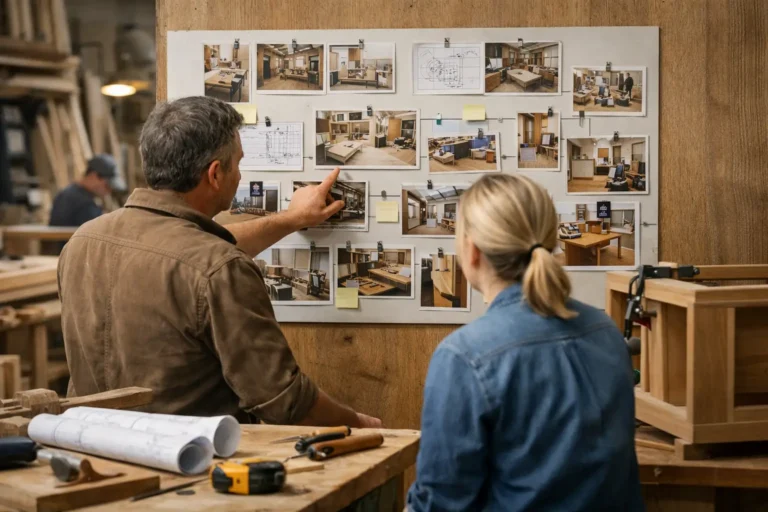
There is also a sales effect. A clean visual history of completed work and a more organized delivery experience can strengthen referrals and repeat business. Clients remember whether they felt informed.
If your projects run for weeks or months, communication should not depend on whoever remembers to send a message at the end of the day. It should be part of the process, visible to the client, and easy for the team to maintain.
The companies that handle this well are not usually the ones sending the most updates. They are the ones making progress easy to see, easy to understand, and hard to lose.