Project Update Software for Pool Builders
A pool project can look like chaos to a homeowner even when the job is moving exactly as planned. One week the yard is excavated, then nothing visible happens for days, then plumbing goes in, then inspections slow things down, then weather shifts the schedule again. That is why project update software for pool builders matters. It gives clients a clear view of progress without forcing your team to answer the same status question over and over.
For pool companies, the communication problem usually starts after the deposit clears. The client is excited, the project calendar is long, and most of the work happens in stages they do not fully understand. If updates are handled through text messages, scattered photos, quick calls, and long email threads, the experience starts to feel disorganized even when the build quality is strong.
CustomWorks.app
Keep clients updated without messy chats
Give each project a private feed for client updates — and keep a clear history of photos, videos, notes, stages, decisions, and delivery moments for your team.
That gap matters because silence creates risk. Clients assume delays are worse than they are. They forget what has already been completed. They lose track of approved changes. Office staff end up relaying messages between the field, subcontractors, and homeowners. Project managers spend time reconstructing what happened instead of moving the project forward.
What pool builders actually need from project update software
Most pool builders do not need another full internal project management system just to keep homeowners informed. In many companies, scheduling, estimating, accounting, and crew management already live in separate tools. The real issue is client visibility.
Good project update software for pool builders should make it easy to show progress in a way clients can understand. That means visual updates, short notes, stage-based progress, and a clean record of what happened and when. It should reduce repeated calls and texts, not add another layer of admin work.
The difference is important. Internal task management software is built for your team. Client update software is built for the customer experience. Those are related needs, but they are not the same.
A homeowner does not need to see every task, dependency, or crew schedule. They need to know that excavation is complete, steel is in, plumbing is underway, inspection is scheduled, tile selection was confirmed, and startup is approaching. If they can see that clearly, confidence stays higher even when timelines shift.
Why communication breaks down during pool projects
Pool construction has a few traits that make client communication harder than it looks. First, projects last long enough for silence to become noticeable. Second, multiple specialists may touch the same job at different points. Third, many delays are normal but hard to explain repeatedly, especially weather, inspections, curing time, material lead times, and change requests.
Clients also judge progress visually. If they do not see movement in the yard, they may assume the project has stalled. Your team knows that underground work, approvals, ordering, and sequencing are part of the process. The client usually does not. Without a consistent update rhythm, that knowledge gap becomes frustration.
This is why casual communication tools often fail. A text message is quick, but it gets buried. A photo in a group chat helps for one moment, but there is no project history. An email thread starts organized and ends with everyone replying to different versions of the same conversation. None of those channels creates a clear timeline from dig to handover.
What effective project updates look like for pool builders
The best update process is simple enough that your team will actually keep using it. In practice, that usually means each project has one client-facing place where updates are posted as the build moves forward.
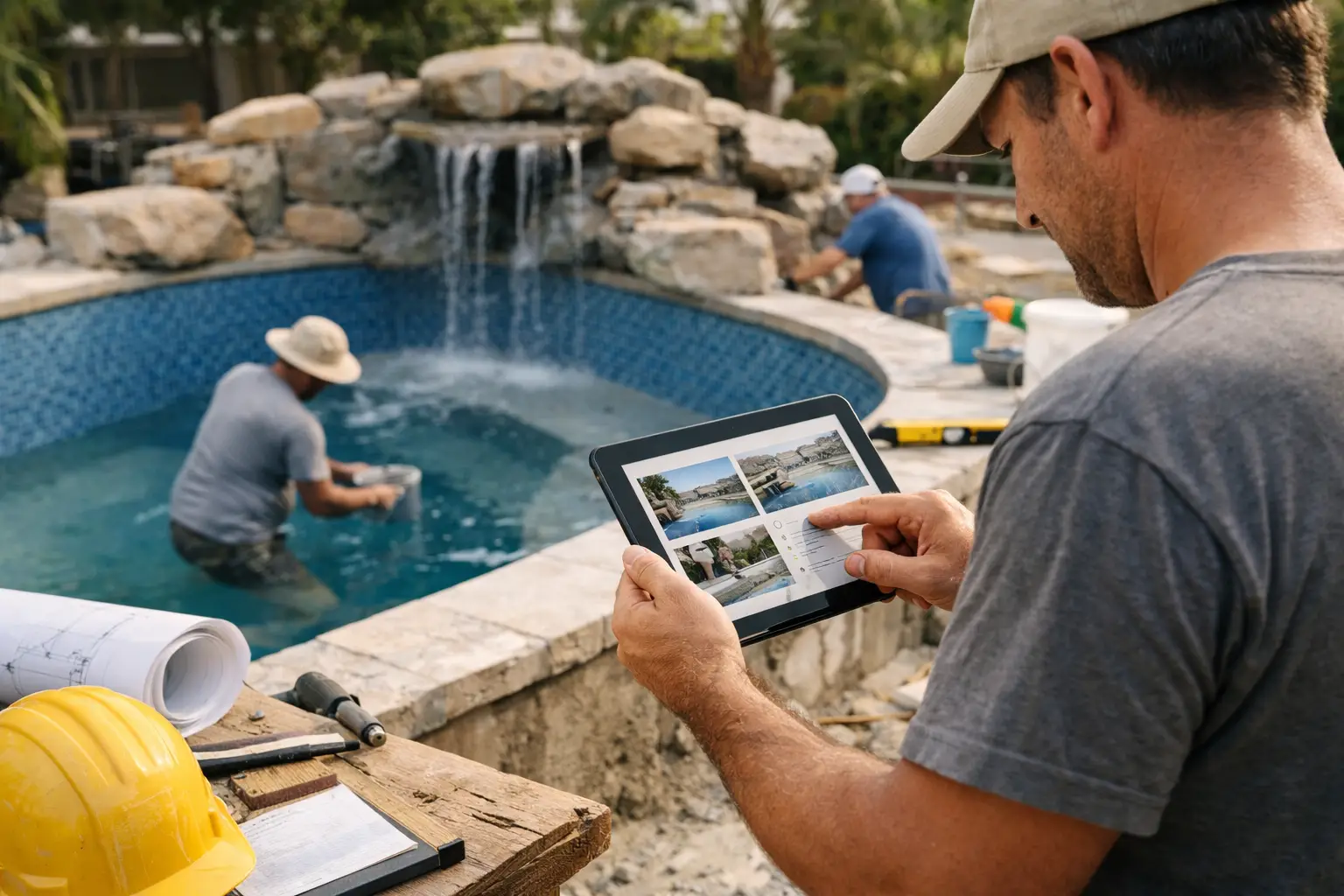
A useful update might include three things: a photo or short video from site, a plain-language note about what was completed, and a quick explanation of what happens next. That format works because it answers the client’s real questions without creating extra work.
For example, after rebar and plumbing are installed, the update does not need construction jargon or a long technical breakdown. It just needs to say that structural prep is complete, the project is ready for the next inspection or gunite stage, and timing depends on inspection approval and weather. That kind of communication reduces uncertainty because it connects today’s work to the next visible milestone.
A strong visual record also helps when clients ask about changes later. If there is a question about tile selection, equipment placement, drainage details, decking progress, or finish work, your team has a dated record instead of relying on memory.
Project update software for pool builders vs. generic tools
Generic tools can work, but they often create friction. Some are too focused on internal operations. Others are built for broad collaboration and end up exposing too much detail or forcing clients into software they do not want to learn.
For pool builders, the better approach is usually narrower. You want a tool that supports clear external communication without turning every homeowner into a project coordinator.
That is where a platform like CustomWorks fits naturally. It is designed for businesses that run long custom projects and need a private, client-facing update feed. Instead of pushing clients into task boards and internal workflows, it gives them one organized timeline with photos, videos, short notes, stage updates, changes, and delivery milestones.
That distinction matters. If your goal is to reduce “Any updates?” messages, you need software that centers on transparency and project history, not just internal management.
How pool companies should evaluate software
When comparing options, start with the daily communication problem, not the feature list. Ask whether the software makes it easier for your team to post updates from the field or office in a few minutes. If posting an update feels like extra reporting, adoption will drop.
Then look at the client experience. Can a homeowner quickly understand where the project stands without training or a kickoff call about how to use the system? If not, the software may be technically capable but commercially weak.
It also helps to think about what happens across a three- to five-month build. Can you create a reliable visual history? Can the client scroll back and see excavation, formwork, plumbing, steel, shell, coping, tile, decking, equipment, and startup in order? That history is useful not only during construction but also when questions come up after handover.
Finally, consider boundaries. The right software should keep clients informed without opening the door to constant live commentary on every internal step. Transparency is valuable, but structure matters too. A clear timeline of curated updates is usually better than unrestricted access to internal operations.
A practical rollout for a pool builder
Implementation does not need to be complicated. Start with one active project manager or coordinator and a small set of jobs. Define a straightforward update rhythm, such as posting at every major stage change and any time there is a meaningful shift in timing, design, or site conditions.
Keep the format consistent. A photo or video, a short note on what happened, and the next expected step is often enough. That consistency is what builds client confidence. It also makes the process easier for your team because they are not rewriting updates from scratch every time.
Over time, patterns emerge. You will notice the stages where clients are most anxious, usually right after excavation, during inspection waits, around finish selections, and near completion when expectations rise. Those are the moments where project update software creates the most value because timely communication prevents unnecessary escalation.
This approach also helps internally. Office staff spend less time chasing field teams for status. Project managers are less likely to repeat the same explanation across multiple channels. Photos and decisions are less likely to disappear into someone’s phone gallery or message history.
The business case is stronger than it looks
Some owners see client update software as a nice extra rather than an operational tool. In pool construction, that is usually a mistake. Communication affects client trust, review quality, perceived professionalism, and the amount of time your team wastes answering avoidable questions.
It also affects how delays are experienced. A delay with no explanation feels like neglect. A delay documented with context, visuals, and a clear next step feels managed. The timeline may be the same, but the client experience is completely different.
That is why the right system is less about software for software’s sake and more about controlling the client side of a long project. Pool builders already know how to build. The gap is often how to show the build clearly while it is happening.
The companies that handle this well tend to look more organized, even when projects get complicated. They create less confusion, keep better records, and give clients a better sense of progress from the first dig to the final walkthrough. For a business built on trust, that is not a small advantage. It is part of how you protect the job while you are still in the middle of it.