Visual Project History for Custom Installations
A client pays a deposit for a custom installation, then hears very little for three weeks. From your side, the work is moving. Materials were ordered, prep was done, a site issue was solved, and fabrication is underway. From the client’s side, it feels like nothing is happening. That gap is exactly where a visual project history for custom installations becomes valuable.
For companies delivering fit-outs, renovations, bespoke builds, specialist installs, or custom fabrication, silence creates risk. Clients start chasing updates, teams repeat themselves across email and chat, and important details get buried. A clear visual record changes that dynamic. It gives the client a simple way to see what has happened, what decisions were made, and how the project is progressing without turning communication into another job for your team.
CustomWorks.app
Keep clients updated without messy chats
Give each project a private feed for client updates — and keep a clear history of photos, videos, notes, stages, decisions, and delivery moments for your team.
Why custom installation projects create communication problems
Custom installation work rarely moves in a straight line. A standard delivery can be tracked with a dispatch notice and a date. A custom project is different. There are site visits, measurements, drawings, approvals, procurement, fabrication, finishing, transport, installation, snagging, and handover. Some stages are visible to the client. Many are not.
That mismatch causes most update problems. Clients usually judge progress by what they can see. If the installation has not started on site yet, they may assume the project is stalled. Your team knows the opposite may be true. A lot of valuable work often happens before the first visible milestone.
The other problem is fragmentation. Photos live on one phone, decisions sit in an email thread, change requests arrive in WhatsApp, and a delivery note is forwarded separately. After a few weeks, nobody has a clean version of the project story. When the client asks, “What’s the current status?” the answer exists, but it is spread across five places.
What visual project history for custom installations actually means
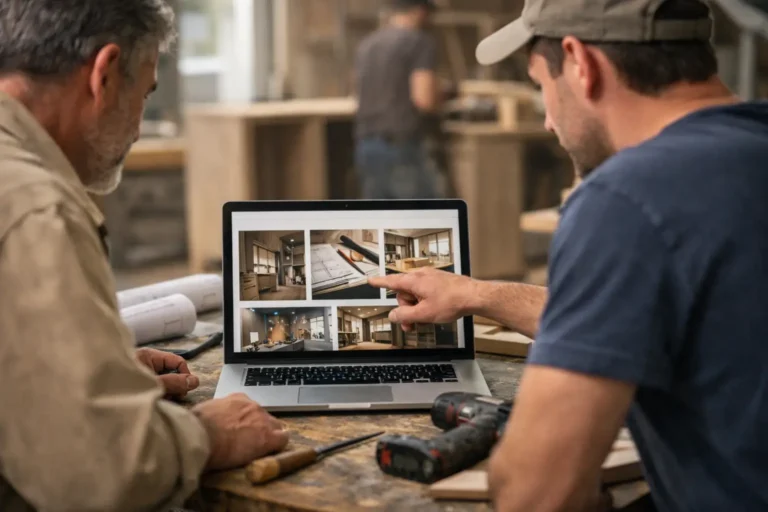
A visual project history for custom installations is not a complicated reporting system. It is a client-facing timeline of progress built from the real evidence of the job: photos, short videos, brief notes, work stages, decisions, changes, and delivery or completion updates.
The key point is history. Not just the latest message, but a running record. Clients can look back and see how the project moved from survey to prep to production to install. That matters because trust is built over time, not from one reassuring email.
Visual matters because images reduce ambiguity. A short note that says “framework completed” is useful. A note with two photos showing the completed framework is clearer, faster to understand, and harder to misinterpret. For bespoke work, where no two jobs look exactly the same, that difference is significant.
What clients want from updates
Most clients do not want access to your internal project management system. They do not want to learn a contractor portal full of tasks, dependencies, and technical jargon. They want a simple answer to a simple concern: is my project moving, and can I see that it is under control?
That is why the best update systems are selective. They show enough to create confidence without exposing every internal detail. A client needs to see that measurements were confirmed, finishes were approved, parts arrived, fabrication started, and install day is scheduled. They do not need to read every internal comment or supplier follow-up.
This is where many businesses overcomplicate communication. They either share too little and create anxiety, or they share raw internal information that is confusing. A visual project history sits in the middle. It is structured, clear, and designed for the client’s perspective.
The business case for a clear project timeline
This is not only about being informative. It has practical operational value.
When clients can see visible proof of progress, they send fewer “Any updates?” messages. That saves admin time and reduces interruptions for project managers, installers, workshop staff, and owners who often end up answering questions personally.
It also improves consistency. Instead of each team member giving updates in their own style across different channels, the business presents one organized record. That makes your company look more professional, especially on high-value projects where clients are judging not just the finished work but the experience of getting there.
There is another advantage that becomes obvious later. A project history helps resolve confusion. If a client forgets when a finish was approved or asks whether a change was logged before fabrication, the answer is already documented in sequence. That can prevent friction, especially on long-running jobs where memory becomes unreliable.
What a useful update flow looks like
A good visual history is built from small, regular updates rather than occasional long reports. In practice, that usually means posting when something meaningful happens: site prep is complete, materials arrive, fabrication starts, a design detail is confirmed, installation begins, or a change affects timing.
The content itself should stay simple. A few photos, a short note in plain language, and a clear date are often enough. Video can help when something is easier to explain visually, such as a mechanism test, a finished assembly, or a site condition that affects the next stage.
This works best when updates follow the natural structure of the job. Early-stage updates might focus on planning, measurements, and approvals. Mid-stage updates often show production, fabrication, or prep work. Late-stage updates usually cover delivery, installation, finishing details, and handover. That sequence tells a coherent story.
Where teams usually get it wrong
The most common mistake is treating updates as an afterthought. If the team only posts when a client starts chasing, the record becomes reactive and patchy. Clients notice that. It feels like communication is being managed under pressure rather than as part of the service.
Another mistake is making updates too technical. Internal shorthand may make sense to your staff, but clients need plain explanations. “Subframe fixed and MEP issue resolved” may be accurate, but it often needs one more sentence that explains what changed and whether timing is affected.
Some businesses also avoid posting minor progress because it feels too small to mention. That is a missed opportunity. In custom work, progress is often cumulative. Material selection, mockups, off-site assembly, finish samples, and test fitting may seem ordinary to your team, but to the client they show that the project is alive and moving.
How to start without creating more admin
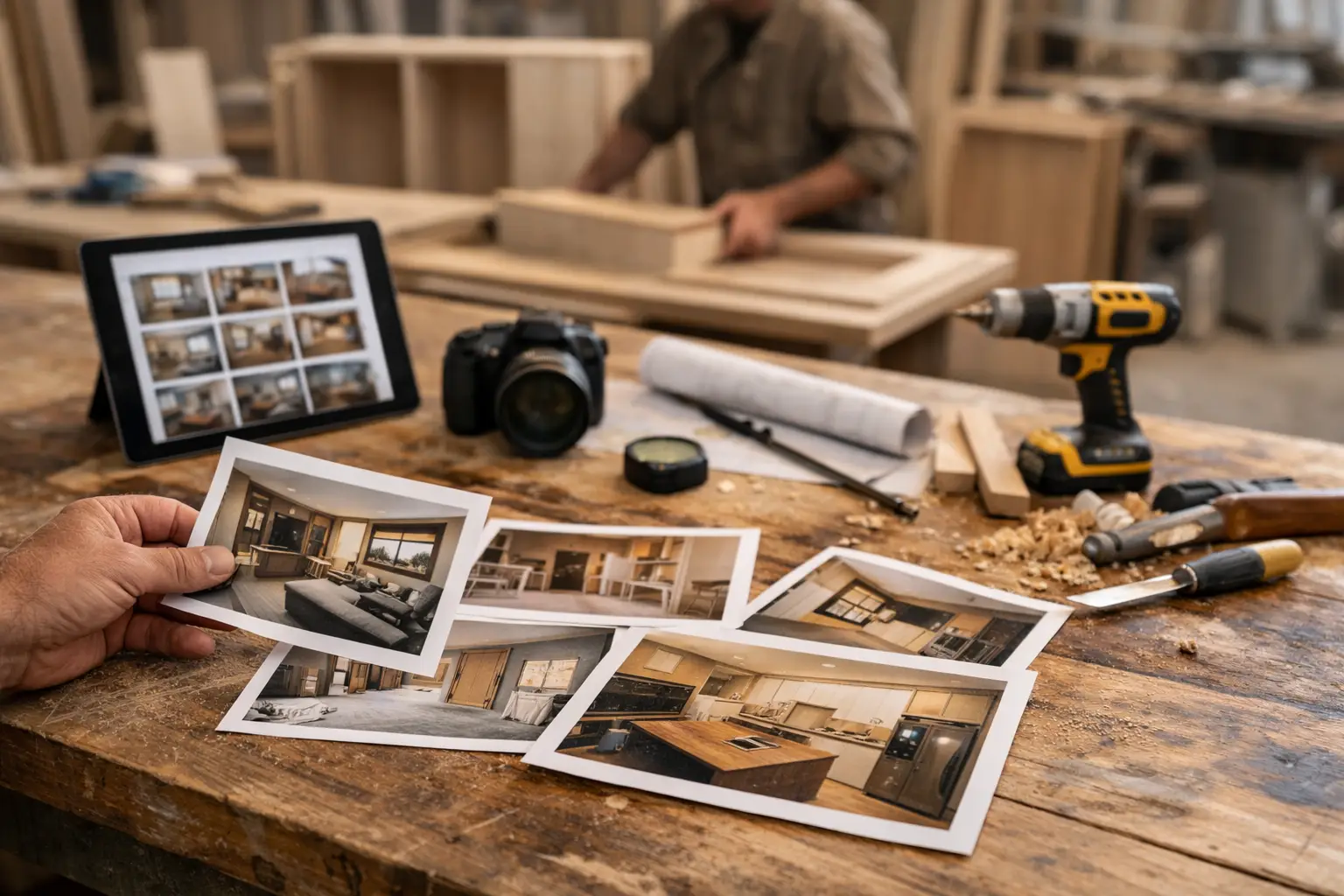
The easiest way to build a visual project history is to use material your team already creates. Most teams already take site photos, workshop photos, delivery photos, and completion photos. The problem is not lack of content. The problem is that it never gets organized into a client-friendly format.
Start with a lightweight rule: when a stage changes, post a short update with one to three visuals and a note that explains what happened. Keep the language clear, avoid overpromising, and mention the next expected step if it is known.
Assign ownership, but keep contribution flexible. One person may be responsible for publishing updates, while site staff, installers, or workshop teams send in photos and notes. That keeps quality consistent without making the process dependent on one individual collecting everything alone.
If you want a dedicated way to do this, CustomWorks is built around private client-facing project feeds that keep photos, videos, notes, stages, changes, and delivery updates in one timeline. That matters for businesses that need better client visibility without pushing clients into full project management software.
Why this matters across different installation businesses
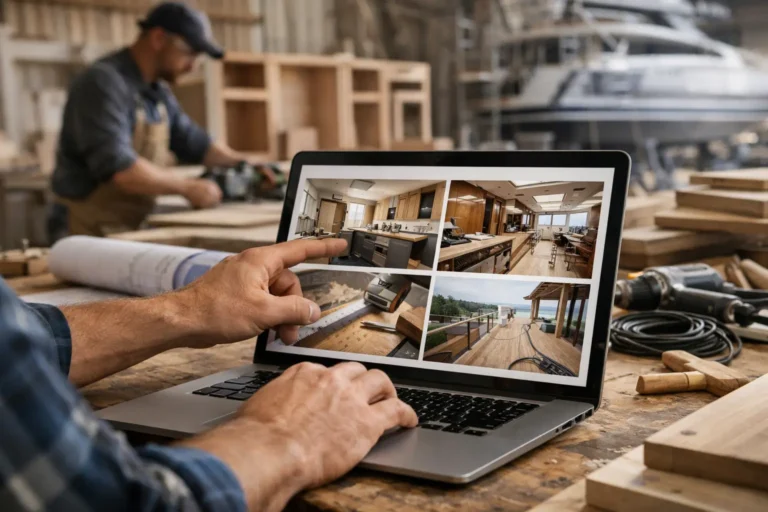
The same communication gap shows up in very different industries. A kitchen installer may need to show manufacturing progress before on-site fitting starts. A boatyard may need to document stages over several months. A fit-out company may need to keep a commercial client informed across demolition, first fix, finishes, and snagging. A bespoke furniture maker may need to show approvals, production details, and delivery readiness.
The specifics change, but the client concern stays the same. They have committed money, time, and trust to a custom outcome they cannot yet fully see. A visual project history answers that concern in a direct way.
It also supports a better handover experience. By the time the project is complete, the client has not only received the result. They have seen the work behind it. That tends to increase confidence in the quality of what was delivered, because the process was visible rather than hidden.
Visual project history for custom installations is really about control
Not control in the internal scheduling sense. Control in the client communication sense. When updates are structured, visible, and easy to review, the project feels managed. Clients stop relying on guesswork. Your team stops reconstructing status from scattered messages. Everyone works from the same timeline.
That does not mean every project needs constant posting or polished media. Some clients want more visibility than others, and some jobs justify more frequent updates than others. It depends on project length, value, complexity, and how much uncertainty exists along the way. But in almost every custom installation business, clear visual history is better than silence and better than scattered communication.
If clients tend to ask for reassurance, they are not only asking for information. They are asking for evidence that the project is moving and being handled properly. Give them that evidence early and consistently, and many communication problems become smaller before they have the chance to grow.